Apps / Window Focuser | Focus Follows Mouse

Window Focuser | Focus Follows Mouse
LCTR · Productivity
Point at a window to bring it to the front.
Try it free for 1 day in the Microsoft Store, then buy it once for 0.99 USD.
US price. The Store shows the price for your country.
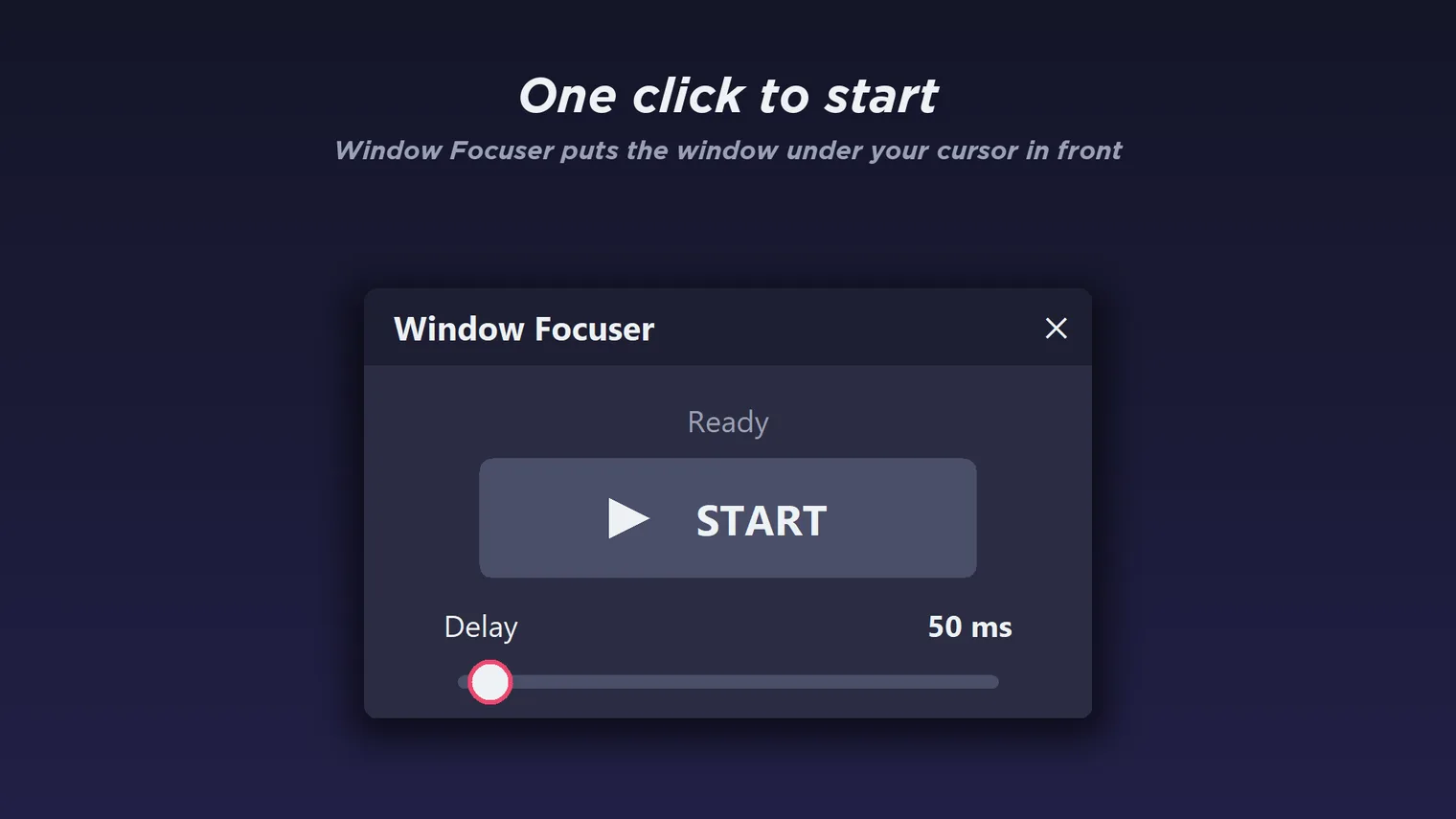
One click to start: the window under your cursor comes to the front 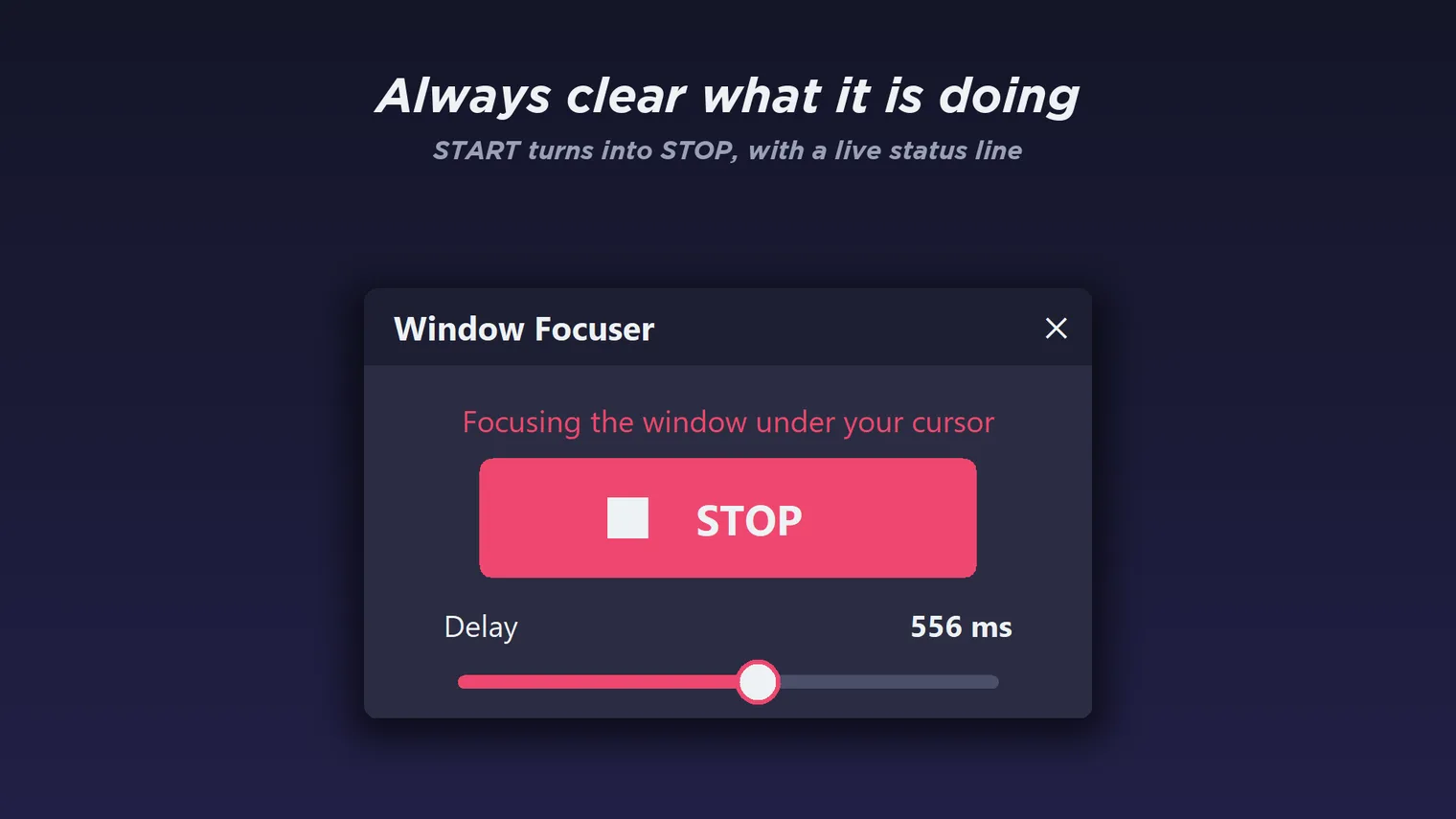
START turns into STOP, with a status line and a delay from 1 ms to 1 second
Description
Focus follows mouse for Windows 10 and 11. Hover over a window and it takes focus, with a delay you set. No click, no account. Works offline.
For people who work across several windows or monitors and are tired of clicking just to type in the one under the pointer.
Works with ordinary desktop windows. Minimized windows are restored when you point at them. Nothing is sent anywhere.
Features
- Move the pointer over a window and it comes to the front. No click needed.
- Set the hover delay from 1 ms to 1 second with a slider. The default is 50 ms.
- Start and Stop with one button, or from the tray menu.
- Close the window and it keeps working from the system tray.
- Minimized windows are restored when you point at them.
- Works offline. Nothing is sent anywhere.
Questions
Is it a subscription?
No. You pay once in the Microsoft Store and the app is yours, with updates.
Can I try it first?
Yes. Try it free for 1 day in the Microsoft Store. If you keep it, it is a one-time purchase of 0.99 USD, no subscription.
Do I need an account?
No account and no sign-in. Only the Microsoft Store account you already use on Windows.
Does it work offline?
Yes. Everything runs on your PC and nothing is sent anywhere.
What does it work with?
Works with ordinary desktop windows. Minimized windows are restored when you point at them. Nothing is sent anywhere.