Apps / Video Pro Editor

Video Pro Editor
LCTR · Photo & video
Edit videos on a real timeline. Pay once, keep it.
Free 7-day trial in the Microsoft Store. After it, your files still open for free.
US price. The Store shows the price for your country.
Buy for Windows | instant .zip14-day money-back guarantee. Pay once on Gumroad and download the .zip right away. Unzip it, run the .exe, no account and no key. If Windows says «Windows protected your PC», click More info, then Run anyway: the app is new and Windows does not know it yet.
Pay once. Own it. No subscription.
No subscription. One-time payment. Works offline, no account.
$24.99 once, instead of paying every month. See all five Pro apps
Teams: 5 seats $87.99. One payment, no subscription. Each seat is one computer of your organization. Perpetual use, updates to the current major version included. Terms in LICENSE.txt in the download.
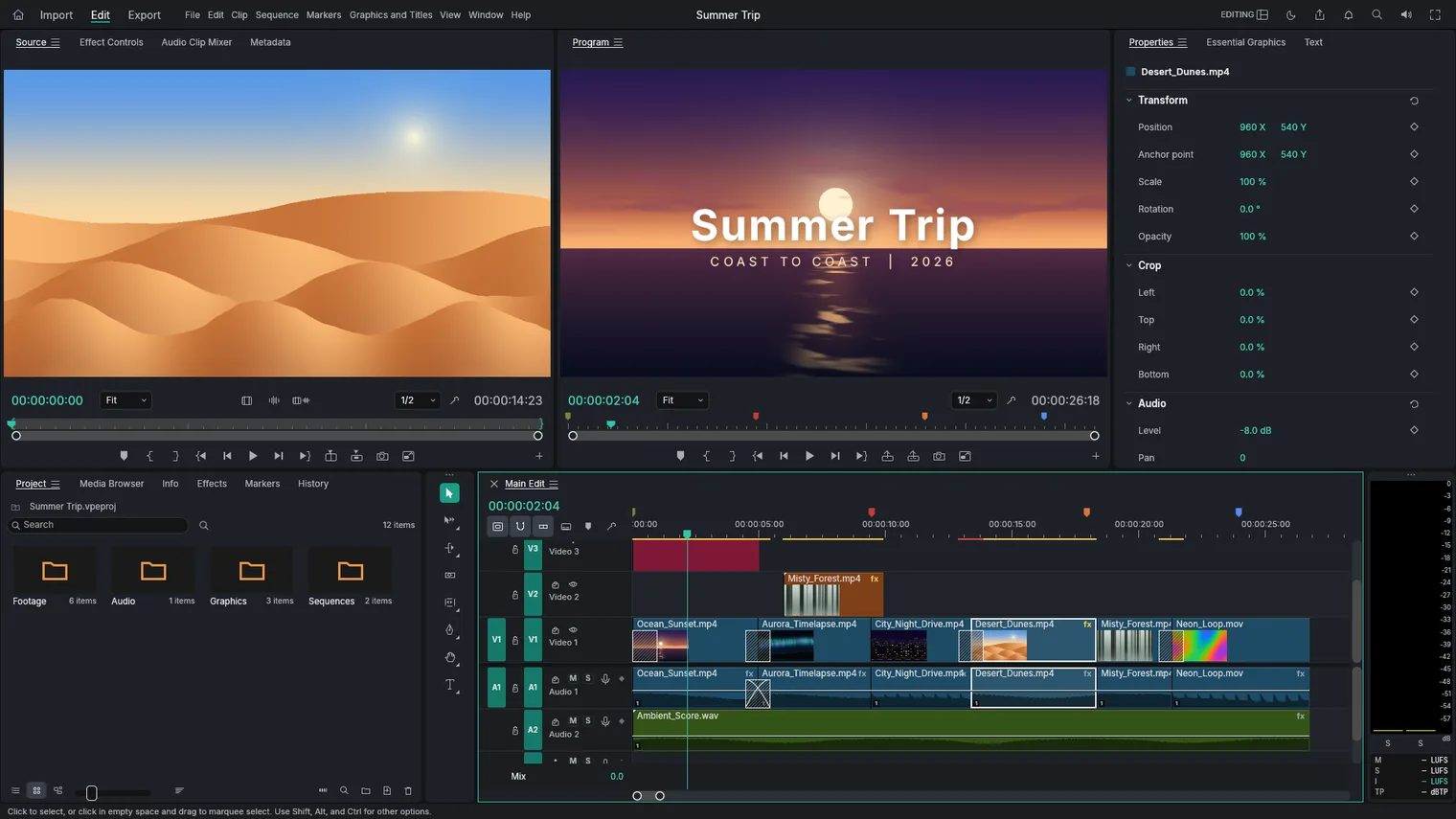
Cut and arrange clips on a multi-track timeline 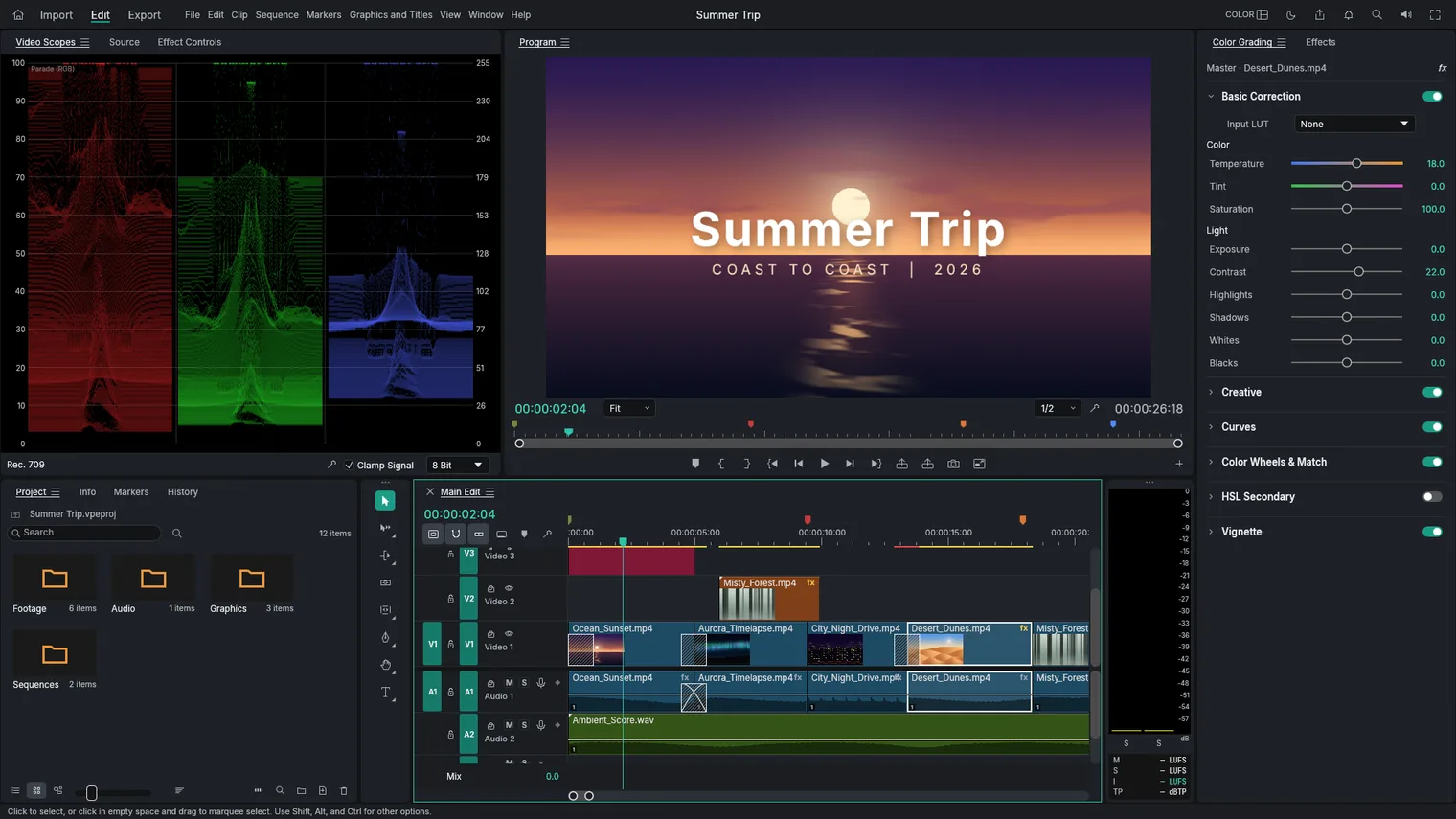
Fix color with curves, wheels, LUTs and scopes 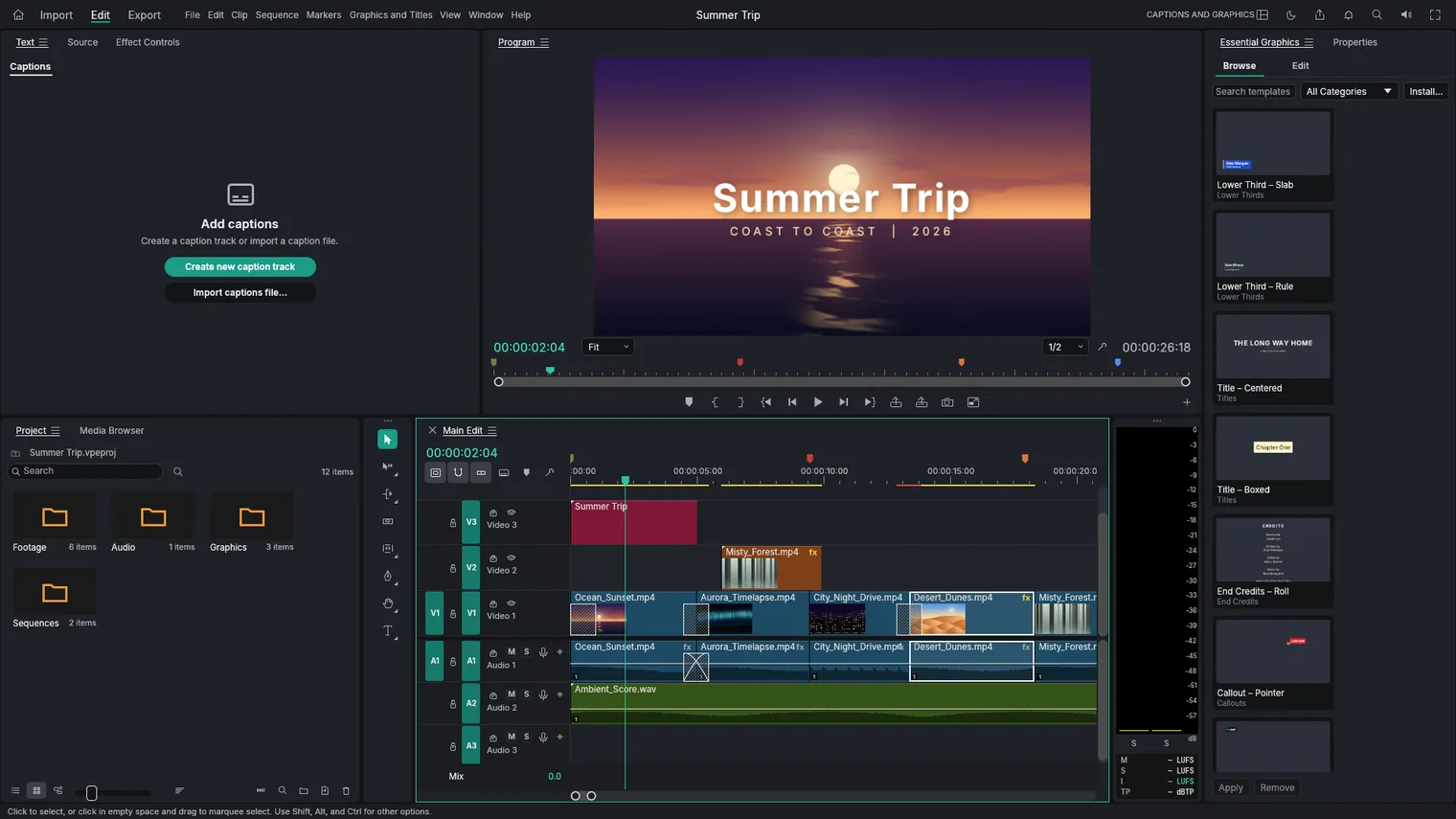
Add titles and lower thirds 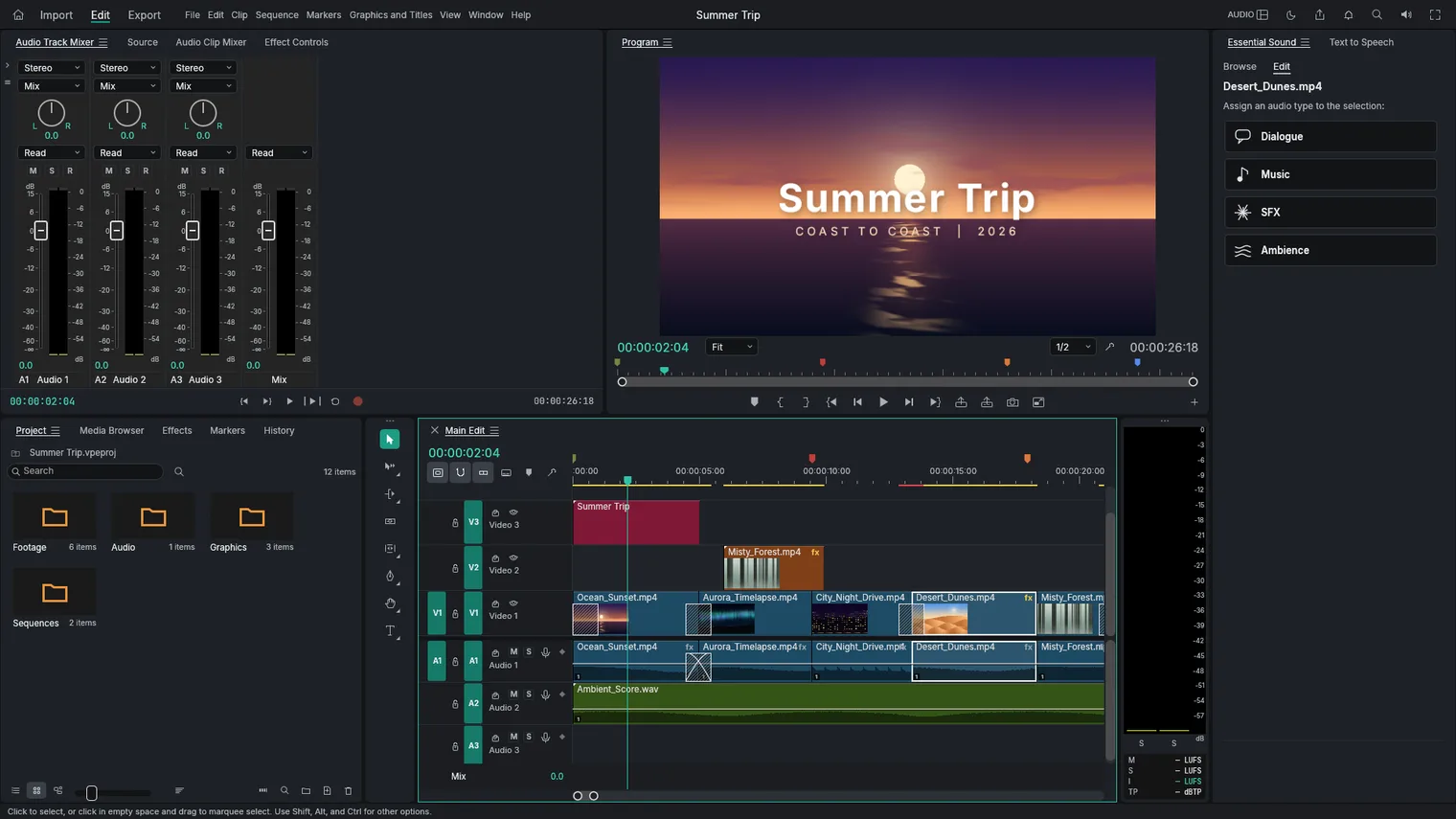
Mix the sound track by track 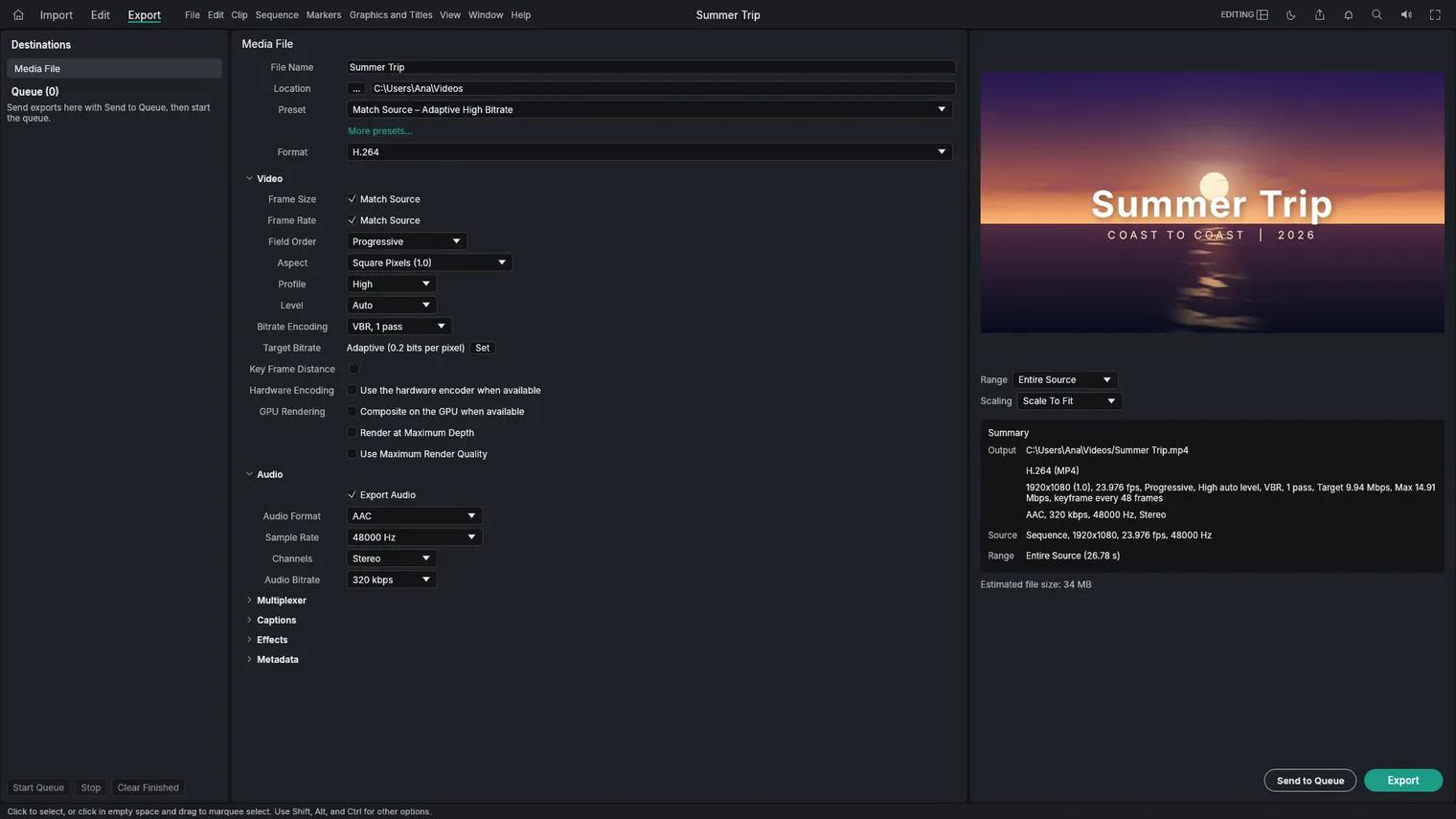
Export MP4 in the background while you keep editing 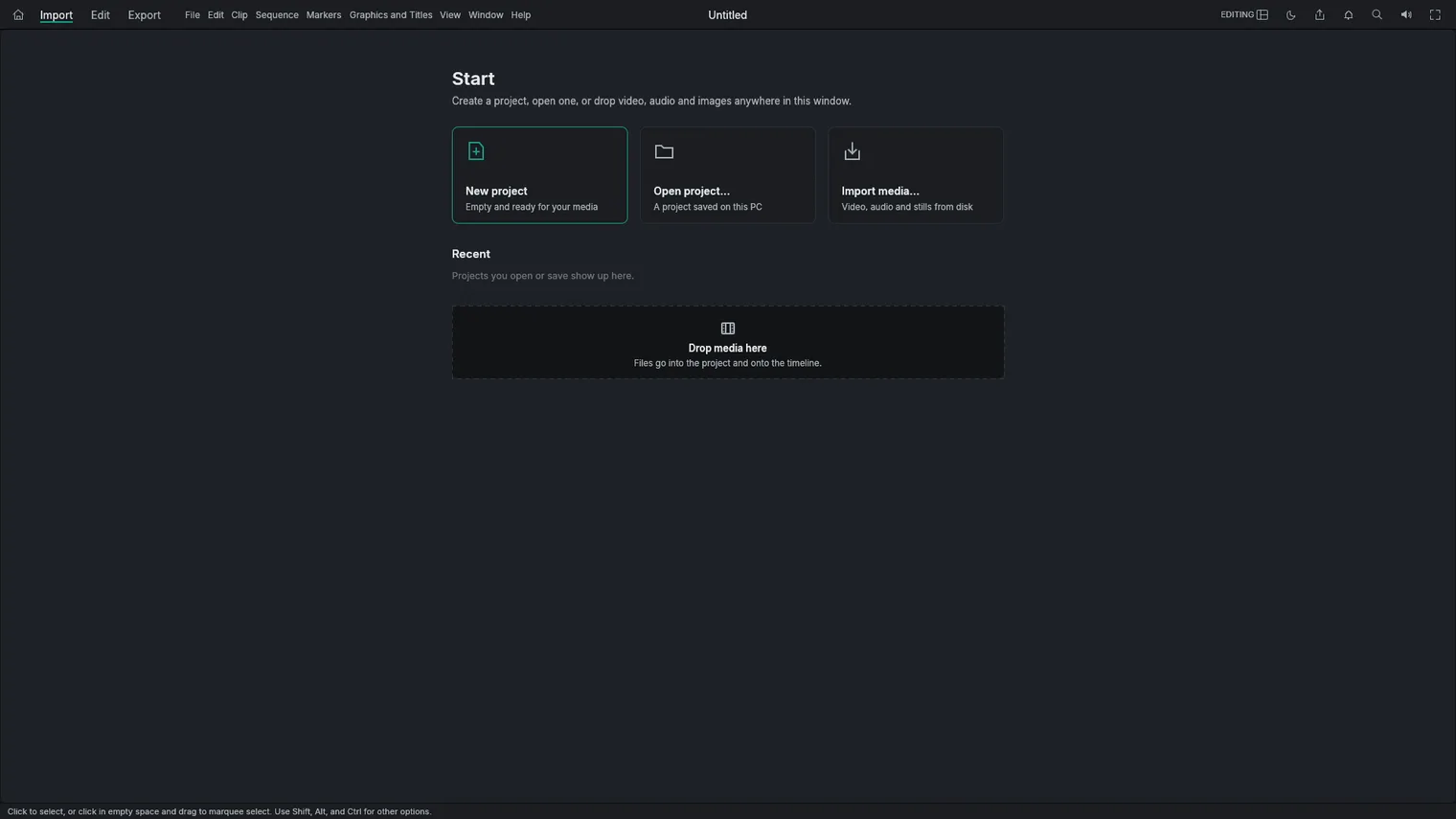
Start a project or open a recent one
Description
Cut, color, mix and subtitle on a multi-track timeline, then export MP4. No account, no monthly plan, works offline.
For YouTube videos, school projects, family films and short clips for social media.
Opens MP4, MOV, MKV, WebM, AVI and MXF with H.264, HEVC, AV1, VP9 and ProRes, plus WAV, MP3 and still images.
Features
- A multi-track timeline with ripple, roll, slip, slide and razor edits, markers, nested sequences, snapping and 200 undo steps.
- Imports MP4, MOV, MKV, WebM, AVI, MXF and MPEG files with H.264, HEVC, AV1, VP9, ProRes and other codecs, plus WAV, MP3, AAC, FLAC and still images (PNG, JPEG, GIF, WebP, TIFF).
- Exports H.264 MP4 with AAC audio, ProRes, DNxHR and Motion JPEG in QuickTime, MXF, PNG sequences, animated GIF and WAV, with presets for common sizes and sites. Exports run in the background while you keep editing.
- Color correction with exposure, contrast, white balance, curves, color wheels and LUTs, with scopes (waveform, vectorscope, histogram).
- Video effects and transitions, keyframes for motion, opacity and effect settings, and blend modes.
- An audio mixer with volume and pan per track, audio effects and keyframed volume.
- Text titles and lower thirds on the timeline.
- Adds and edits subtitles by hand, imports and exports SRT, WebVTT and other caption files, and can burn subtitles into the video.
- Reads text aloud with two basic built-in voices (English), to make a quick voice track.
- Saves your work automatically and offers to recover unsaved changes after a crash.
- Imports and exports timelines from other editors as XML, FCPXML, OpenTimelineIO, EDL, AAF and OMF.
- Light and dark themes.
- The interface comes in English, Spanish and other languages.
Questions
Is it a subscription?
No. You pay once in the Microsoft Store and the app is yours, with updates.
Can I try it first?
Yes. The Store offers a free 7-day trial with every feature.
Do I need an account?
No account and no sign-in. Only the Microsoft Store account you already use on Windows.
Does it work offline?
Yes. Everything runs on your PC. Your files are never uploaded.
Which files does it open?
Opens MP4, MOV, MKV, WebM, AVI and MXF with H.264, HEVC, AV1, VP9 and ProRes, plus WAV, MP3 and still images.