Apps / Tagwright

Tagwright
LCTR · Photo & video
See and clean the metadata in your files.
Try it free for 7 days in the Microsoft Store, then buy once for 4.79 USD.
US price. The Store shows the price for your country.
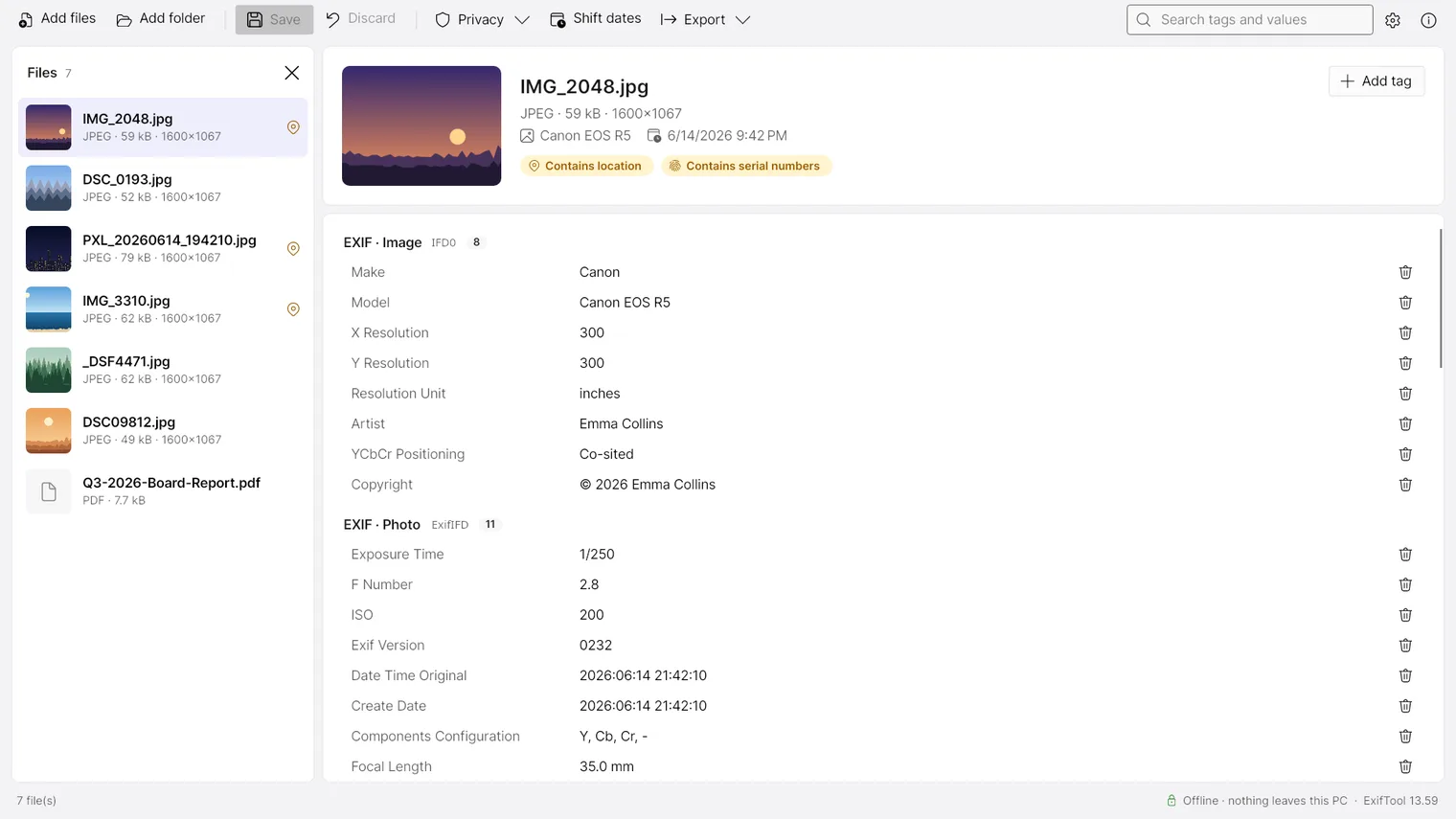
Every tag in a photo, RAW, video, audio or PDF file in one list 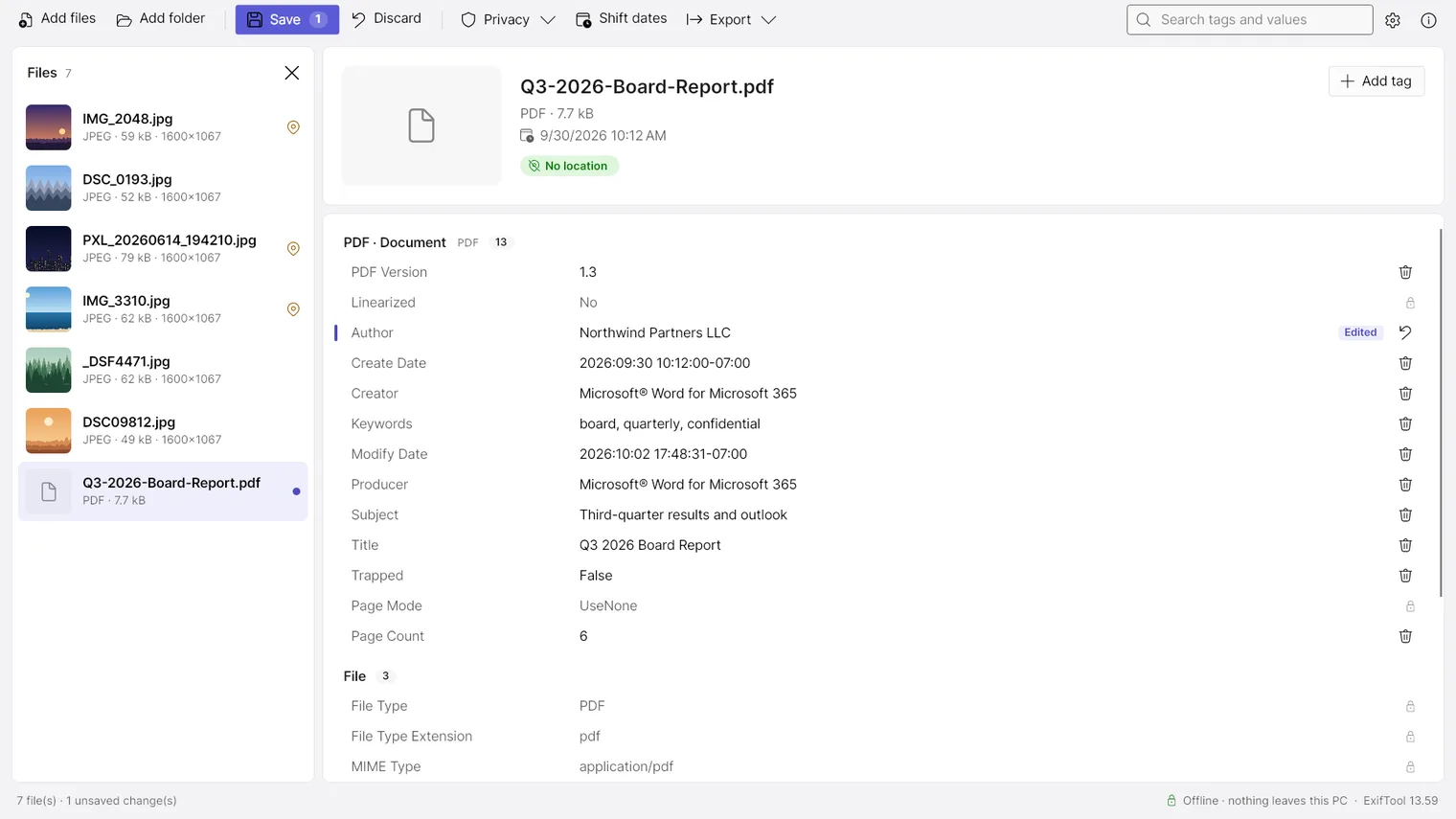
Change the author of a PDF before you send it 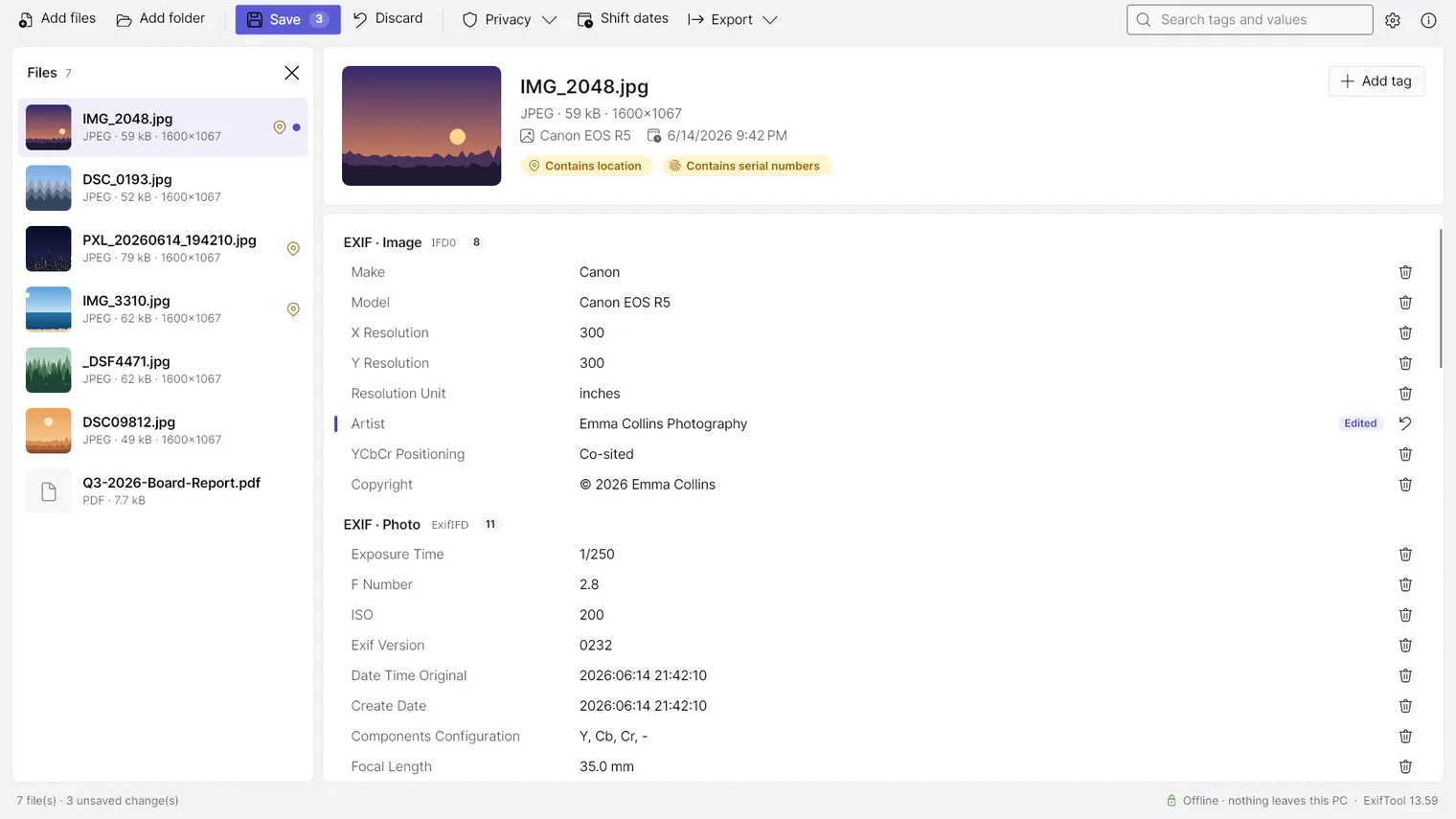
Click a value, type the new one and save 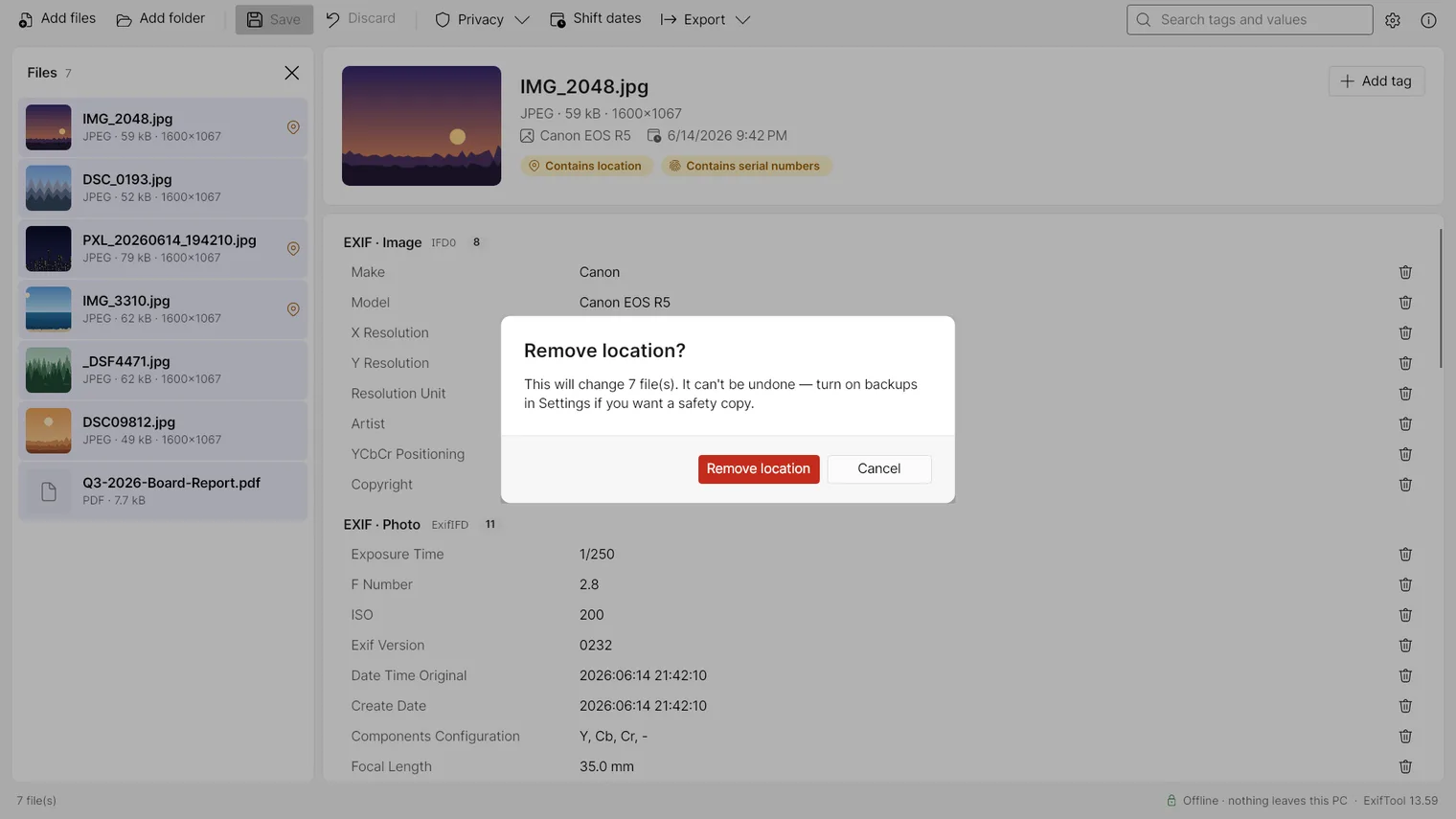
One click removes the location from every selected photo 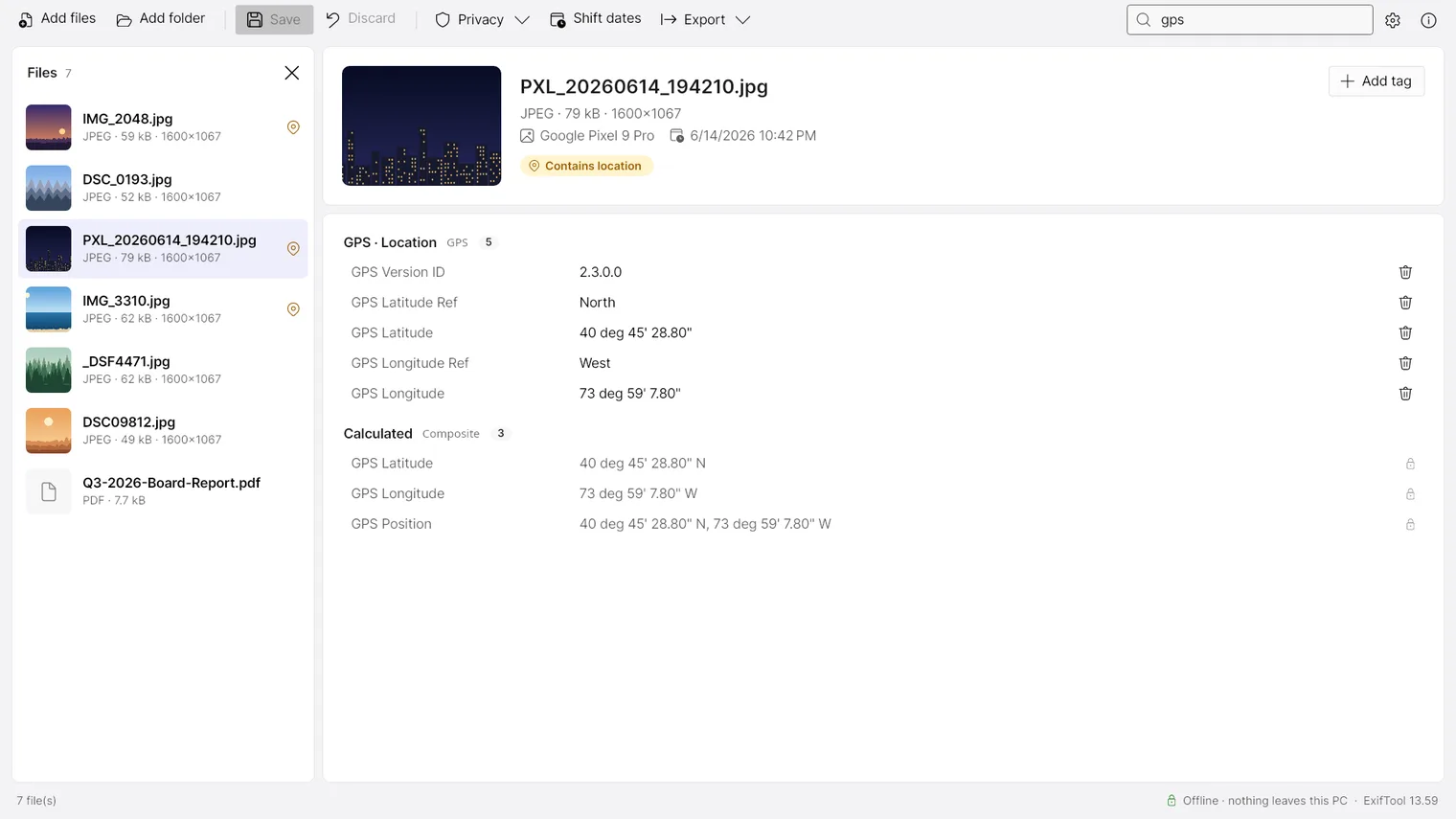
Search the tags of a file by name or value 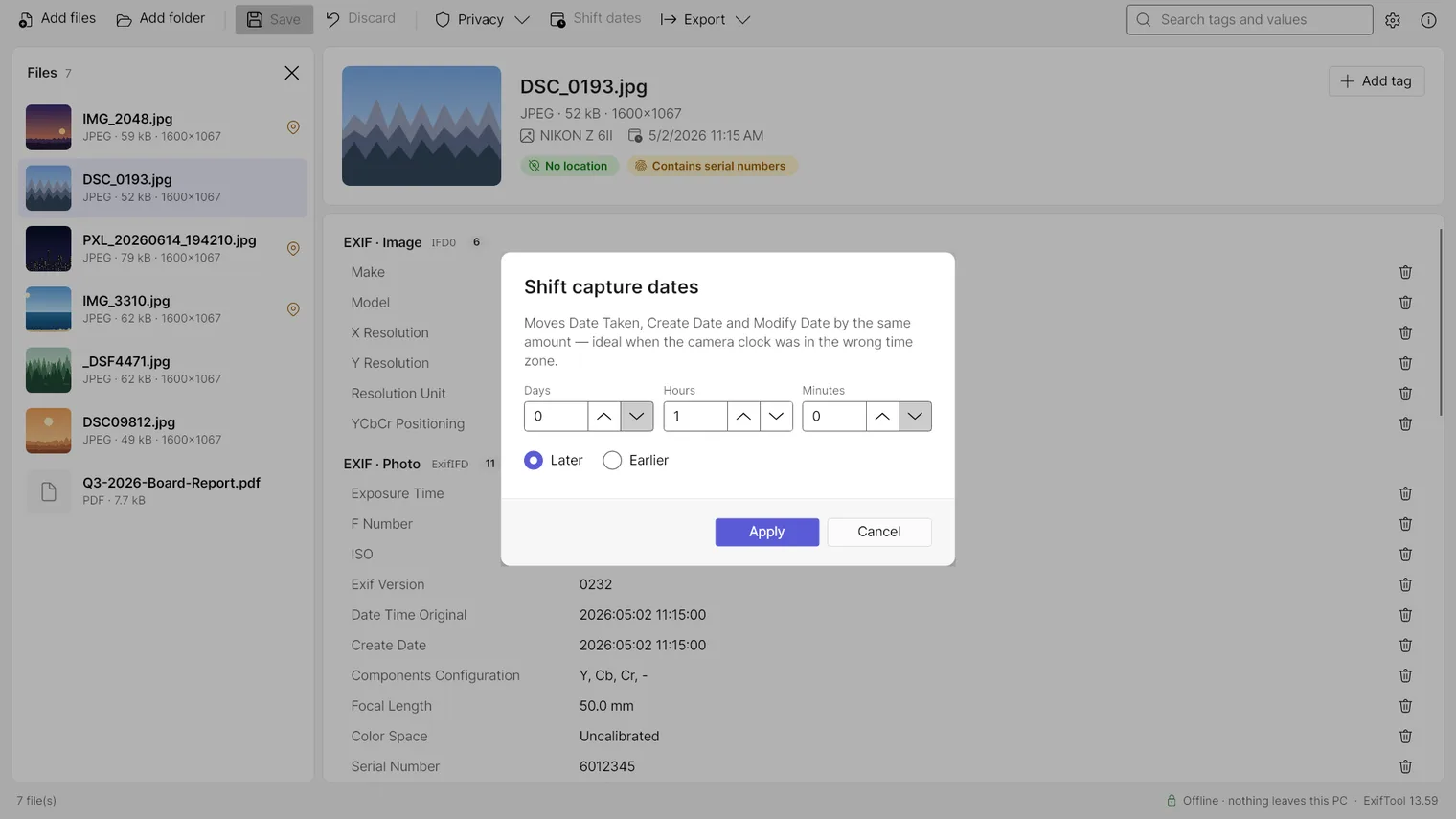
Fix a wrong camera clock by moving all dates by a fixed time 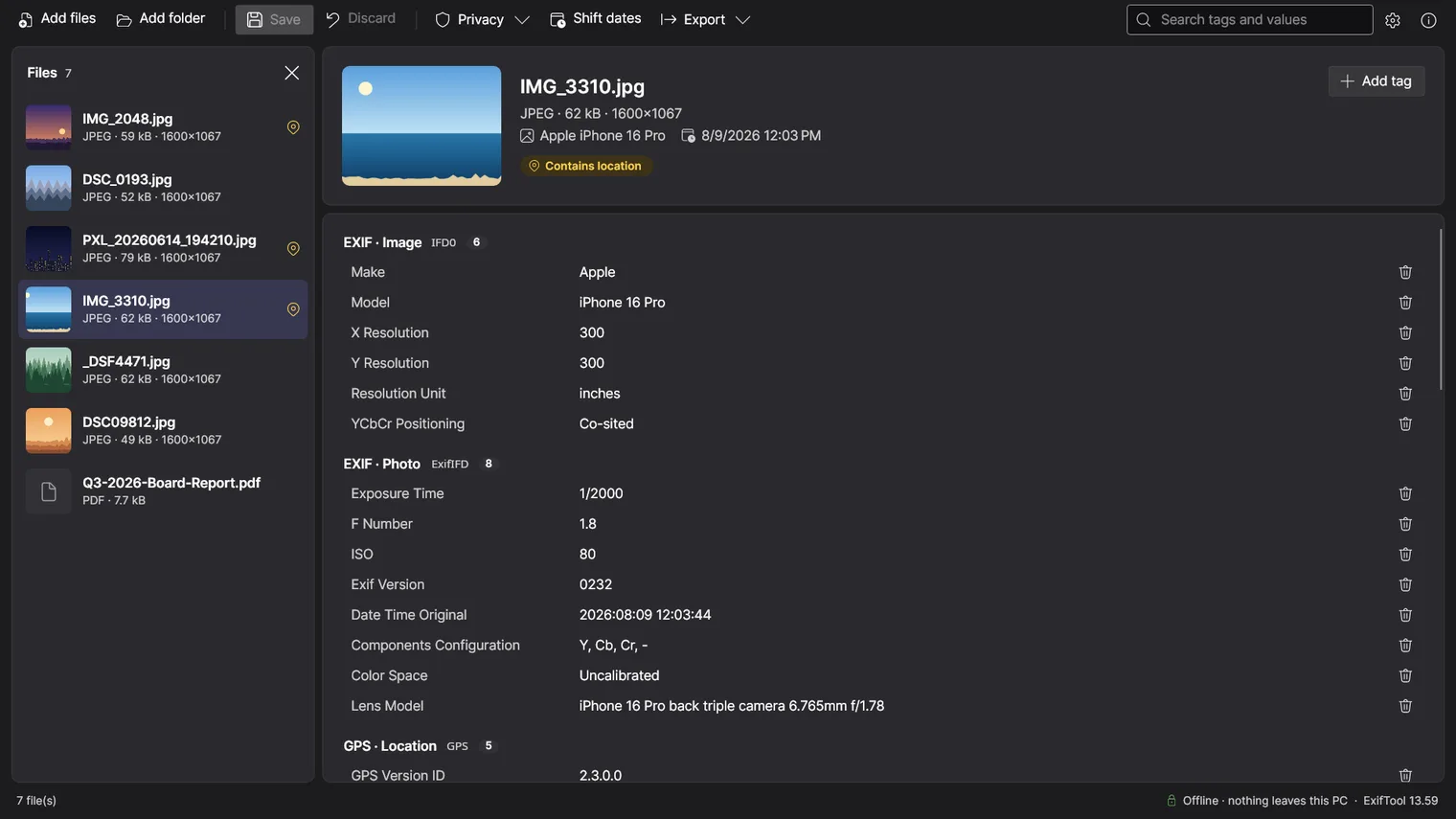
Dark mode
Description
Read, edit and remove the hidden data in photos, RAW files, videos, audio and PDFs: camera, dates, location, author. Remove the location from a whole folder in one click. No account. Works offline.
For photographers, journalists, archivists and anyone who wants to check what a file reveals before sharing it.
Photos, RAW files, video, audio and PDF, using the ExifTool engine bundled with the app. Only formats ExifTool can write can be changed, and some maker-note tags are read-only. Windows 11 64-bit only.
Features
- Reads EXIF, XMP, IPTC, GPS, maker notes and file metadata from images, RAW, video, audio and PDF using ExifTool 13.59.
- Edits any writable tag inline and shows pending changes before saving.
- Edits PDF document properties such as Author, Title, Subject and Keywords, for example to replace a person's name with the company before sending a file.
- Deletes individual tags and adds new tags by name.
- Applies edits and presets to many selected files at once, including whole folders by drag and drop.
- One-click presets remove location data, camera serial numbers or all metadata while keeping colour profile and orientation.
- Shifts capture dates by a fixed offset to correct a wrong camera clock.
- Exports metadata to CSV or JSON.
- Shows thumbnails, including embedded previews from RAW files.
- Keeps file modification dates and can keep a backup copy of the original.
Questions
Is it a subscription?
No. You pay once in the Microsoft Store and the app is yours, with updates.
Can I try it first?
Yes. Try it free for 7 days in the Microsoft Store first. If you keep it, it is a one-time purchase of 4.79 USD, no subscription.
Do I need an account?
No account and no sign-in. Only the Microsoft Store account you already use on Windows.
Does it work offline?
Yes. Everything runs on your PC. Your files are never uploaded.
Which files does it read?
Photos, RAW files, video, audio and PDF, using the ExifTool engine bundled with the app. Only formats ExifTool can write can be changed, and some maker-note tags are read-only. Windows 11 64-bit only.