Apps / Squareplan
Squareplan
LCTR · Productivity
Room scan to PDF, DXF, CSV
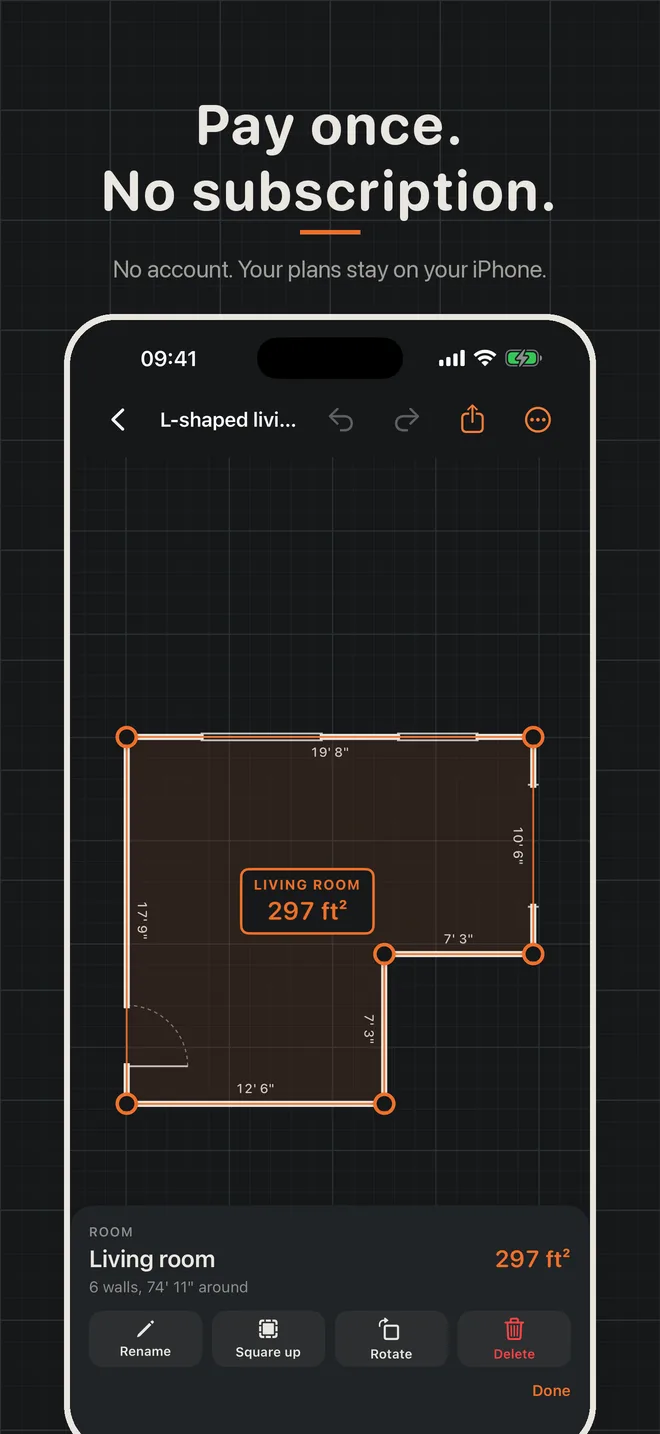
This iPhone app is not on the App Store yet. There is nothing to buy today.
Planned price: 14.99 USD. One-time purchase, no subscription.
About
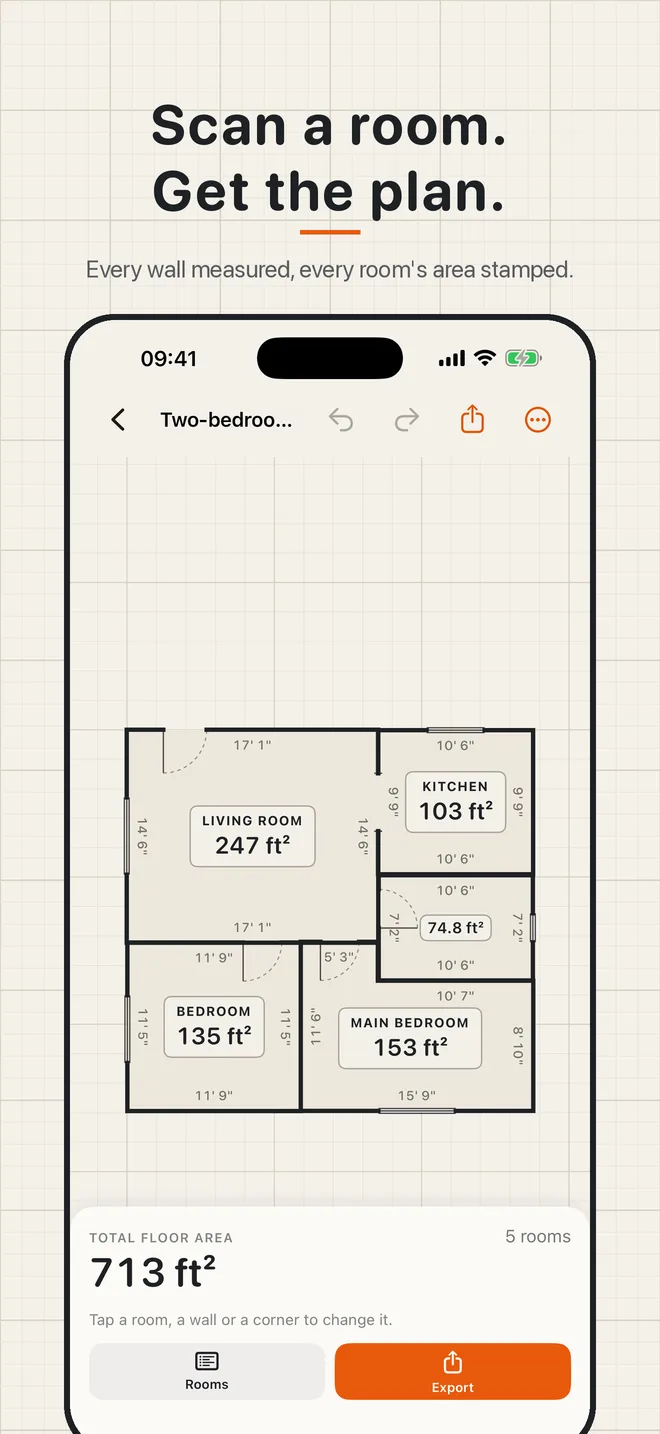
Squareplan turns a LiDAR room scan into a floor plan you can trust, then lets you fix it by hand.
Scan A Room
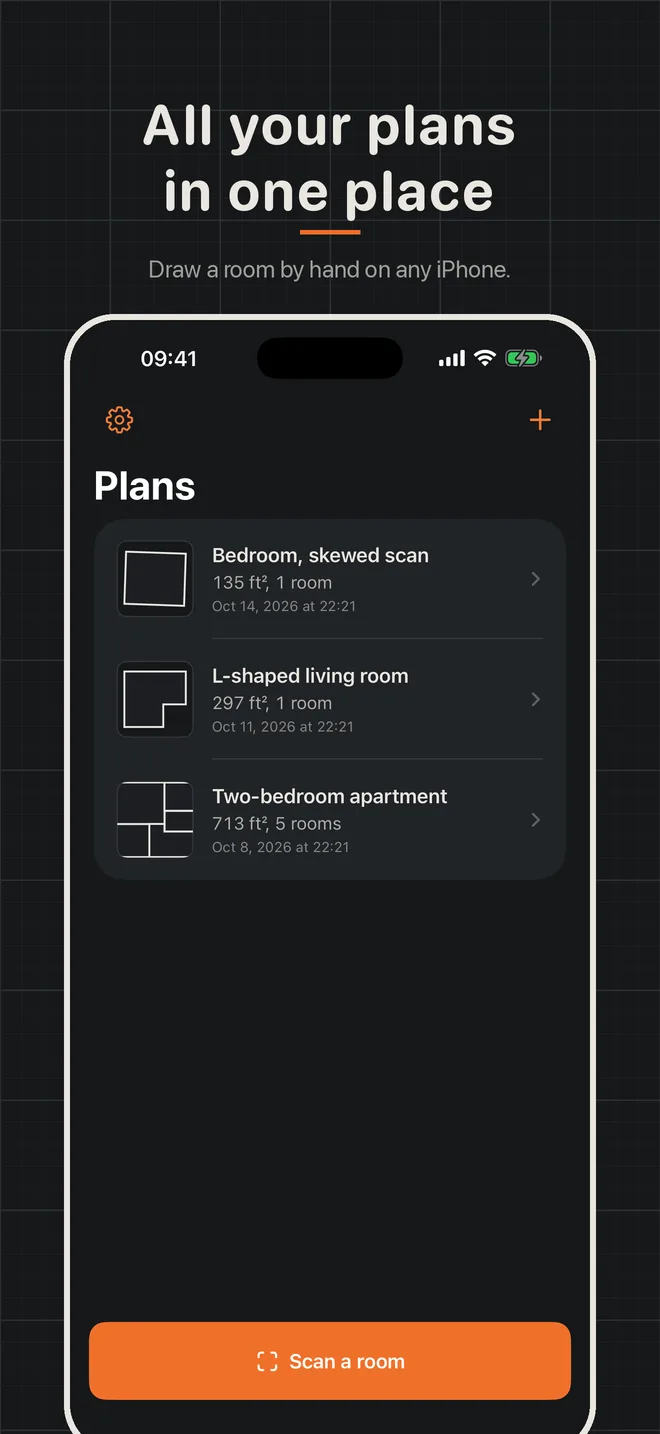
Walk around the room with your iPhone. Apple RoomPlan finds the walls, doors and windows. Scan another room and it joins the same plan.
Fix It By Hand
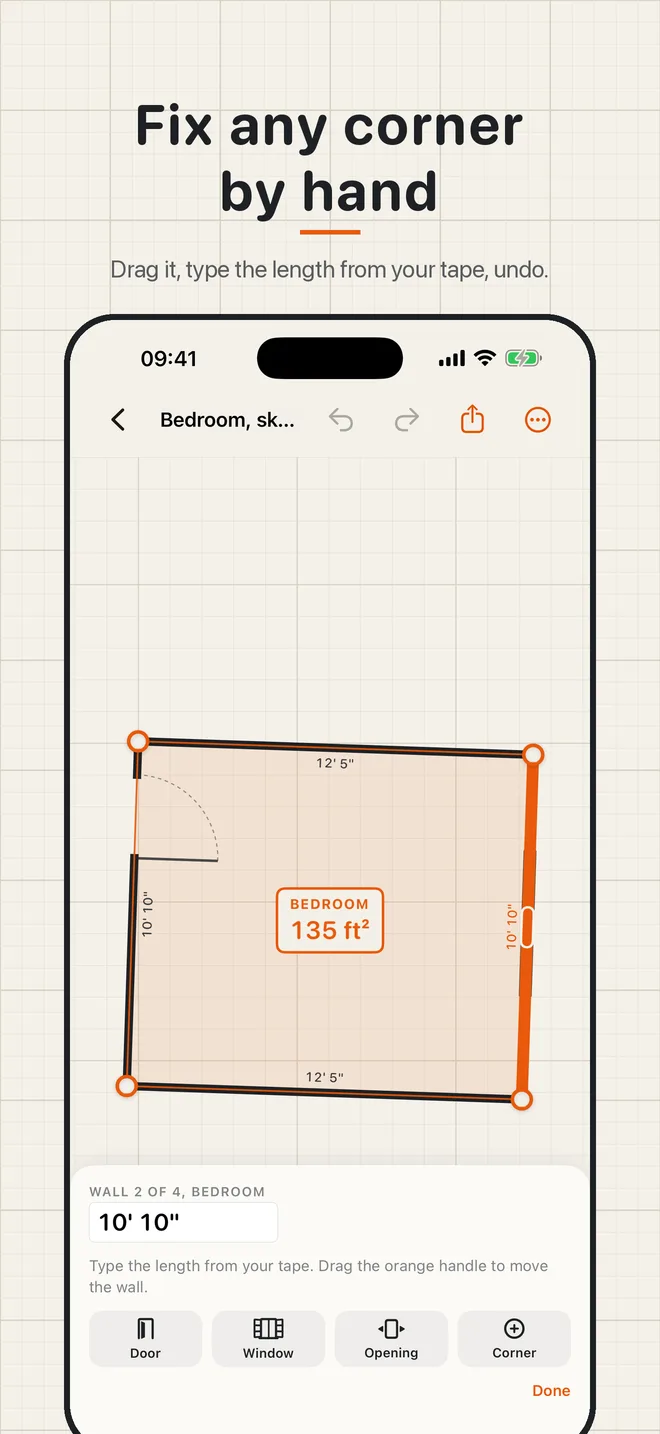
Drag any corner and it clicks into line with its neighbors. Type the length from your tape measure and the wall changes to match. Add a corner, delete one, move a wall, or square up a crooked scan in one tap. Undo and redo everything.
Doors, Windows And Openings
Add them to any wall, slide them into place and set the width. Scanned ones come in on their own.
Areas You Can Use
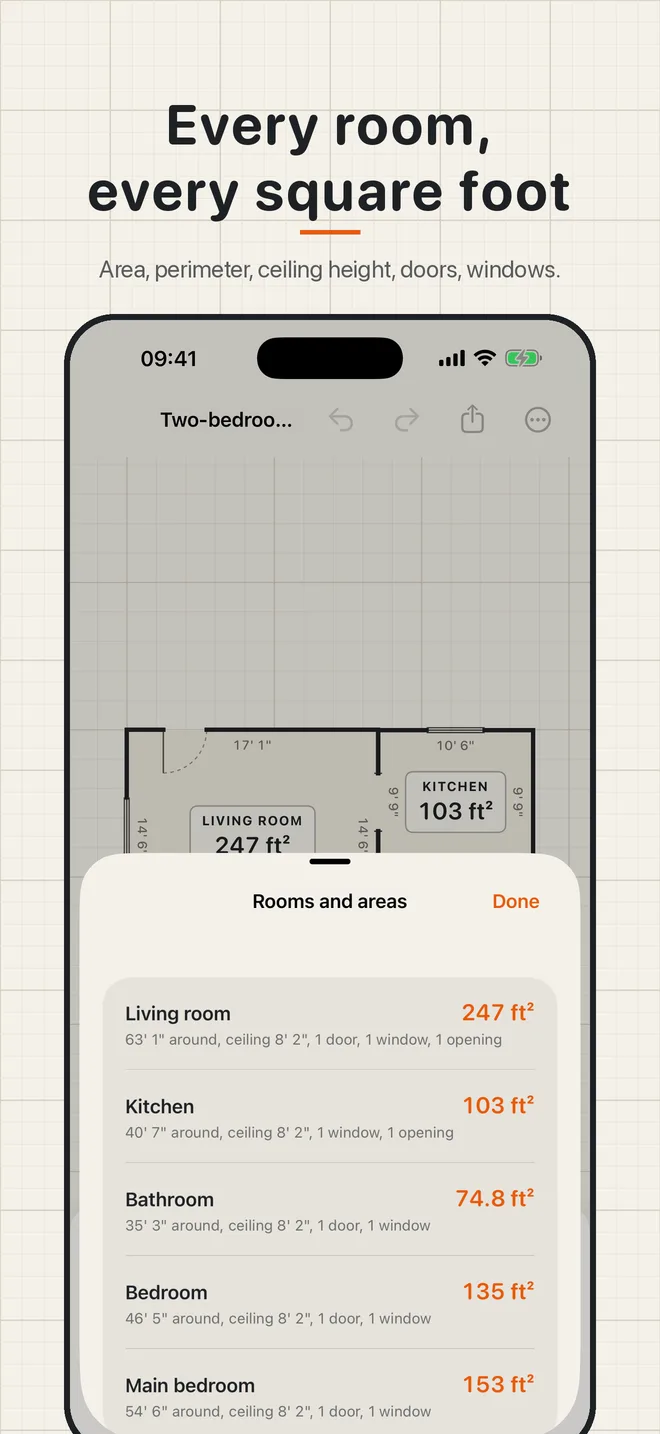
Floor area for each room and the whole plan, perimeter, ceiling height and wall area without doors and windows. Feet and inches or meters.
Export
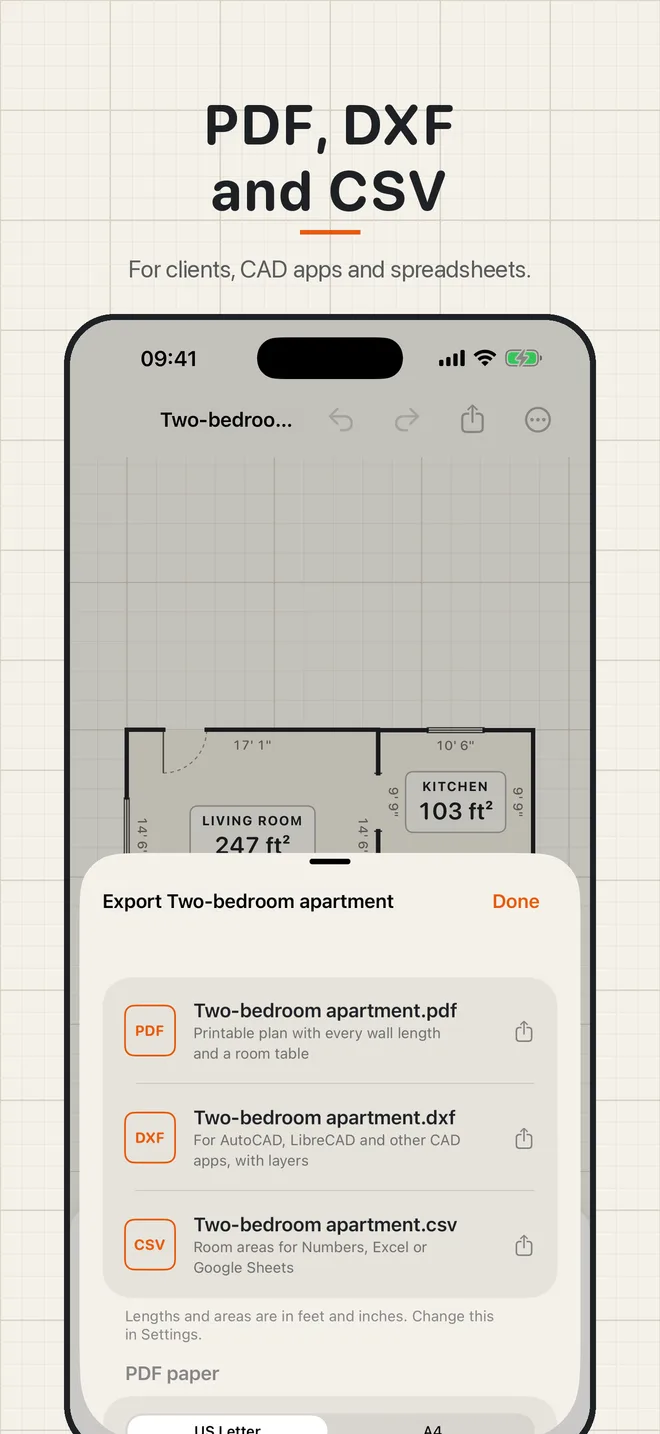
PDF: a printable plan with every wall length and a room table, on US Letter or A4.
DXF: for AutoCAD, LibreCAD and other CAD apps, with layers for walls, doors, windows, text and dimensions.
CSV: room areas for Numbers, Excel or Google Sheets.
No Lidar? Still Useful
Scanning needs an iPhone with LiDAR (iPhone 12 Pro and later Pro models). On any other iPhone you can draw rooms, set each wall from your tape and export the same files. Sample plans are included to try every feature.
Shortcuts
Ask "Floor area in Squareplan" to hear the total area of your latest plan.
Your Plans Stay With You
No account. Plans are saved on your iPhone and nothing is sent anywhere.
One Price
You pay for the app and every export format comes with it. Nothing is locked, and there is no monthly plan or ad.