Apps / Slides Pro Editor
Slides Pro Editor
LCTR · Productivity
Make and present slide decks without paying every month.
Free 7-day trial in the Microsoft Store. After it, your files still open for free.
US price. The Store shows the price for your country.
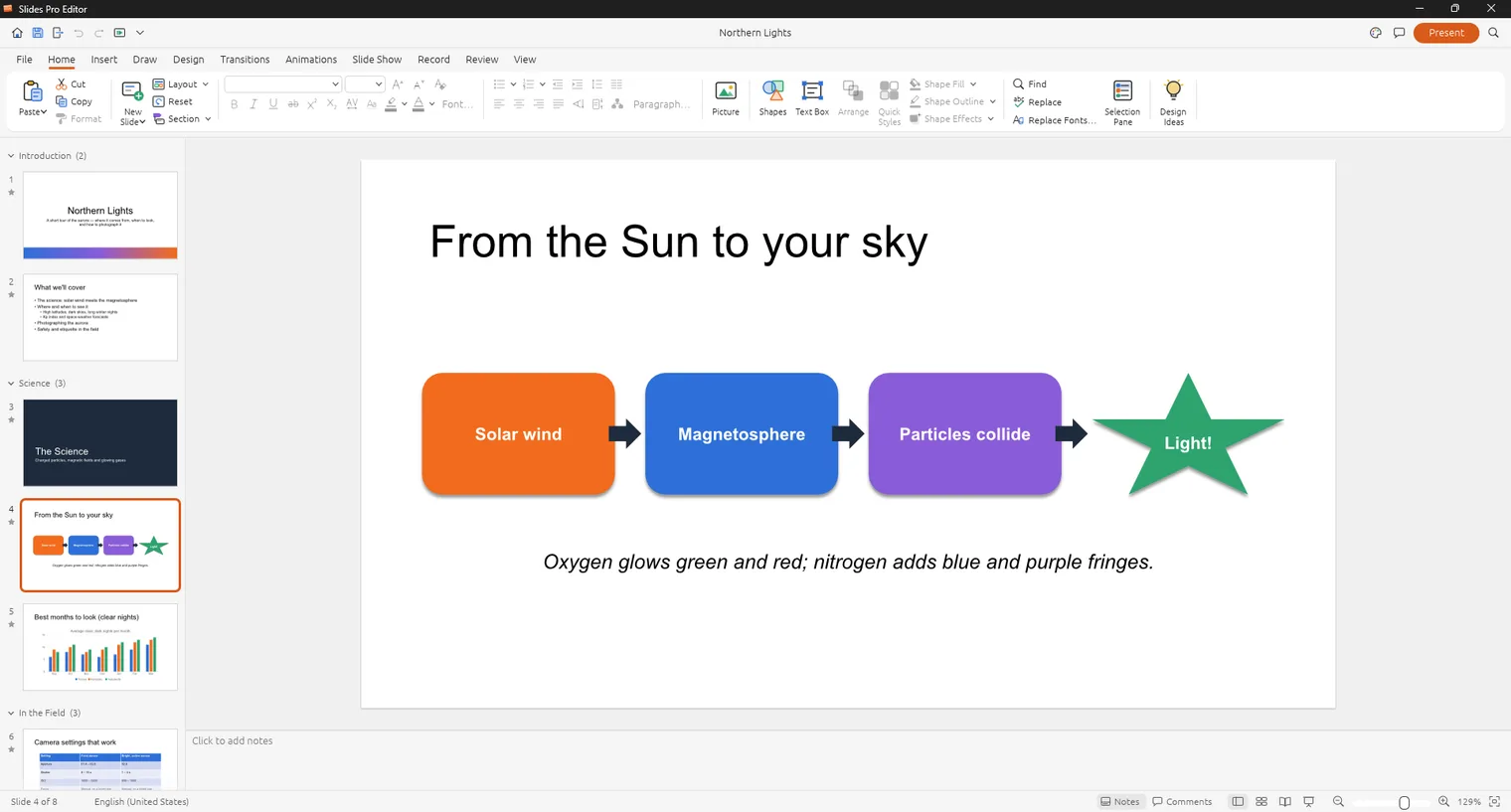
Build a deck with layouts, shapes and pictures 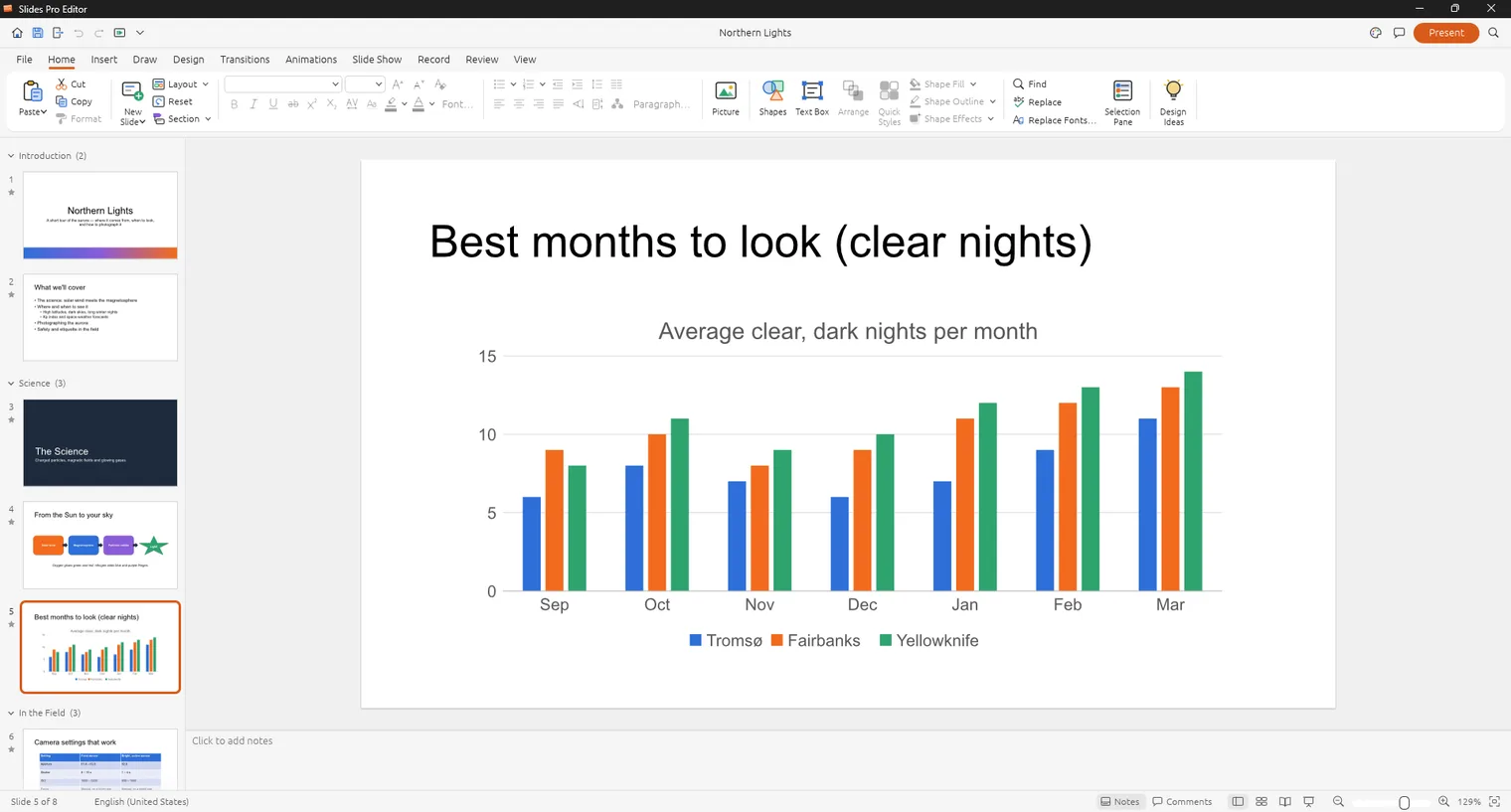
Add charts that follow your data 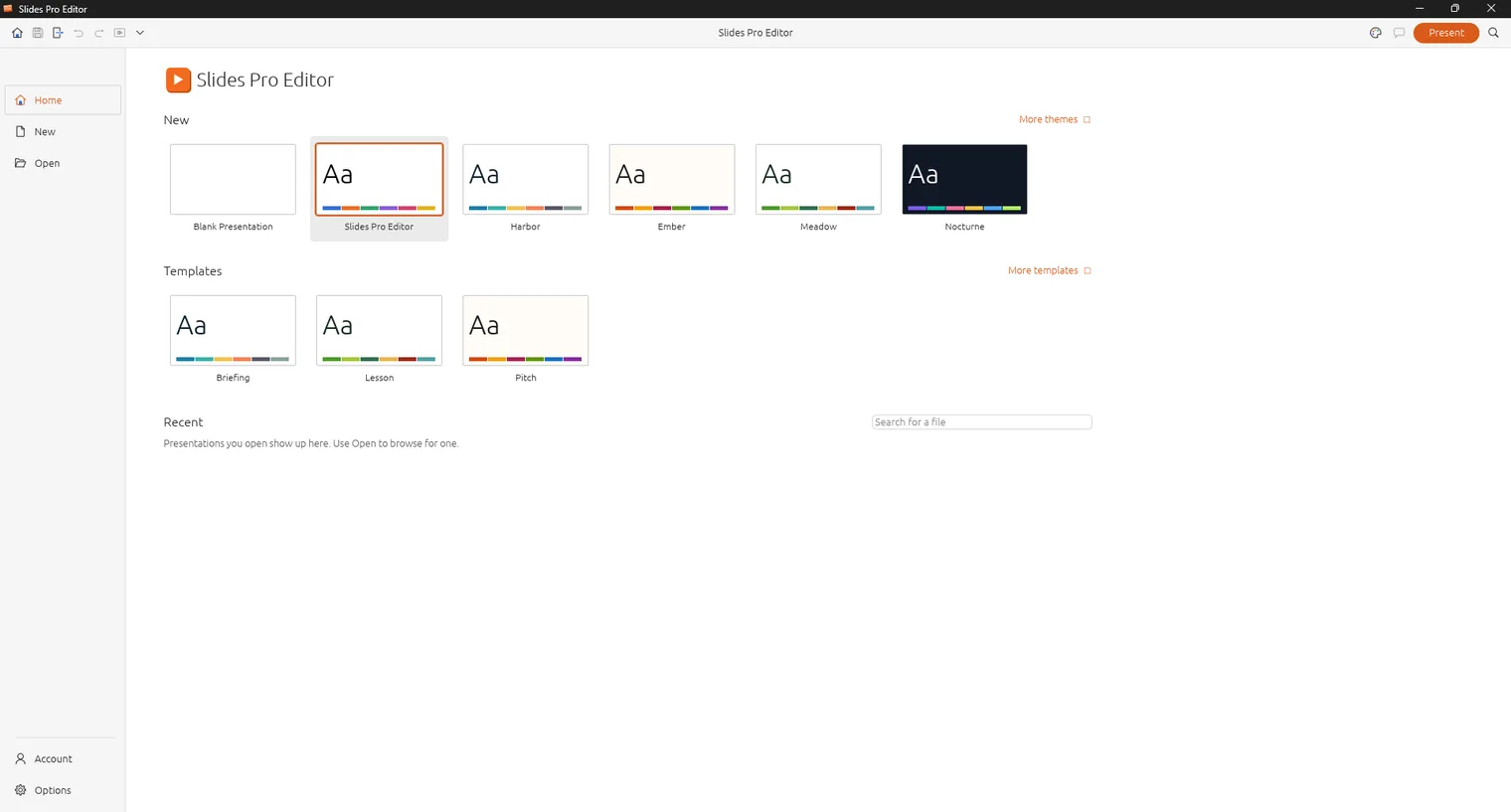
Start from a blank deck or a theme
Description
Open, edit and present .pptx decks with no account and no subscription. Every feature is free for 7 days, saving included, then pay once. Works offline.
For students, teachers and office workers who build and present decks every week.
Opens and saves .pptx. Exports to PDF and prints handouts.
Features
- Opens, edits and saves .pptx presentations.
- Themes, slide layouts, shapes, text, pictures, tables and charts.
- Transitions and animations, with a slide show view and presenter notes.
- Audio and video on slides.
- Exports to PDF and prints handouts.
- Light and dark themes and many interface languages.
Questions
Is it a subscription?
No. You pay once in the Microsoft Store and the app is yours, with updates.
Can I try it first?
Yes. The Store offers a free 7-day trial with every feature.
Do I need an account?
No account and no sign-in. Only the Microsoft Store account you already use on Windows.
Does it work offline?
Yes. Everything runs on your PC. Your files are never uploaded.
Which files does it open?
Opens and saves .pptx. Exports to PDF and prints handouts.
Build and present a short deck
- Start from a blank deck or a theme, then choose a layout for each slide.
- Add text, pictures, shapes, tables or a chart that follows your data.
- Add transitions or animations only where they help a point.
- Write presenter notes, then start the slide show view and check the order.
- Export to PDF as a backup, or print handouts.
Mistakes before a talk
- Testing only on your own PC. Open the finished .pptx on the machine you will present from, and keep the PDF copy with you.
- Pictures and video pasted at full size. Large media make a file slow to send, so check the size before you email it.
- Waiting until the night before to try the app. The 7-day trial is free and has every feature, so open a real deck early.
Honest limits
It runs on Windows 11, 64-bit. It opens and saves .pptx, and it does not claim to match every effect of other presentation software. If a deck uses special fonts, install them on the PC you present from. After the trial, existing files still open, and saving needs the one-time purchase.
A good fit when
You teach, study or report on a schedule and you want to fix a deck on a laptop without an account or internet. If your whole team co-edits one deck live in the cloud, this is not that kind of tool.