Apps / Sheets Pro Editor
Sheets Pro Editor
LCTR · Productivity
Work with spreadsheets without paying every month.
Free 7-day trial in the Microsoft Store. After it, your files still open for free.
US price. The Store shows the price for your country.
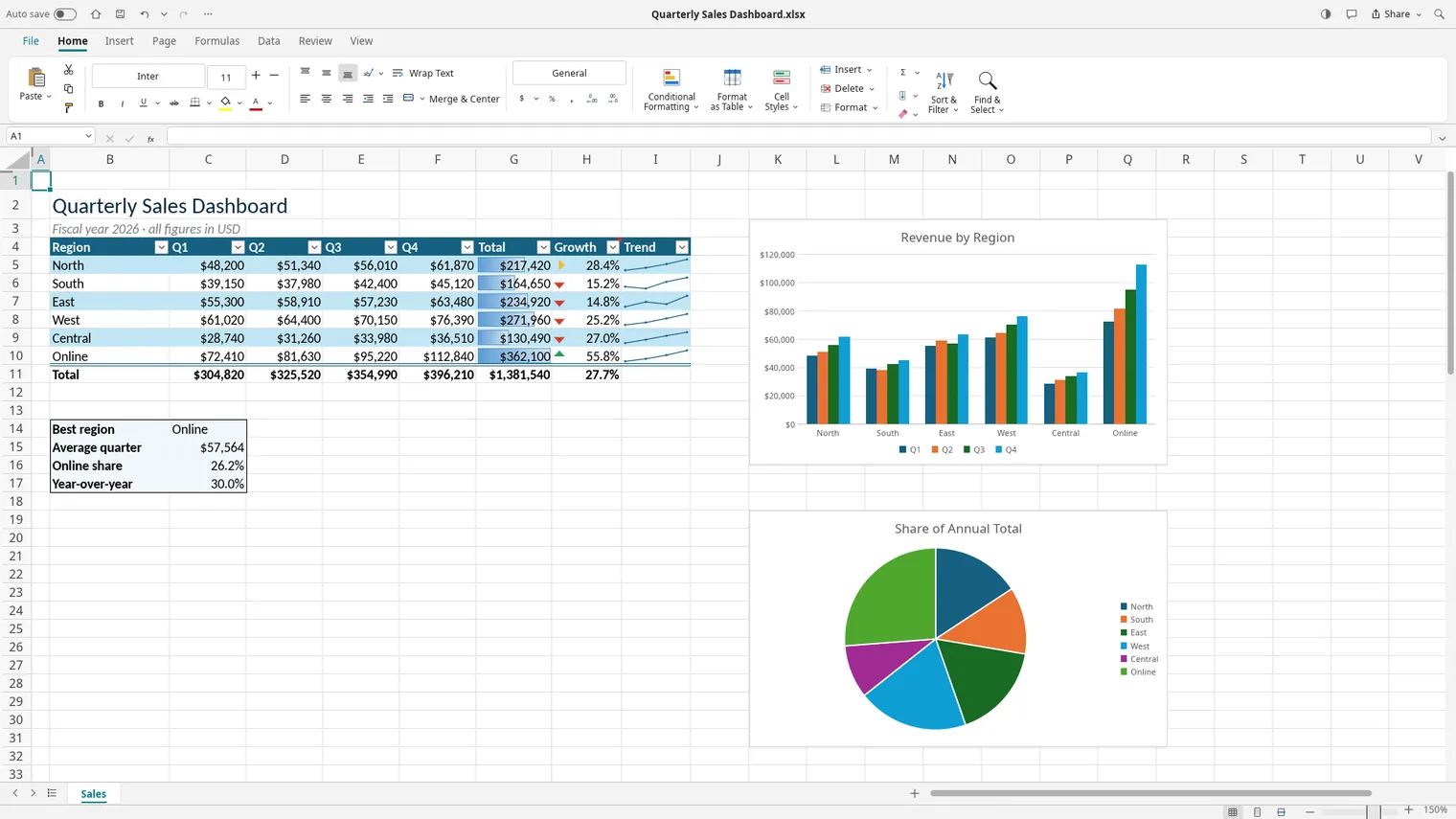
Edit workbooks with formulas and filters 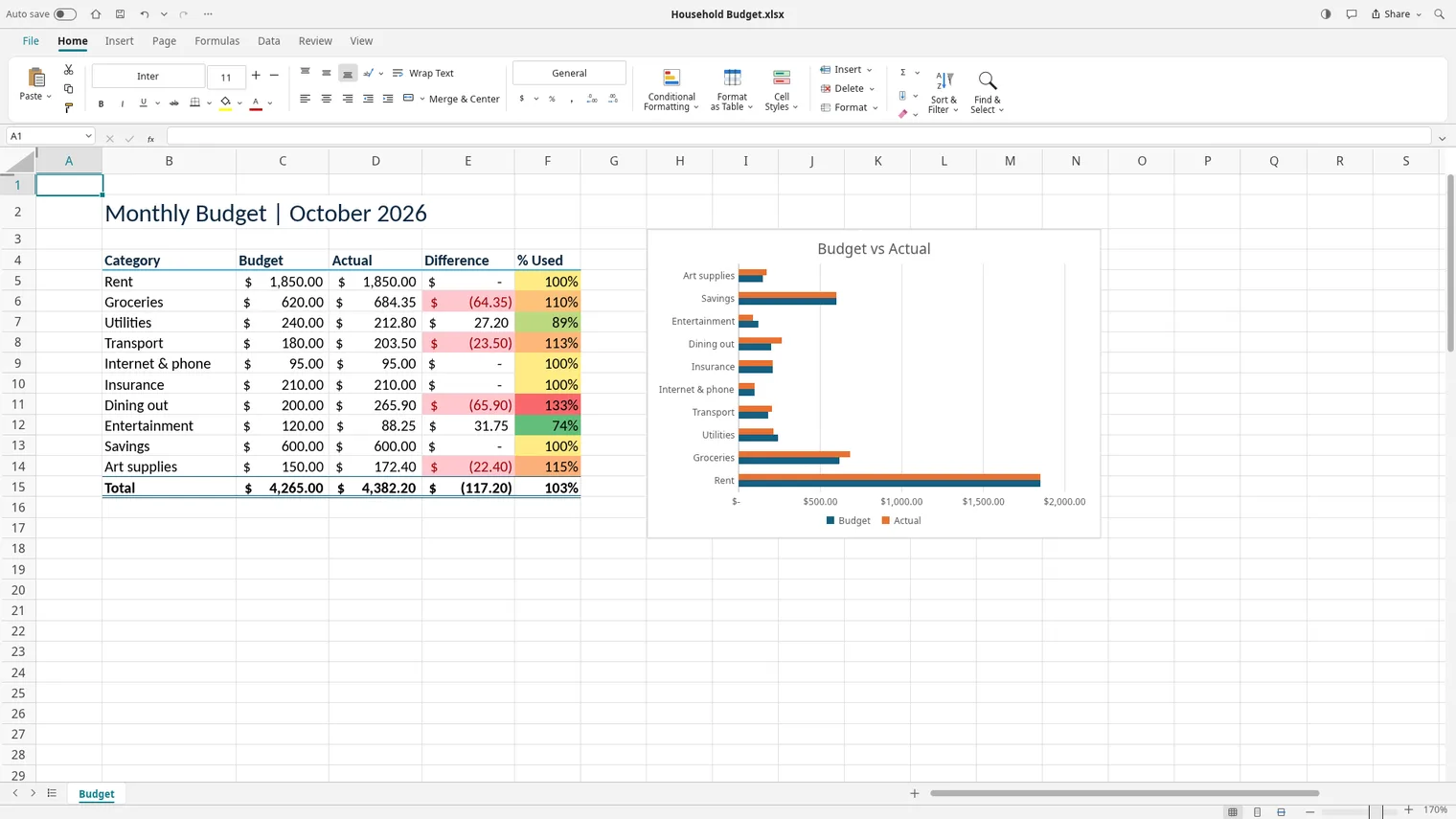
Track a budget in a clean sheet
Description
Open, edit and save .xlsx files with no account and no subscription. Every feature is free for 7 days, saving included, then pay once. Works offline.
For students, office workers and small businesses who crunch numbers every week.
Opens and saves .xlsx. Exports to PDF.
Features
- Opens, edits and saves .xlsx workbooks.
- Hundreds of functions, named ranges and tables, with automatic recalculation.
- Column, line, pie and other charts, conditional formatting, filters and sorting.
- Pivot tables, data validation and freeze panes.
- Prints and exports sheets to PDF.
- Light and dark themes and many interface languages.
Questions
Is it a subscription?
No. You pay once in the Microsoft Store and the app is yours, with updates.
Can I try it first?
Yes. The Store offers a free 7-day trial with every feature.
Do I need an account?
No account and no sign-in. Only the Microsoft Store account you already use on Windows.
Does it work offline?
Yes. Everything runs on your PC. Your files are never uploaded.
Which files does it open?
Opens and saves .xlsx. Exports to PDF.
From an .xlsx in your inbox to a saved copy
- Open the workbook from the Start screen or double-click it.
- Change cells. Formulas recalculate as you type, including named ranges and tables.
- Use filters or sorting on a table, then add a chart from the result.
- Save to keep .xlsx, or export to PDF to send a copy nobody can edit by accident.
Mistakes to avoid
- Sorting only one column. Select the whole table first so rows stay together.
- Opening a CSV and seeing broken accents. Save as CSV UTF-8 when the file will go to another program.
- Buying before you test your own file. The free 7-day trial has every feature, saving included, so open your real workbook during it.
Honest limits
The app is for Windows 11 on a 64-bit PC. It does not open Apple Numbers files. After the trial ends your files still open for free, but saving needs the one-time purchase. If a workbook relies on features of a full office suite, test it during the trial and compare the result before you move your work.
Who it suits
People who open a budget, a class gradebook or a price list a few times a week and do not want to pay for a whole suite. The store listing is written for students, office workers and small businesses.