Apps / Seatloom | Seating Chart Maker

Seatloom | Seating Chart Maker
LCTR · Productivity
Seat your guests in minutes and print the plan and place cards.
14-day money-back guarantee. Pay once on Gumroad and download the .zip right away. Unzip it, run the .exe, no account and no key. If Windows says «Windows protected your PC», click More info, then Run anyway: the app is new and Windows does not know it yet.
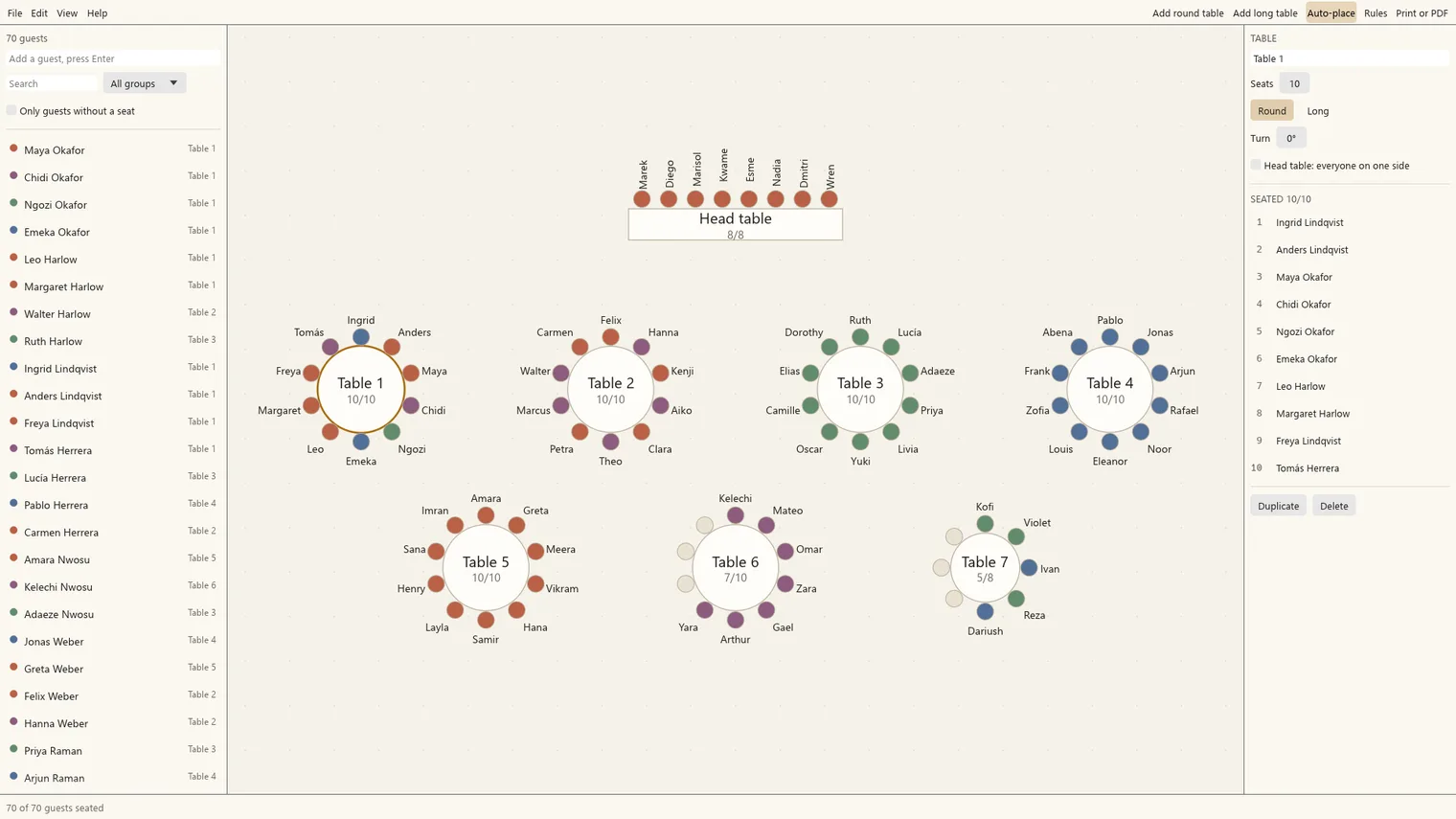
A wedding plan with round tables and every guest seated 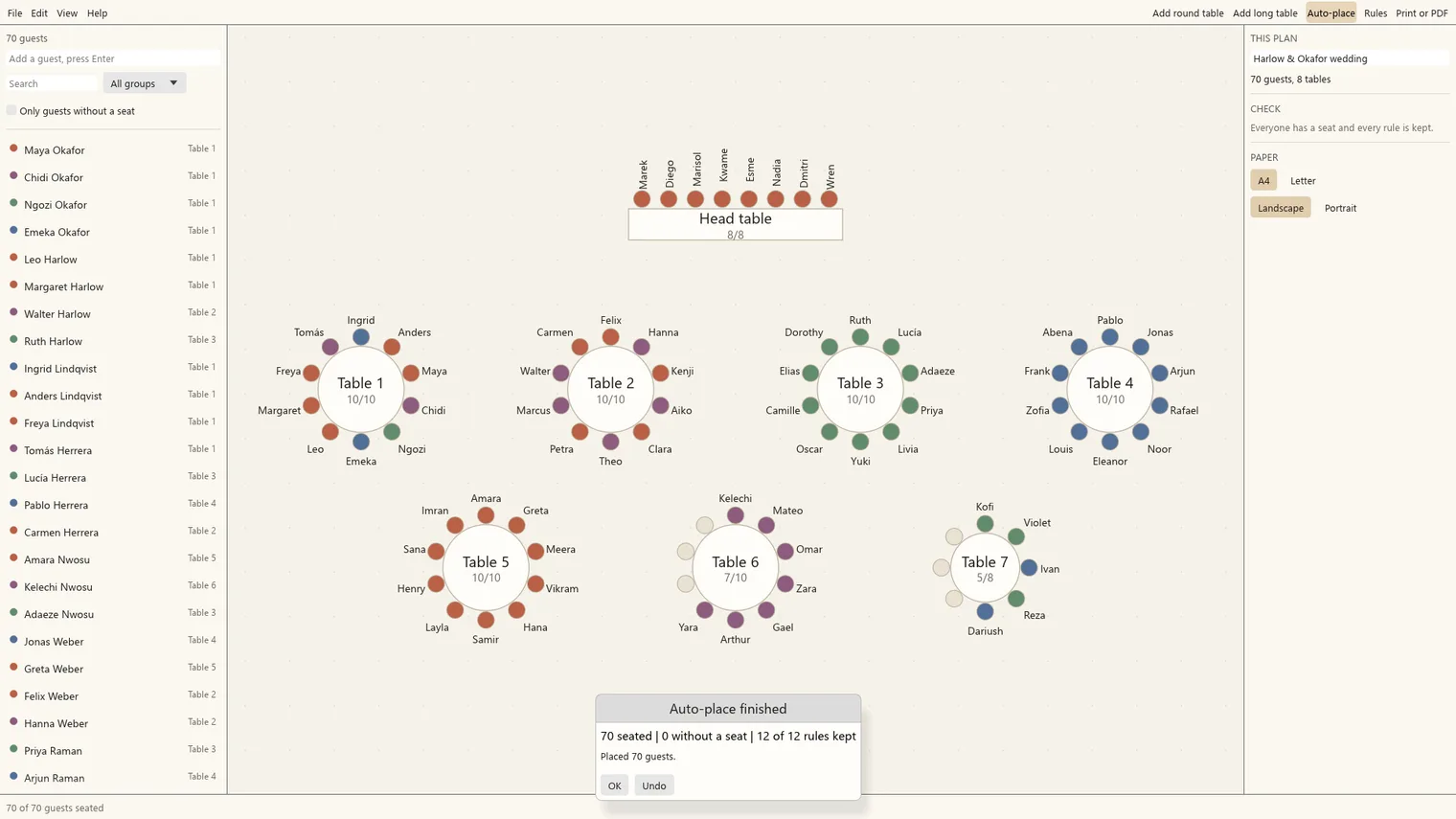
Auto-place fills the tables and keeps pinned guests 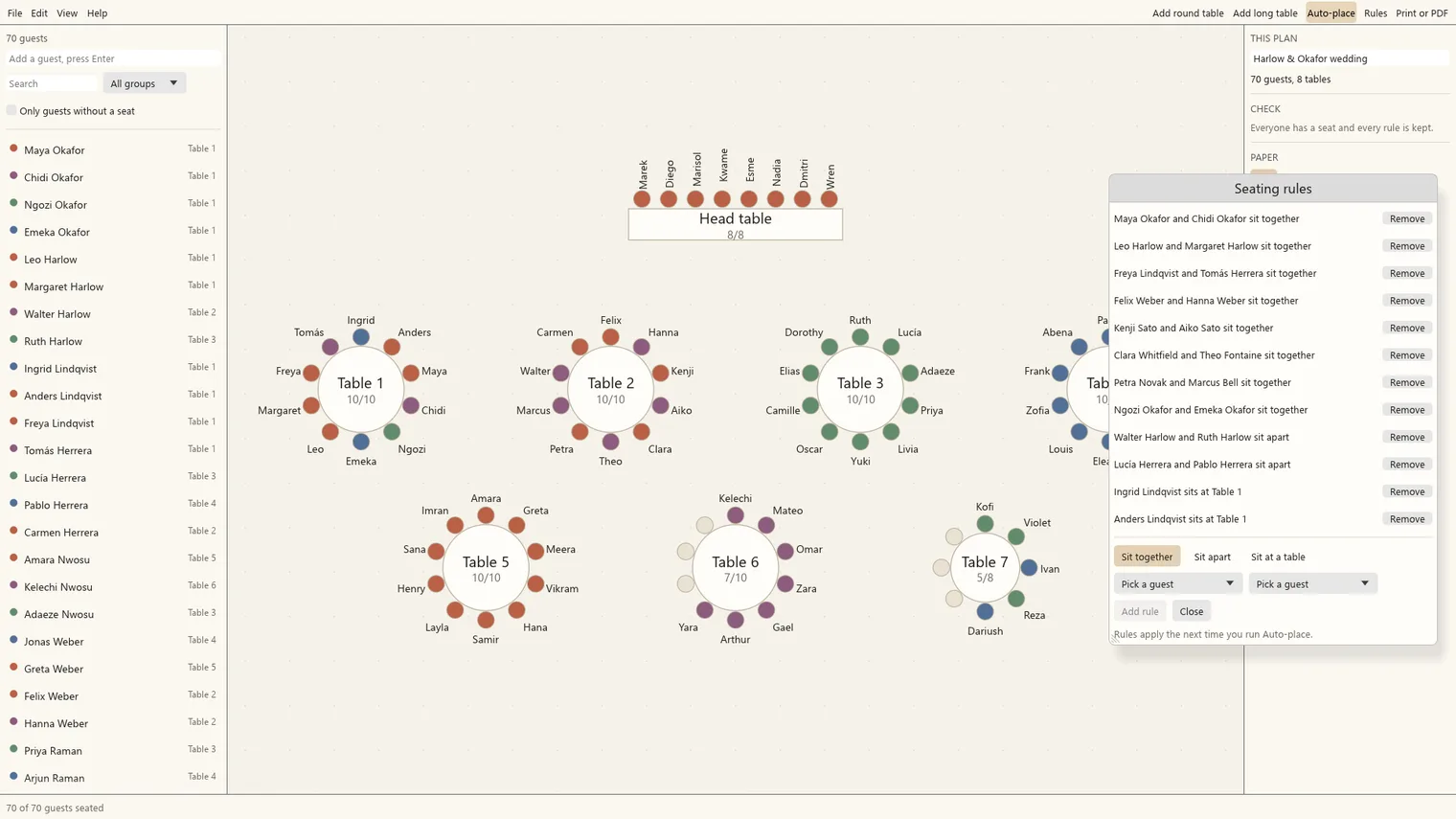
Rules to sit together or keep apart, broken ones in red 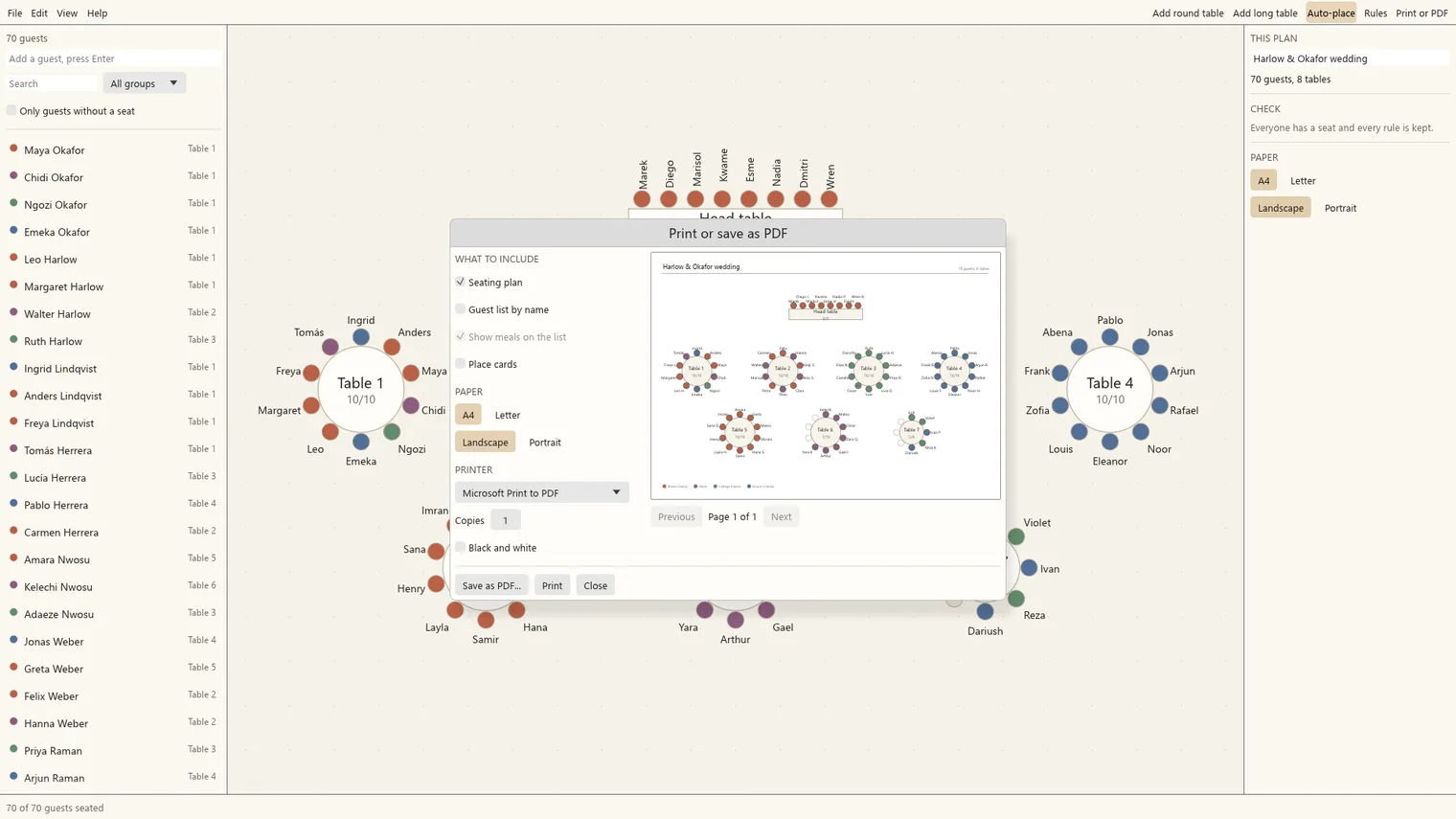
Print the plan, the table list and the meal list 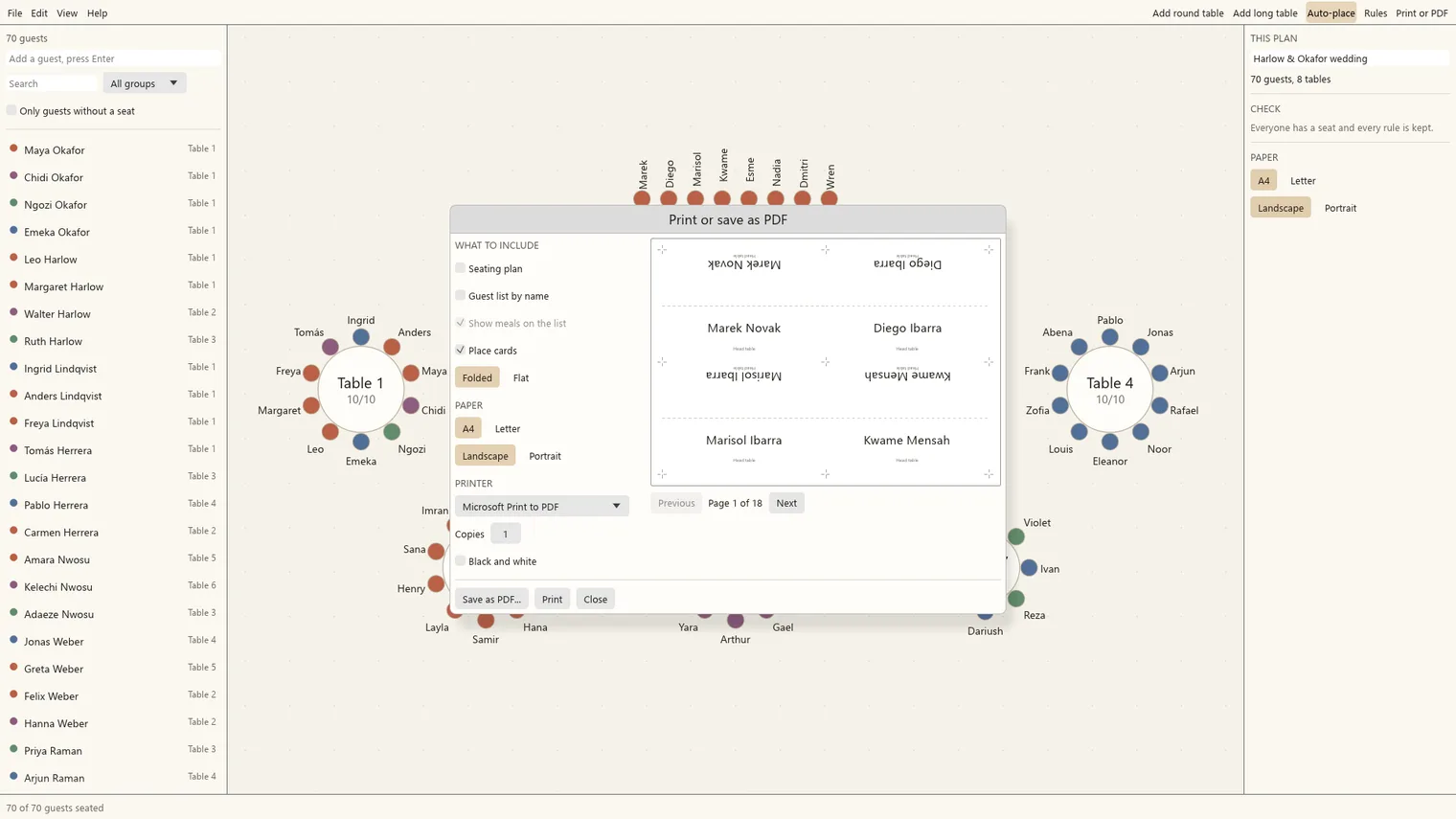
Place cards ready to cut 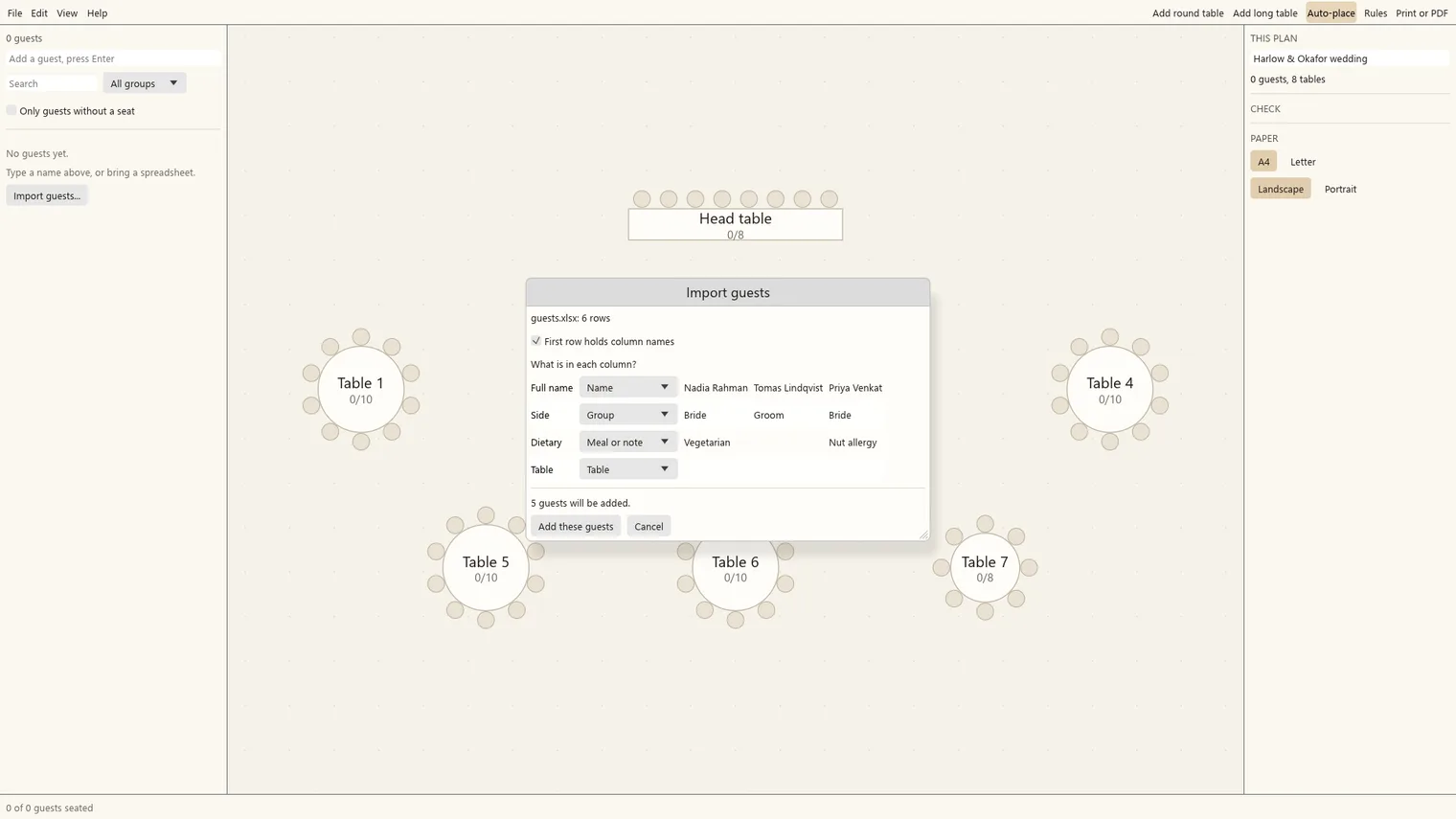
Import your guest list from a spreadsheet 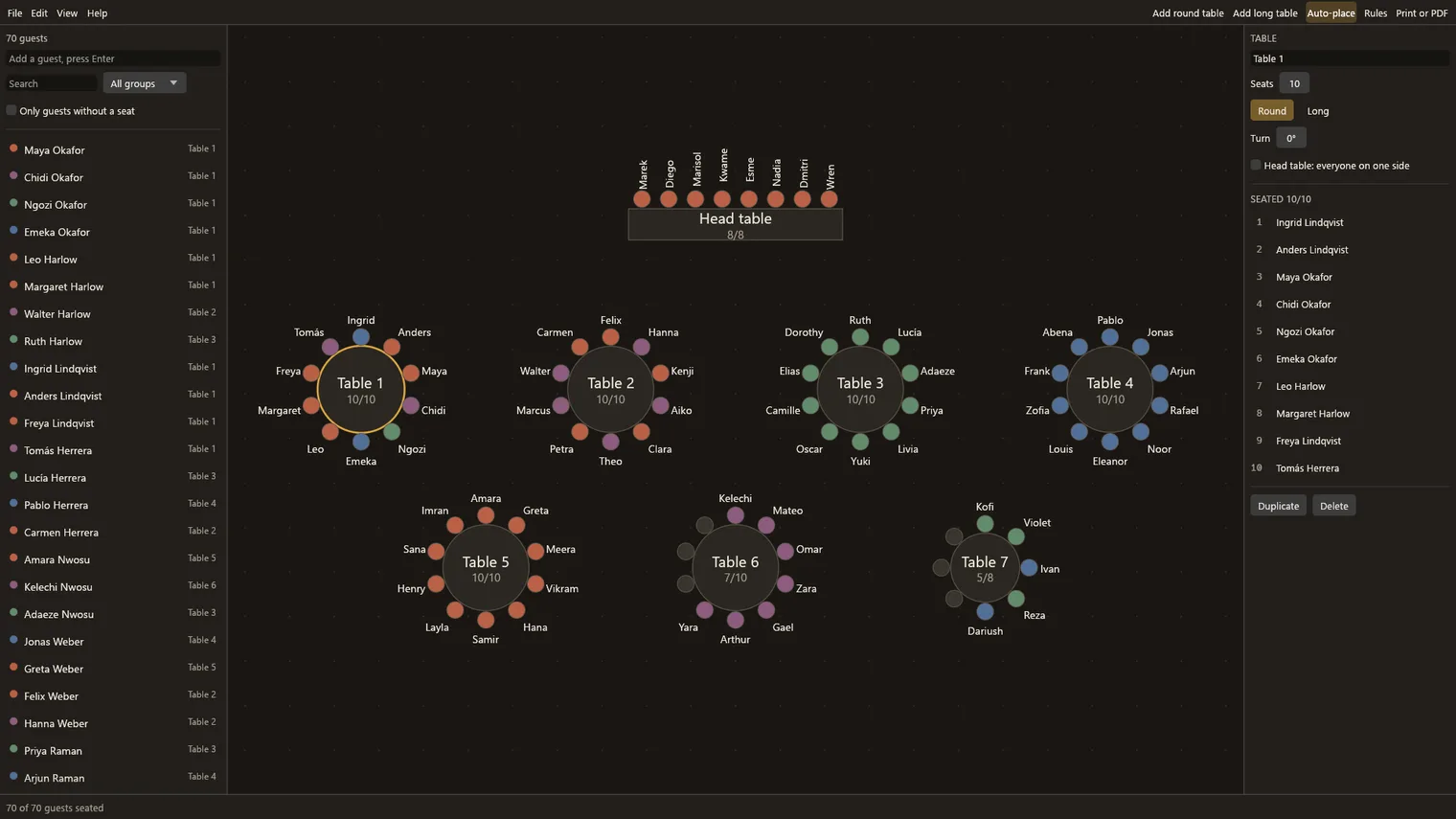
Dark mode on a large plan
Description
Import your guest list, set who sits together or apart, let Auto-place do the first pass, then drag people to seats. One payment, no account. Works offline.
For weddings, banquets, company dinners and classrooms, up to 60 tables and 500 guests in one plan.
Imports guest lists from CSV and XLSX files. Your plans are files on your computer; print them or save a PDF.
Features
- Round and long tables, 2 to 24 seats, up to 60 tables and 500 guests in one plan.
- Import your guest list from a CSV or XLSX file, with column matching.
- Rules: sit together, keep apart, or keep at a table. Broken rules are shown in red.
- Auto-place does the first pass in seconds and never moves pinned guests.
- Print or save a PDF of the plan, the table list, the meal list and place cards.
- Works offline. Your guest list never leaves your PC. Light, Dark or Same as Windows.
Questions
Is it a subscription?
No. You pay once on Gumroad and the .zip is yours.
Do I need the Microsoft Store?
No. You download a .zip, unzip it and run the .exe.
Why does Windows show «Windows protected your PC»?
The app is new and Windows does not know it yet. Click More info, then Run anyway.
Do I need an account or a key?
No account and no key.
Does it work offline?
Yes. Everything runs on your PC. Your files are never uploaded.
Which files does it open?
Imports guest lists from CSV and XLSX files. Your plans are files on your computer; print them or save a PDF.