Apps / Model Railroad Track Planner | Railbench

Model Railroad Track Planner | Railbench
LCTR · Productivity
Plan your model railroad, close the loop and print it full size.
14-day money-back guarantee. Pay once on Gumroad and download the .zip right away. Unzip it, run the .exe, no account and no key. If Windows says «Windows protected your PC», click More info, then Run anyway: the app is new and Windows does not know it yet.
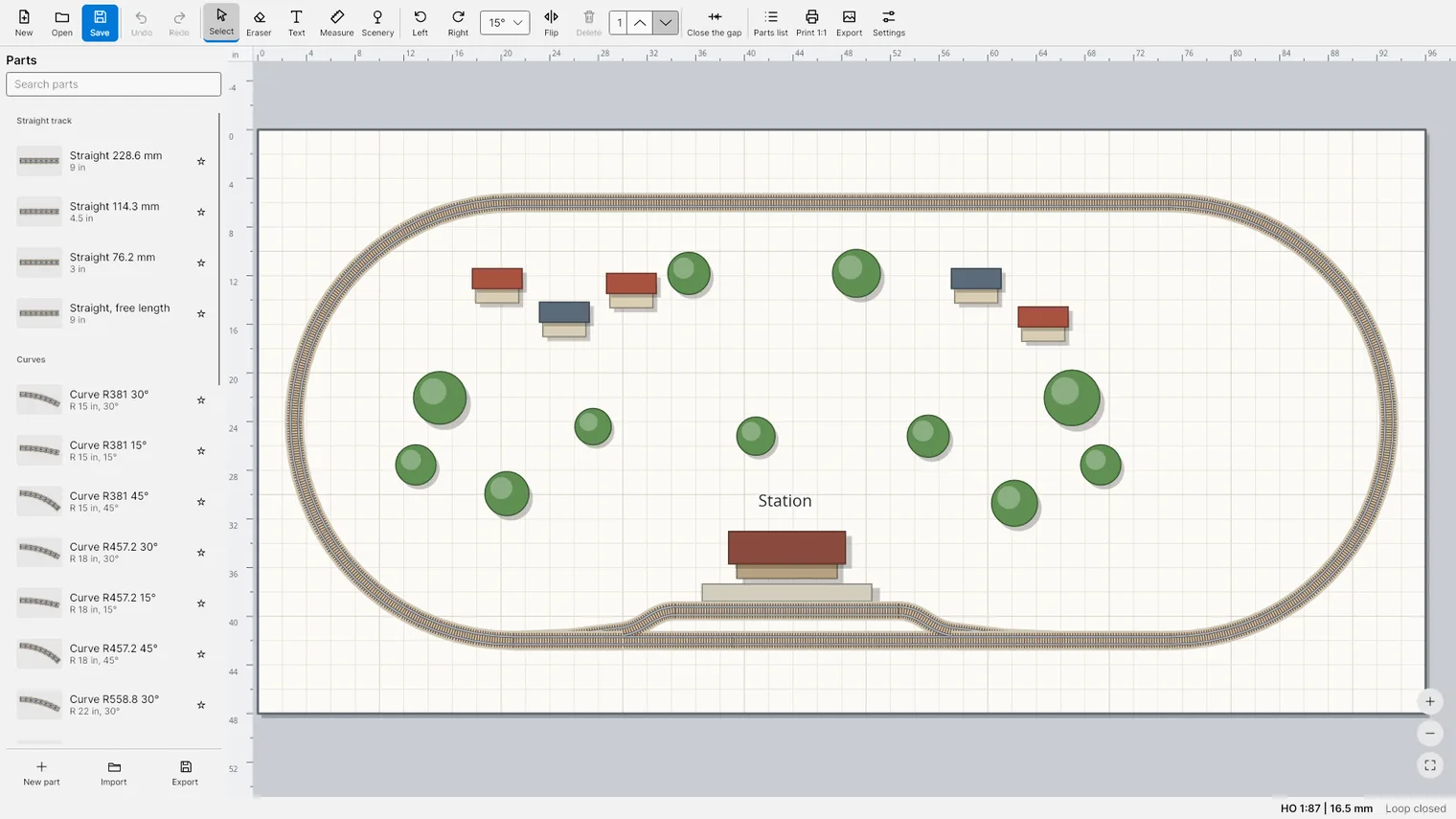
Draw your layout to scale, with the scale and gauge always in view 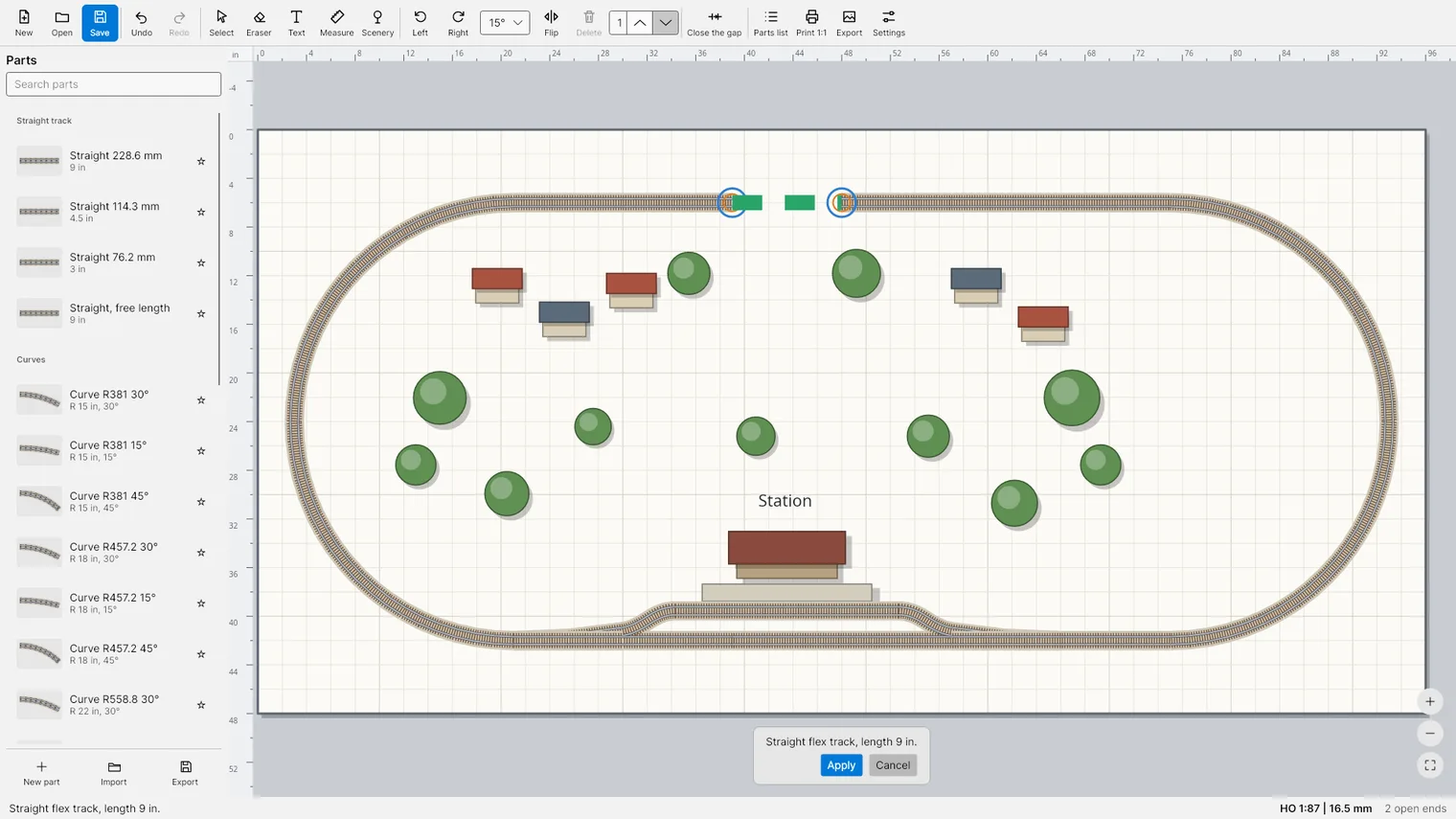
Close the gap: preview the flex track before you apply 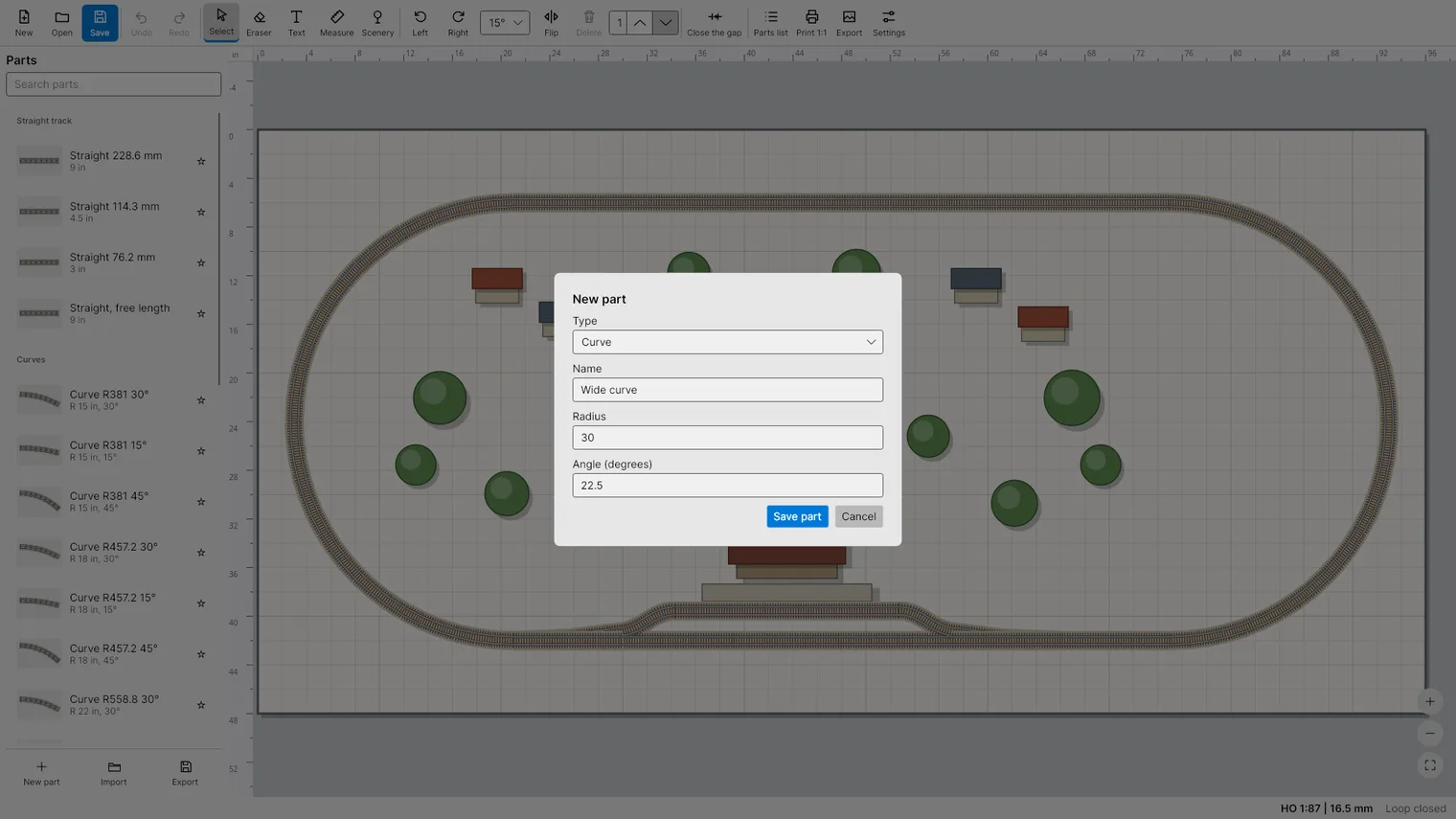
Make your own parts: type, name, radius and angle 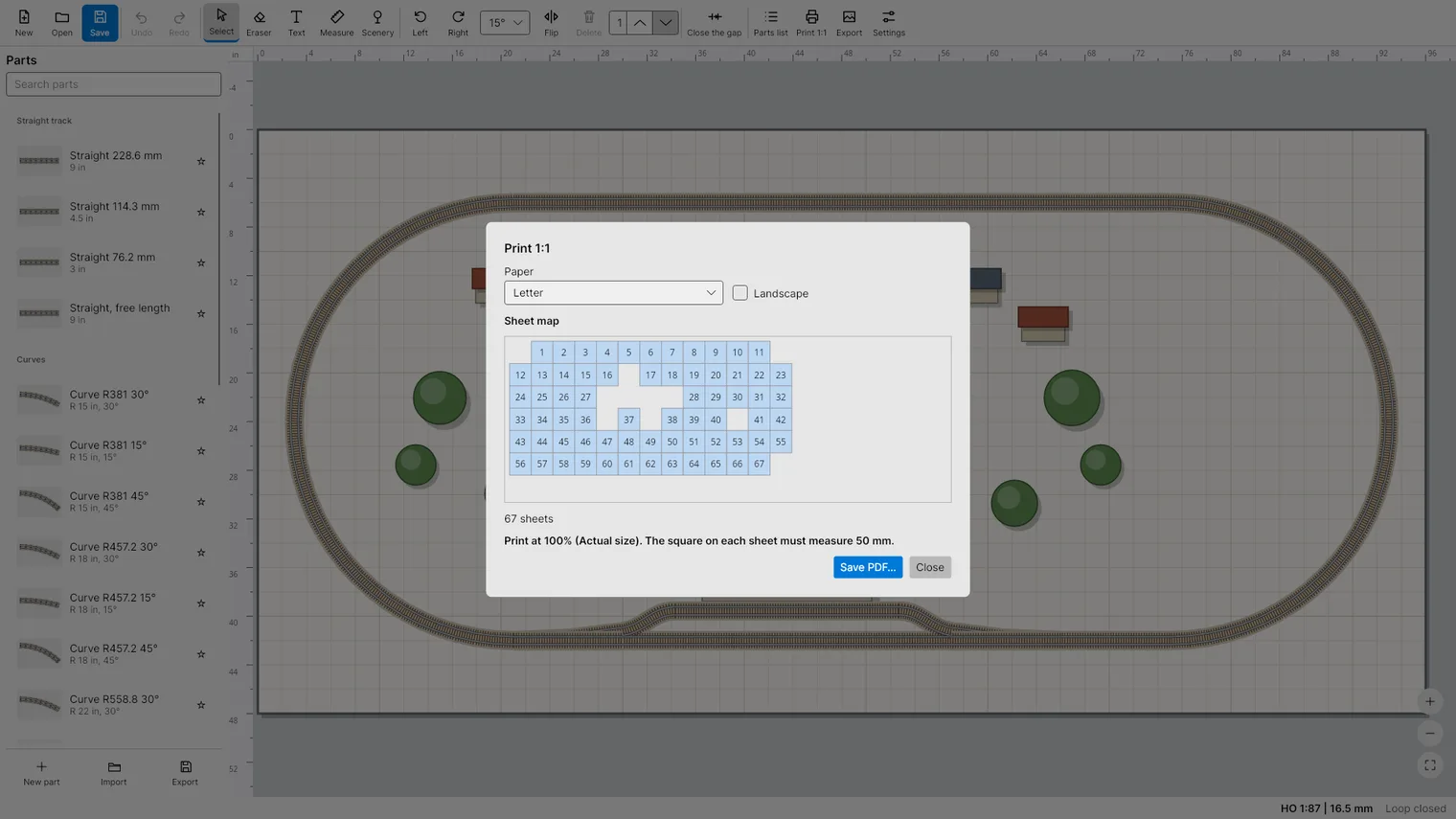
Print 1:1 on Letter or A4, the sheet map shows how many sheets 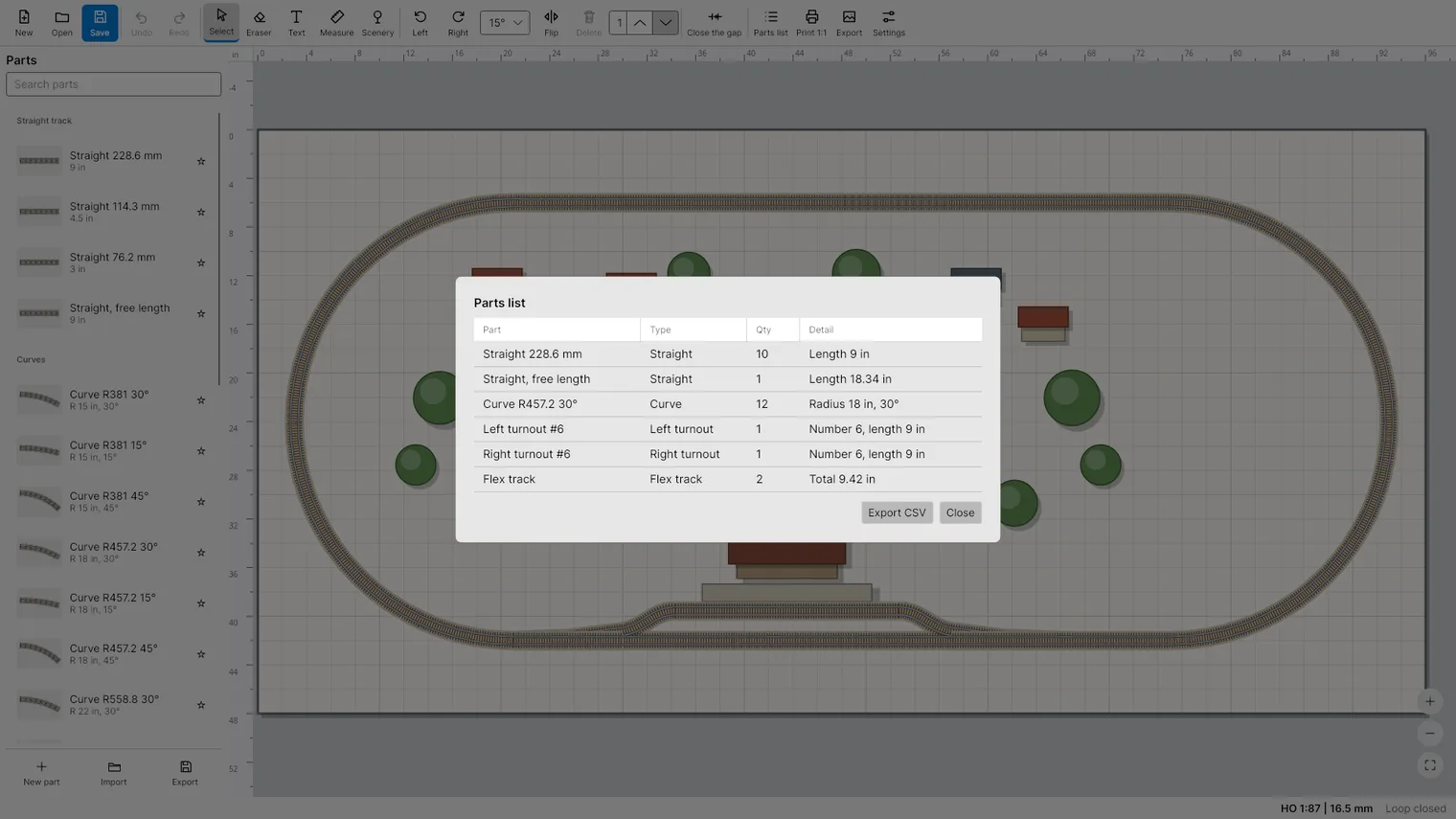
Count every piece by type and size, export the list to CSV 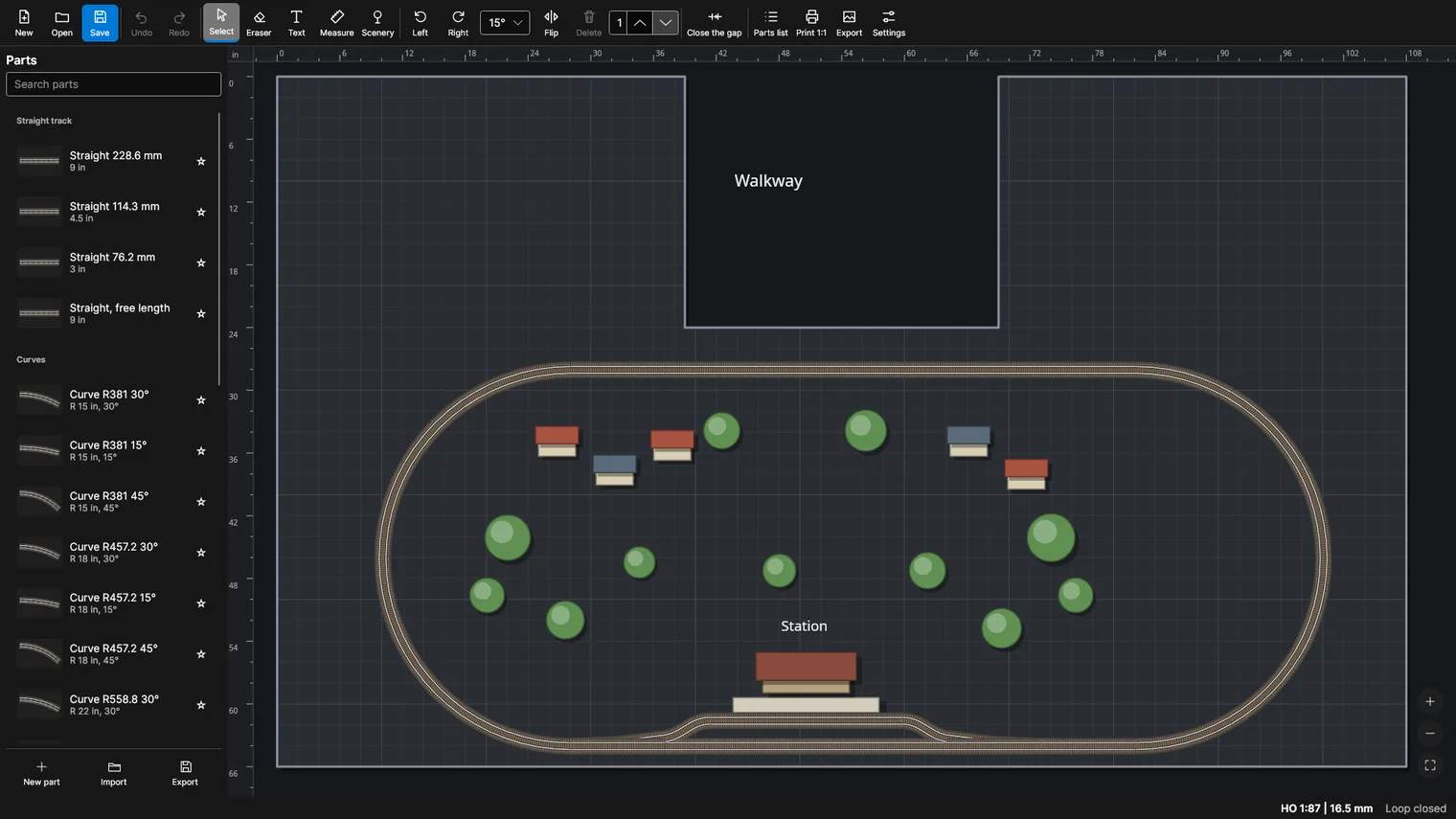
Dark mode with a U-shaped baseboard, station and scenery
Description
Draw your baseboard to scale, snap track together, see what to buy and print the plan at real size. Up to 20,000 pieces, one payment, no account. Works offline.
For model railroaders in HO, OO, N, TT, O, S and Z who plan a layout before they lay track.
Your plans are files on your computer. Export the plan as PNG or PDF and the parts list as CSV.
Features
- Close the gap: join two open track ends with flexible track, with a preview before you apply.
- Up to 20,000 pieces in one plan. No account, no subscription.
- Print the plan 1:1 on Letter or A4 with join marks, a ruler and numbered sheets.
- Parts list by type, radius, angle and length, exported to CSV.
- Make your own parts and save them as a library you can share.
- Scales Z, N, TT, HO, OO, S and O, with the track gauge always on screen.
- Baseboards in rectangle, L or U shape, in inches, feet or millimeters.
- Turnouts, Y turnouts, crossings, single slips, flexible track and buffer stops.
- Snap at track ends, rotate by 15, 5 or free degrees, undo up to 1,000 steps.
- Text, measure and scenery tools for buildings and labels.
- Export the plan as PNG or PDF.
- Light and dark mode, works offline, no data collected.
Questions
Is it a subscription?
No. You pay once on Gumroad and the .zip is yours.
Do I need the Microsoft Store?
No. You download a .zip, unzip it and run the .exe.
Why does Windows show «Windows protected your PC»?
The app is new and Windows does not know it yet. Click More info, then Run anyway.
Do I need an account or a key?
No account and no key.
Does it work offline?
Yes. Everything runs on your PC. Your files are never uploaded.
Which files does it open?
Your plans are files on your computer. Export the plan as PNG or PDF and the parts list as CSV.