Apps / PDF Pro Editor
PDF Pro Editor
LCTR · Productivity
Edit, sign and send PDFs without paying every month.
Free 7-day trial in the Microsoft Store. After it, your files still open for free.
US price. The Store shows the price for your country.
Buy for Windows | instant .zip14-day money-back guarantee. Pay once on Gumroad and download the .zip right away. Unzip it, run the .exe, no account and no key. If Windows says «Windows protected your PC», click More info, then Run anyway: the app is new and Windows does not know it yet.
Pay once. Own it. No subscription.
No subscription. One-time payment. Works offline, no account.
$24.99 once, instead of paying every month. See all five Pro apps
Teams: 5 seats $87.99. One payment, no subscription. Each seat is one computer of your organization. Perpetual use, updates to the current major version included. Terms in LICENSE.txt in the download.
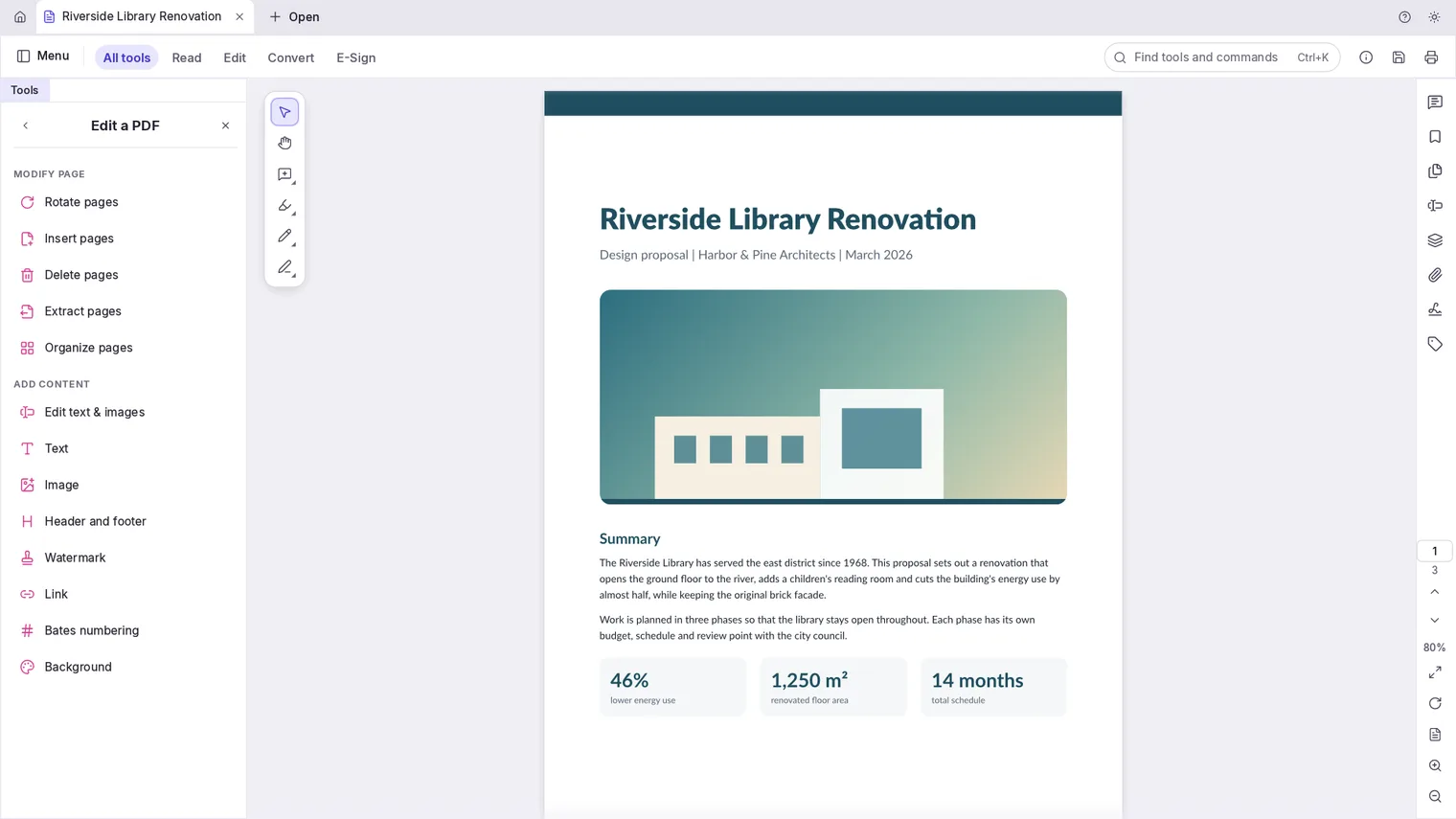
Change the text and images already in a PDF 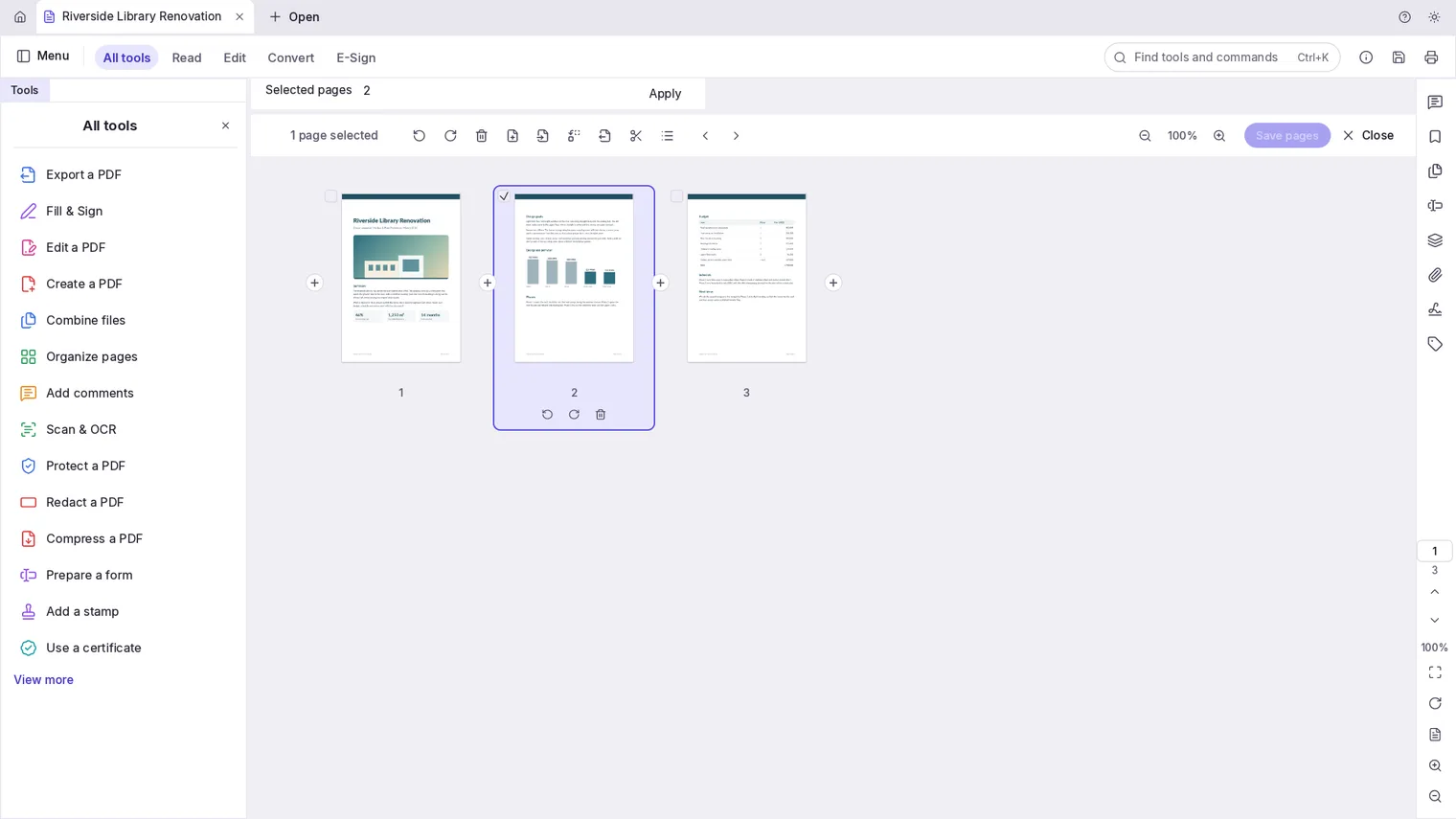
Reorder, merge and split pages 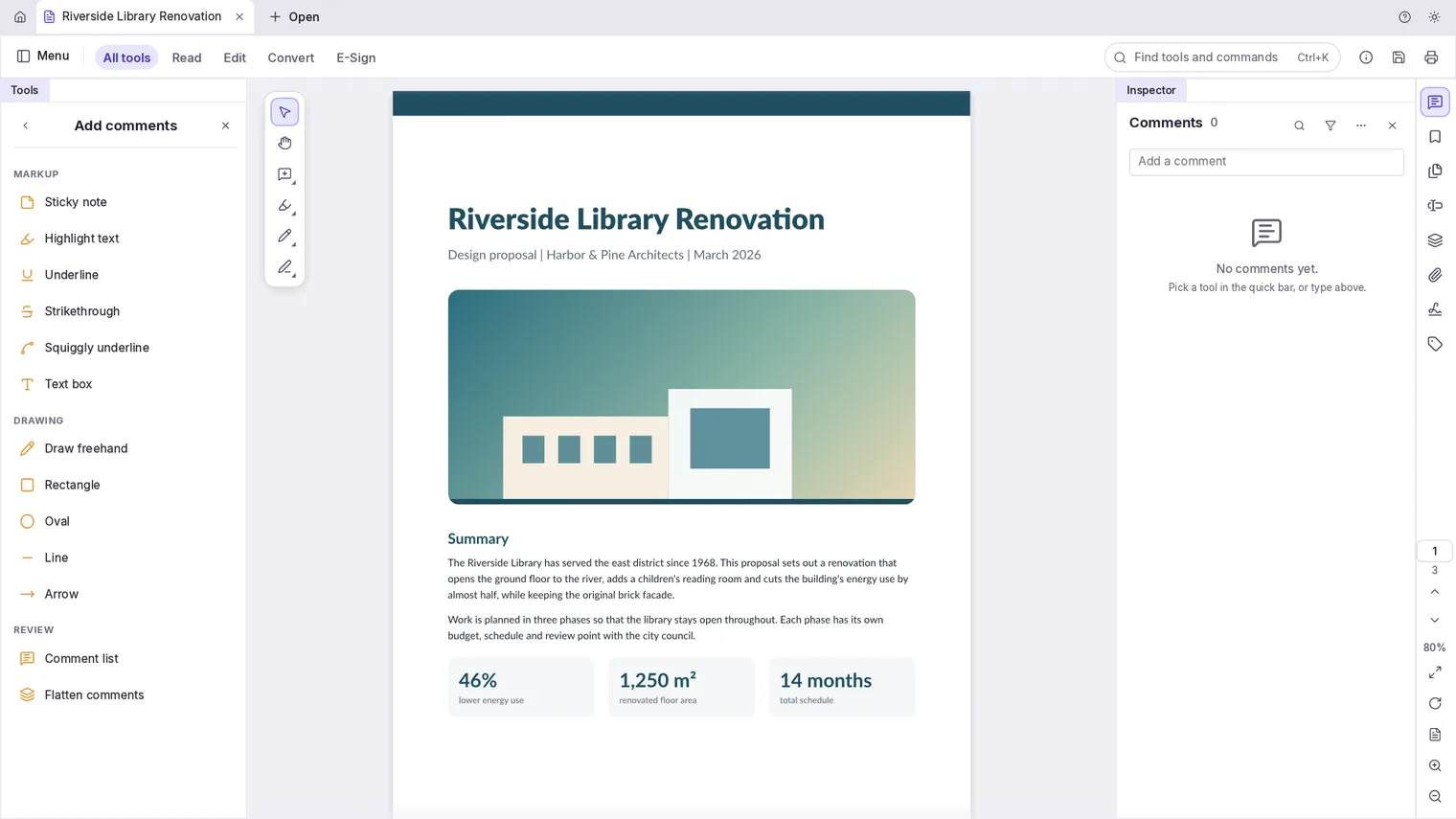
Highlight and comment so other readers see it 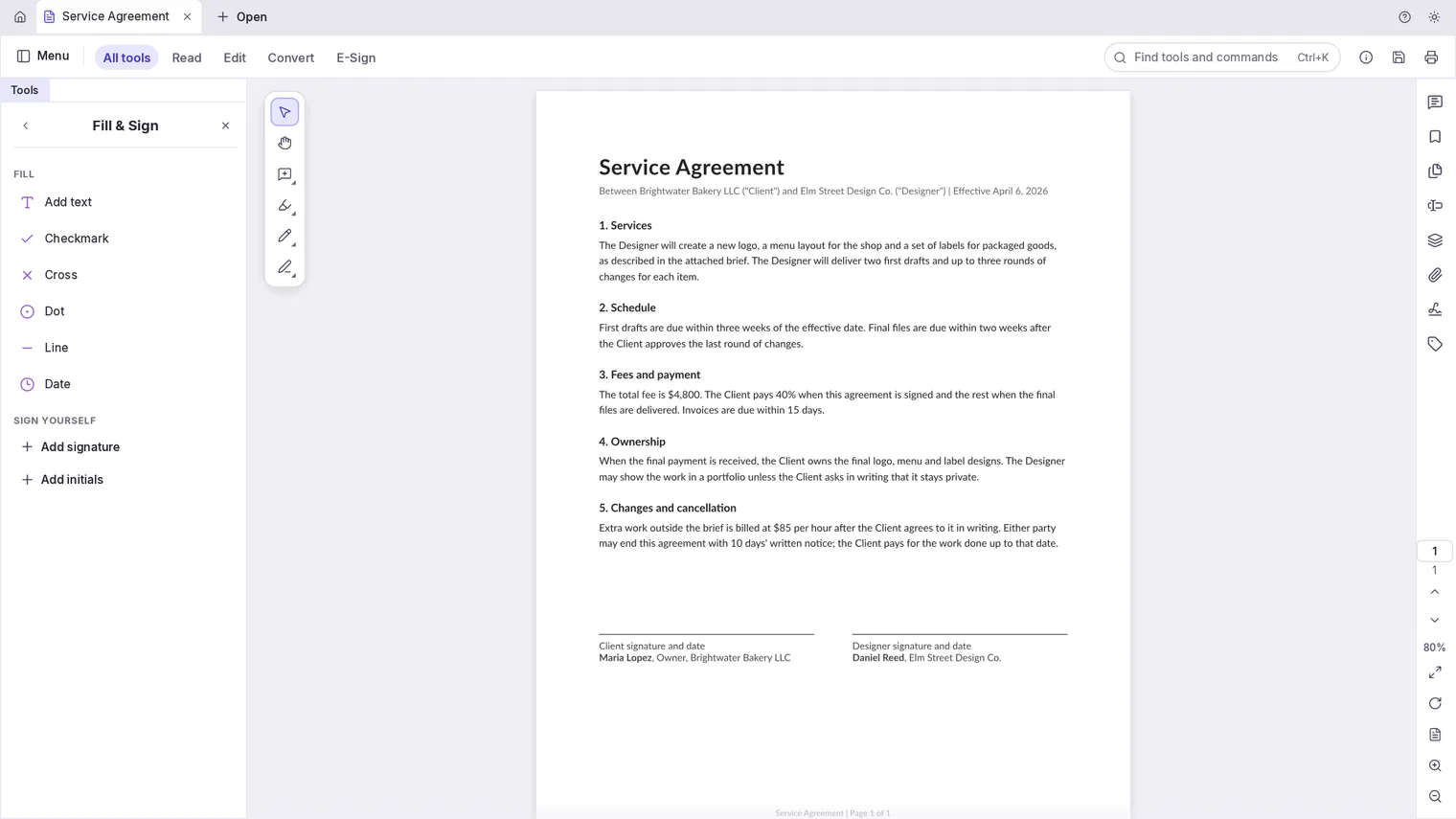
Sign with your signature or a digital ID 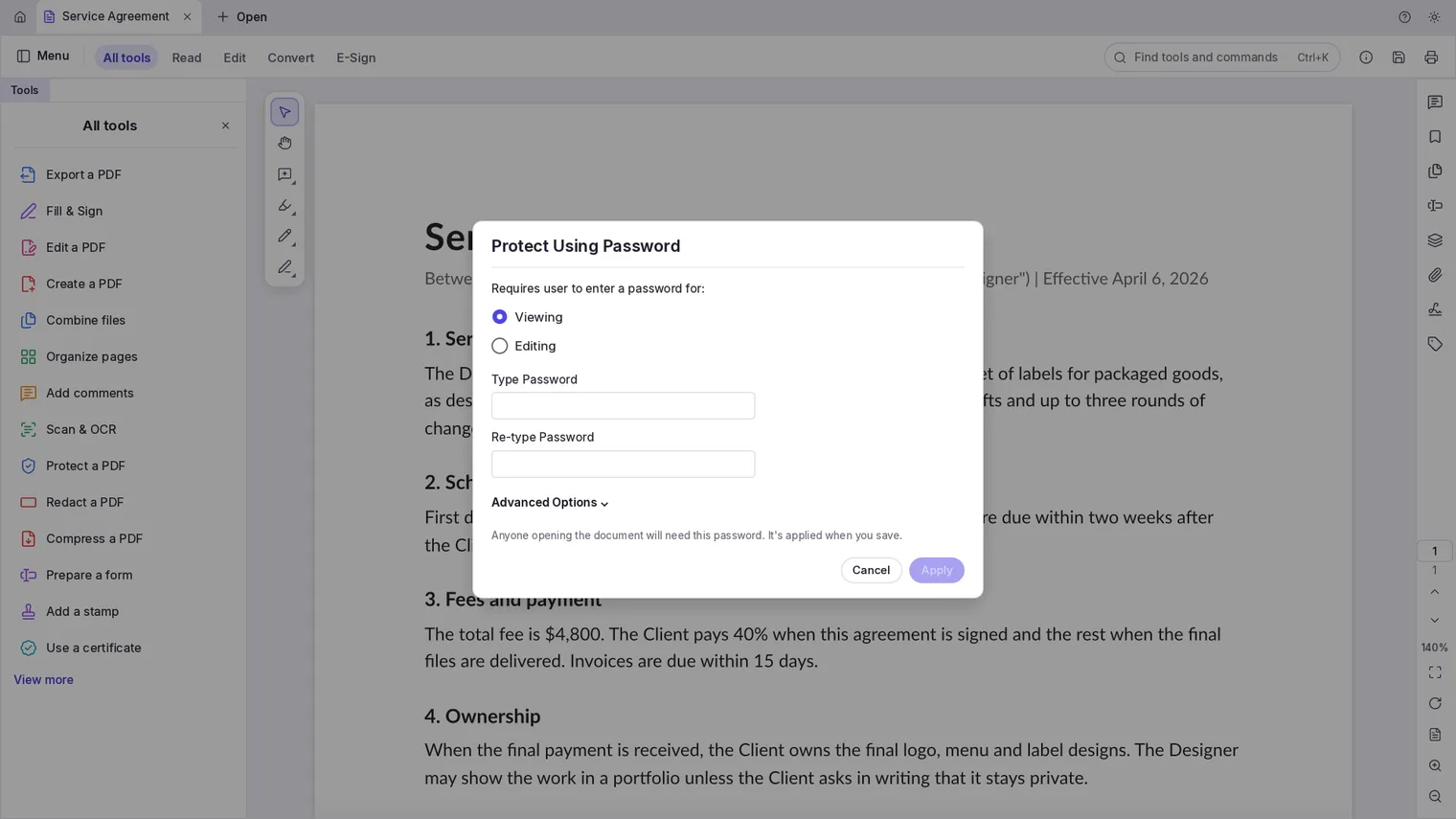
Protect a file with a password and permissions 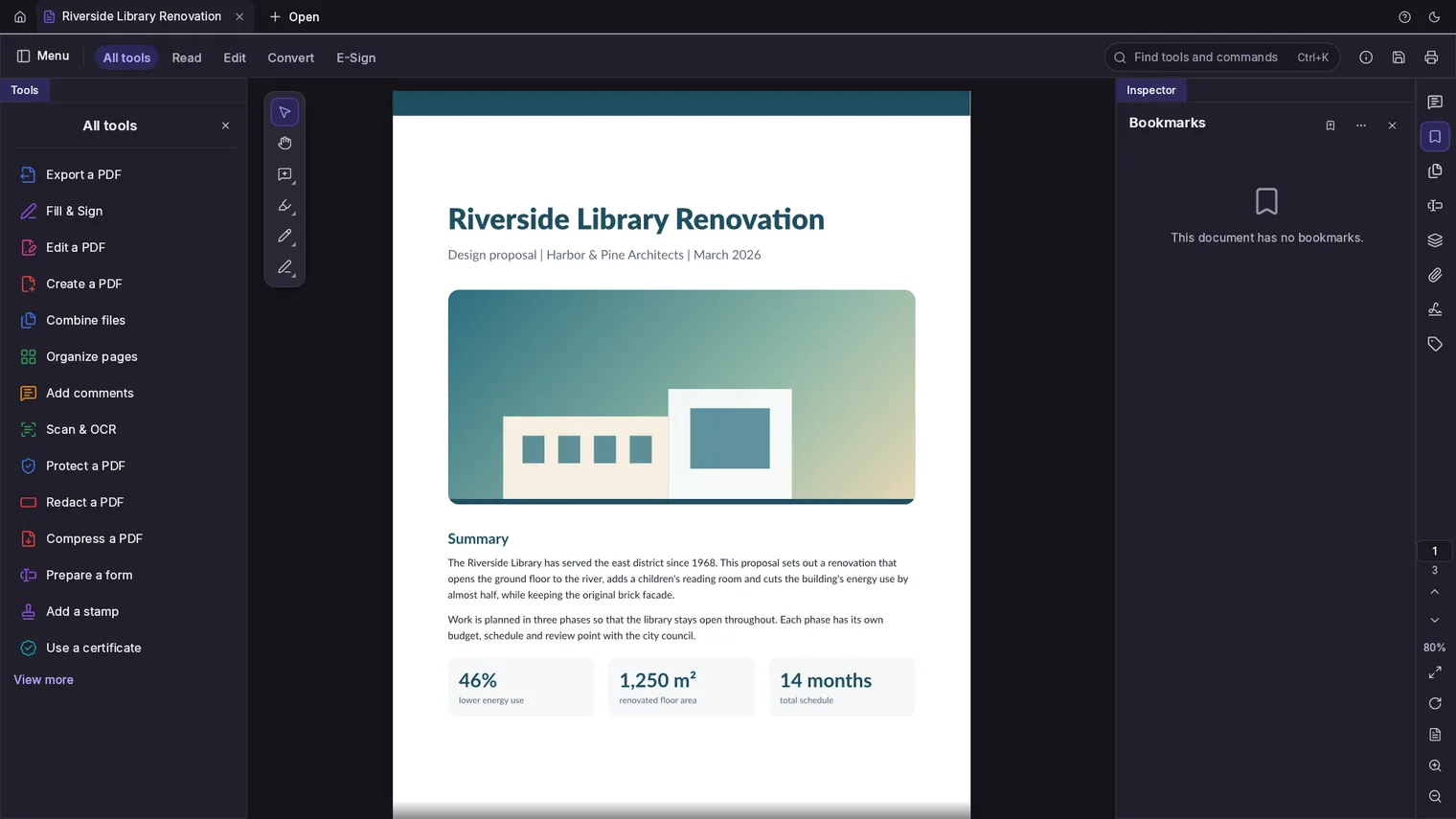
The same editor in the dark theme
Description
A PDF editor for Windows that you buy once. Edit text, merge pages, fill forms, sign and redact. Works offline, no account.
For office work, contracts, school forms and invoices: the PDF jobs that come up every week.
Opens any PDF, including scanned pages (text recognition on your PC) and password-protected files when you know the password.
Features
- Opens several PDFs in tabs, with thumbnails, bookmarks, zoom, continuous scroll and search with a list of hits.
- Reorders, rotates, inserts, deletes and extracts pages; combines several PDFs into one and splits a PDF into parts.
- Edits the text and images already in a PDF, and adds text, images, links, headers and footers, watermarks, page numbers and backgrounds.
- Highlights, underlines, strikes out, sticky notes, drawings, shapes and stamps, saved as standard PDF comments that other readers show.
- Fills PDF forms (text, check boxes, radio buttons, lists, dates) and can add new form fields.
- Places a drawn, typed or image signature, initials and the date on a document, and signs with a digital ID (a .pfx or .p12 file, or a new self-signed ID).
- Recognize text turns scanned pages into searchable, selectable text, on the PC. It reads English and other languages written in the Latin alphabet without accents.
- Sets a password to open a file and permissions for printing, copying and editing; removes security when you know the password.
- Redaction removes the text and images under each mark from the file, not just covers them, and can clear hidden data such as metadata.
- An accessibility checker lists the problems that make a PDF hard to read with a screen reader.
- In File Explorer, right-click PDF files and choose Combine into one PDF or Reduce file size (under Show more options). Reduce file size saves a smaller copy next to each file.
- Actions run a list of steps, such as reduce file size, add a watermark or page numbers, on many PDFs at once.
- Prints through the Windows print dialog, with page range and copies.
- Light and dark themes.
- The interface comes in 22 languages, including English, Spanish, French, German, Italian, Portuguese and Japanese, and follows the Windows display language.
Questions
Is it a subscription?
No. You pay once in the Microsoft Store and the app is yours, with updates.
Can I try it first?
Yes. The Store offers a free 7-day trial with every feature.
Do I need an account?
No account and no sign-in. Only the Microsoft Store account you already use on Windows.
Does it work offline?
Yes. Everything runs on your PC. Your files are never uploaded.
Which files does it open?
Opens any PDF, including scanned pages (text recognition on your PC) and password-protected files when you know the password.