Apps / FPS Boost Studio

FPS Boost Studio
LCTR · Photo & video
Make any video smooth. 60 or 120 FPS.
Try it free in the Microsoft Store, then buy once for 4.99 USD.
US price. The Store shows the price for your country.
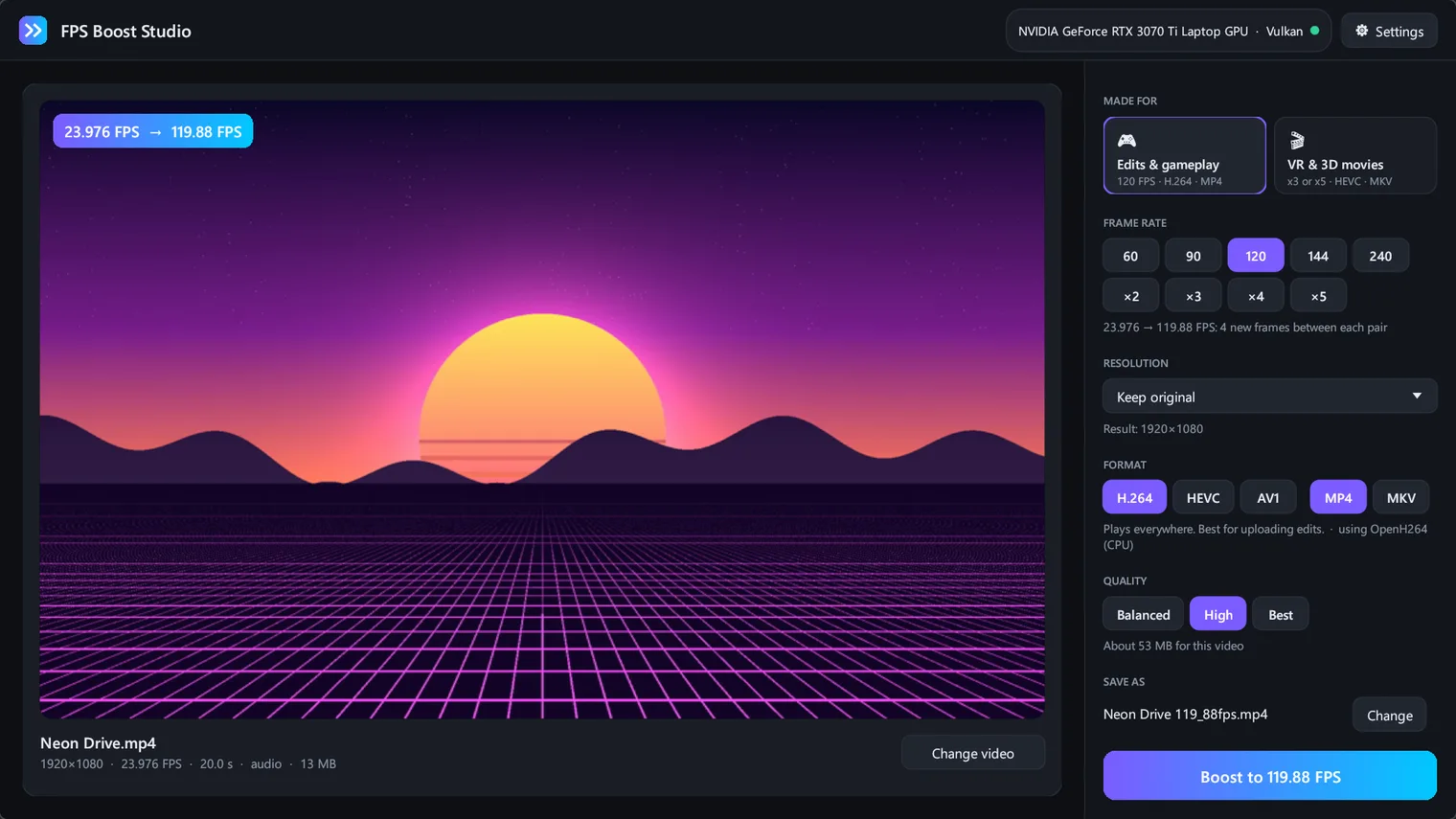
Pick a video and a target of 60 or 120 FPS 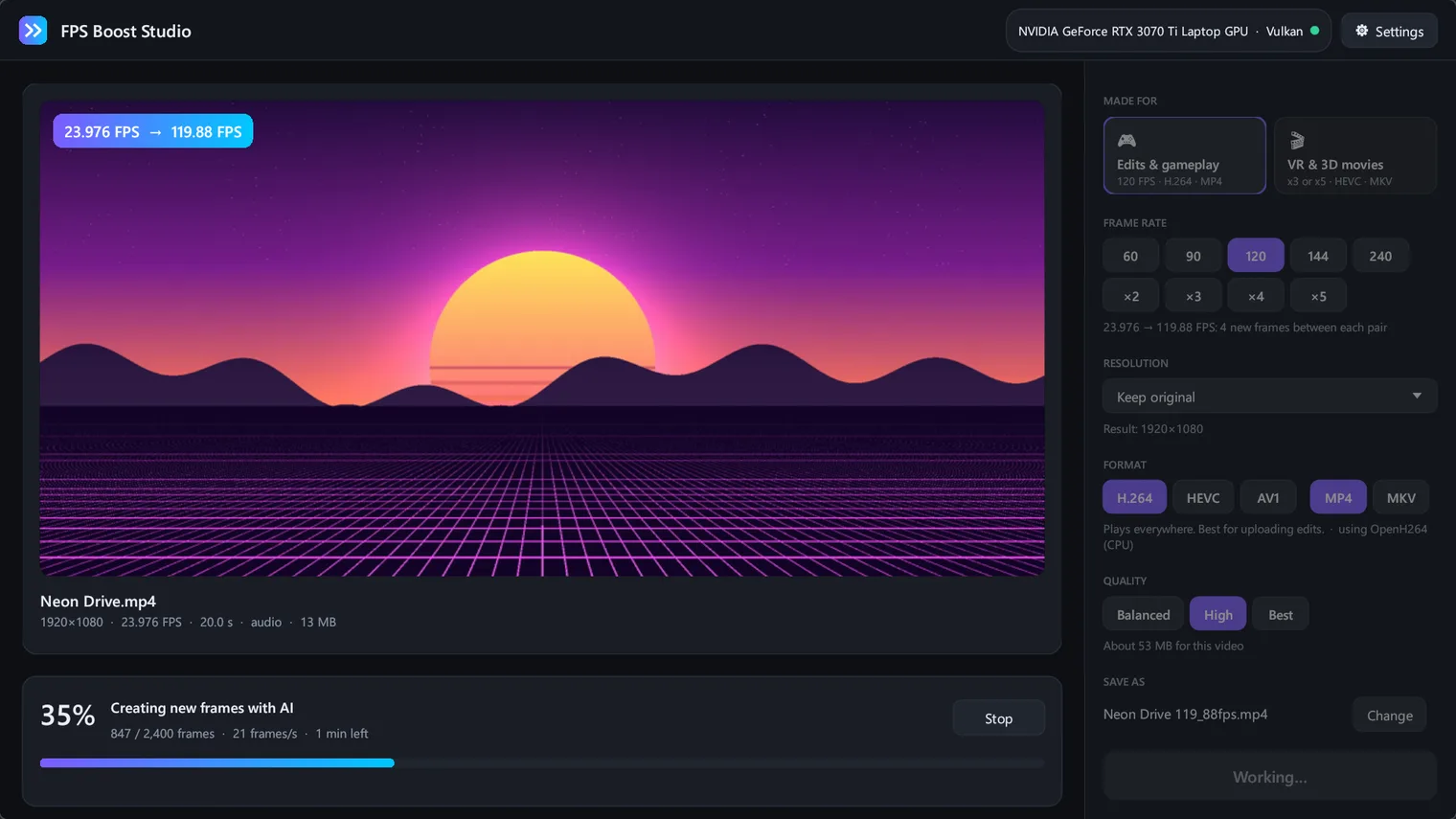
AI creates the in-between frames, with speed and time left 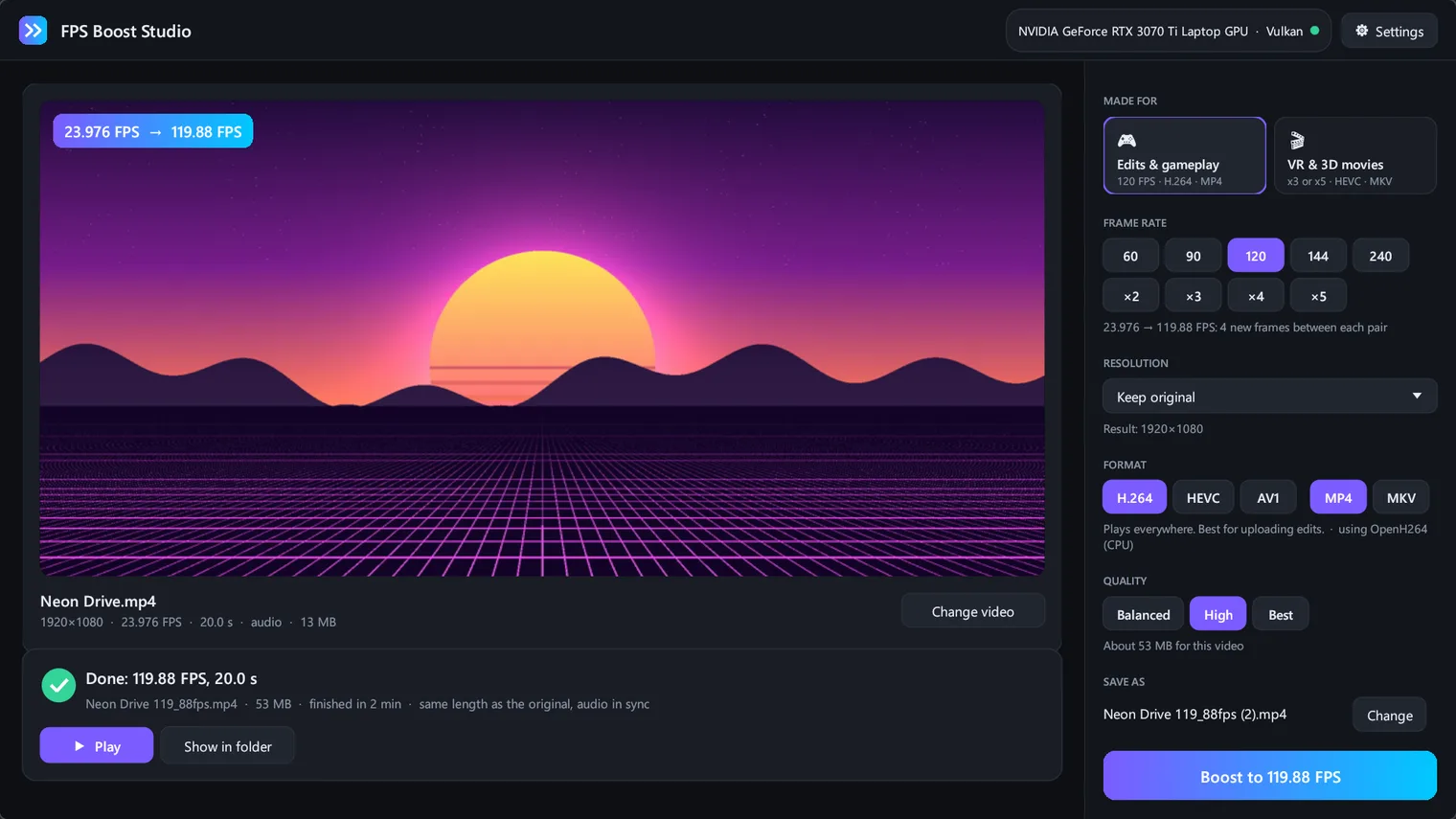
Done: same length, same sound, smoother motion 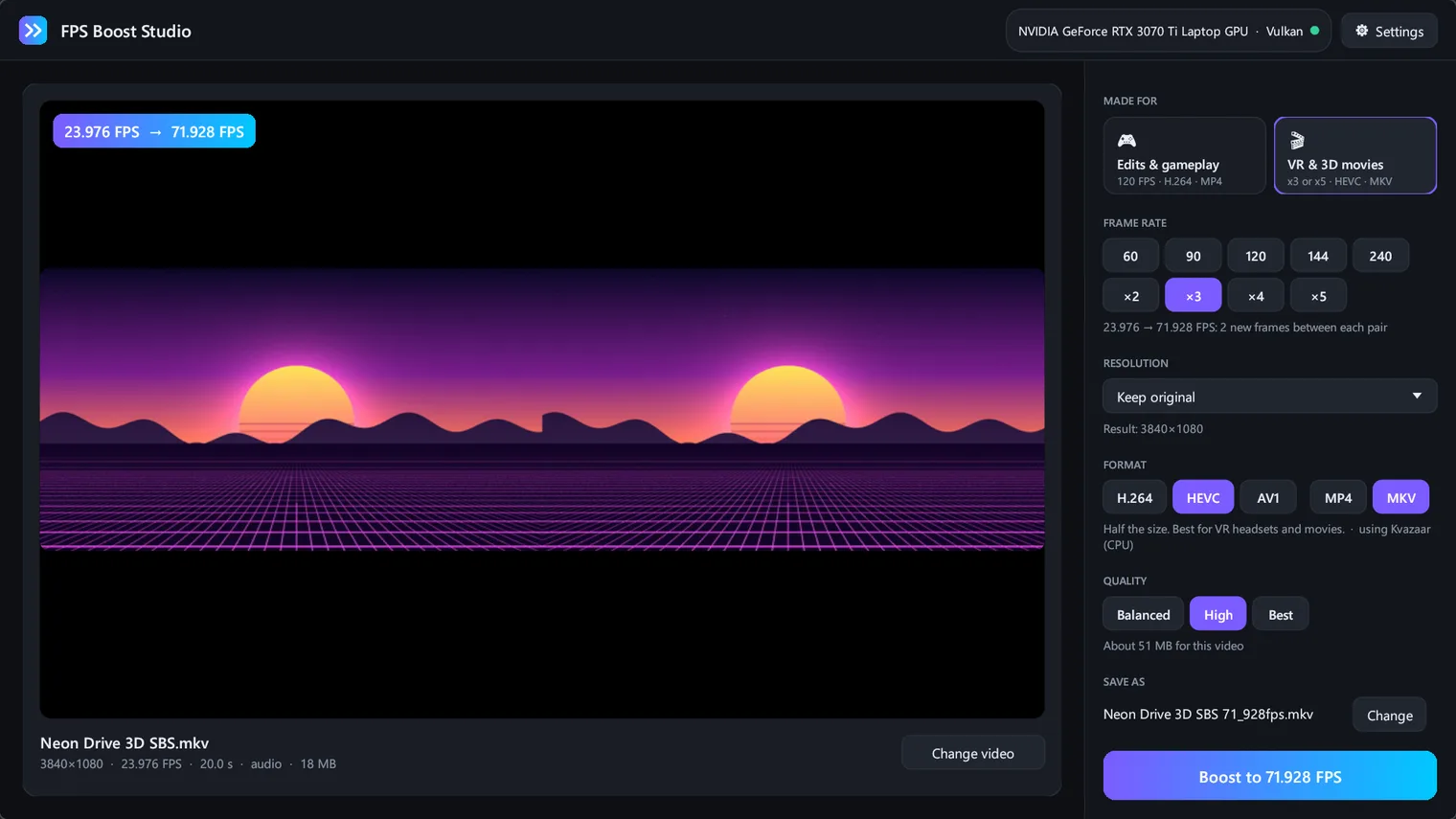
One-click preset for VR and 3D movies 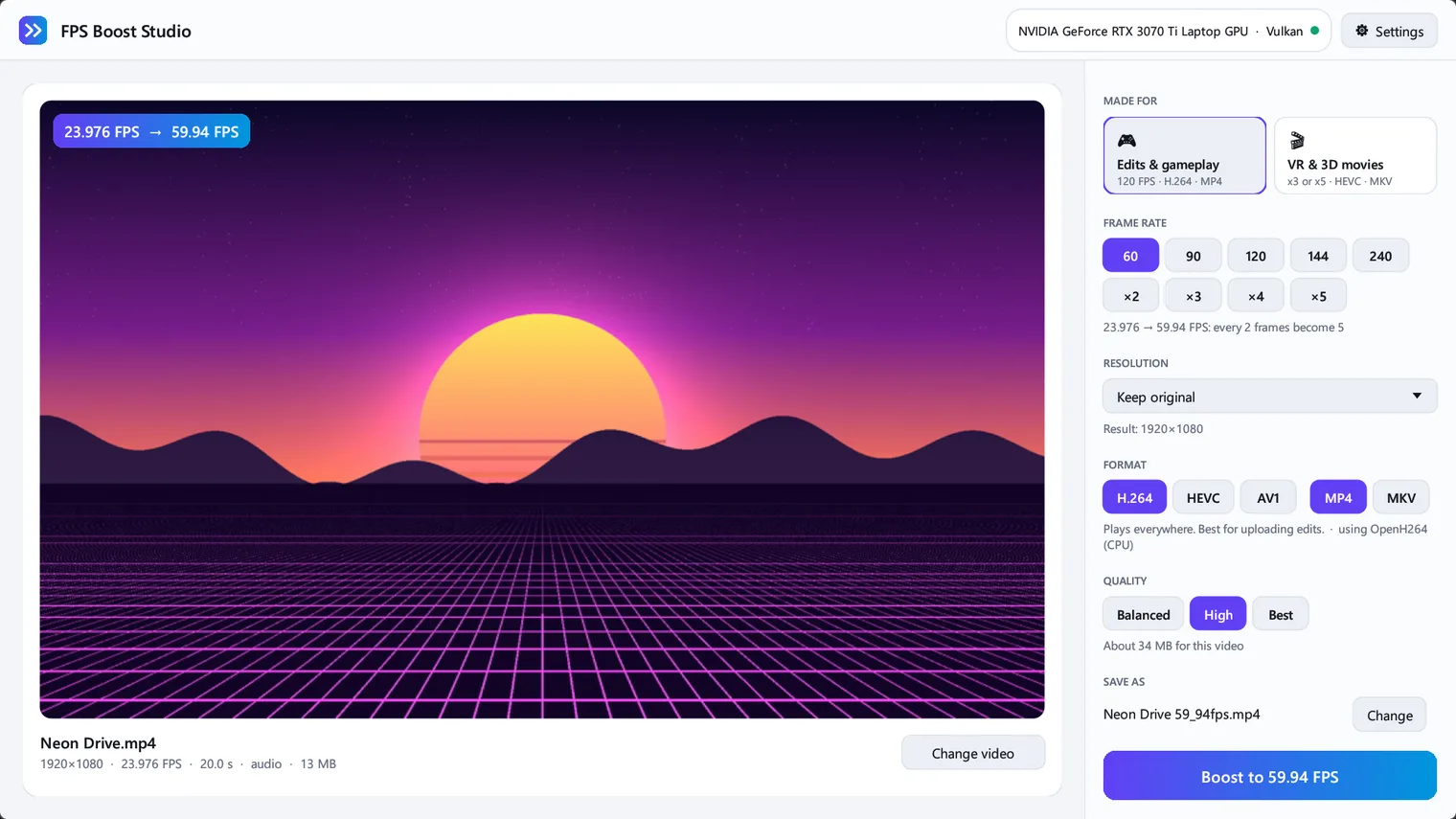
Light theme
Description
AI creates the in-between frames, so motion looks smooth instead of choppy. Works with NVIDIA, AMD and Intel graphics cards. Sound stays in sync. No account. Works offline.
For video editors, gamers with clips and edits, and anyone watching 3D and VR movies in a headset.
Opens video files from your PC. Protected videos from streaming services or Blu-ray discs cannot be opened. A full-length movie can take hours, depending on your graphics card, and it changes video files, not the frame rate of games while they run.
Features
- Boosts any video to 60 or 120 FPS, or multiplies the frame rate by 2, 3, 4 or 5, with frames created by AI (RIFE), not duplicated.
- Runs on NVIDIA, AMD and Intel graphics cards through Vulkan; works on the processor when there is no compatible GPU.
- Keeps the original length, speed and audio. The sound is copied without re-encoding and stays in sync, also for phone and screen recordings with variable frame rate.
- Two one-click presets - Edits and gameplay (120 FPS, H.264, MP4) and VR and 3D movies (x3 or x5, HEVC, MKV), for side-by-side and over-under 3D videos.
- Uses the hardware video encoder of the PC (NVIDIA NVENC, AMD AMF, Intel Quick Sync or Windows Media Foundation) when there is one, and a software encoder when not. H.264, HEVC and AV1 output in MP4 or MKV.
- Optional resizing (for example to 1080p or 4K) while boosting.
- Shows progress, speed and time left, can be stopped at any time, and cleans up its temporary files.
- Light and dark themes that follow Windows, or chosen by hand.
Questions
Is it a subscription?
No. You pay once in the Microsoft Store and the app is yours, with updates.
Can I try it first?
Yes. Try it free in the Microsoft Store first. If you keep it, it is a one-time purchase of 4.99 USD, no subscription.
Do I need an account?
No account and no sign-in. Only the Microsoft Store account you already use on Windows.
Does it work offline?
Yes. Everything runs on your PC. Your files are never uploaded.
Which files does it open?
Opens video files from your PC. Protected videos from streaming services or Blu-ray discs cannot be opened. A full-length movie can take hours, depending on your graphics card, and it changes video files, not the frame rate of games while they run.