Apps / Envelope Printer Pro | Address Labels

Envelope Printer Pro | Address Labels
LCTR · Productivity
Print envelopes and labels right the first time.
Try it free for 7 days in the Microsoft Store. During the trial each job prints its first 3 addresses.
US price. The Store shows the price for your country.
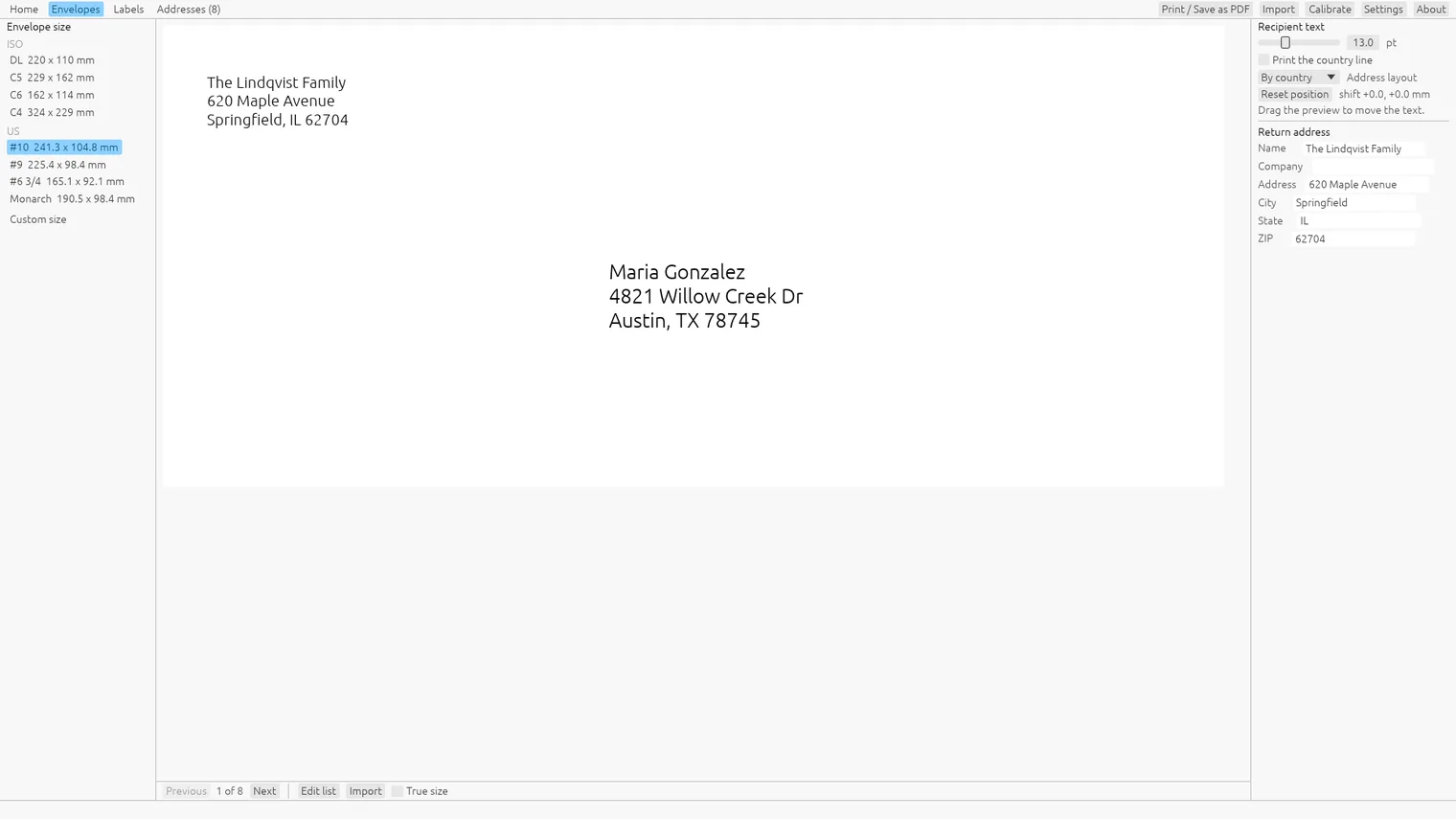
Pick the envelope size, with your return address on every one 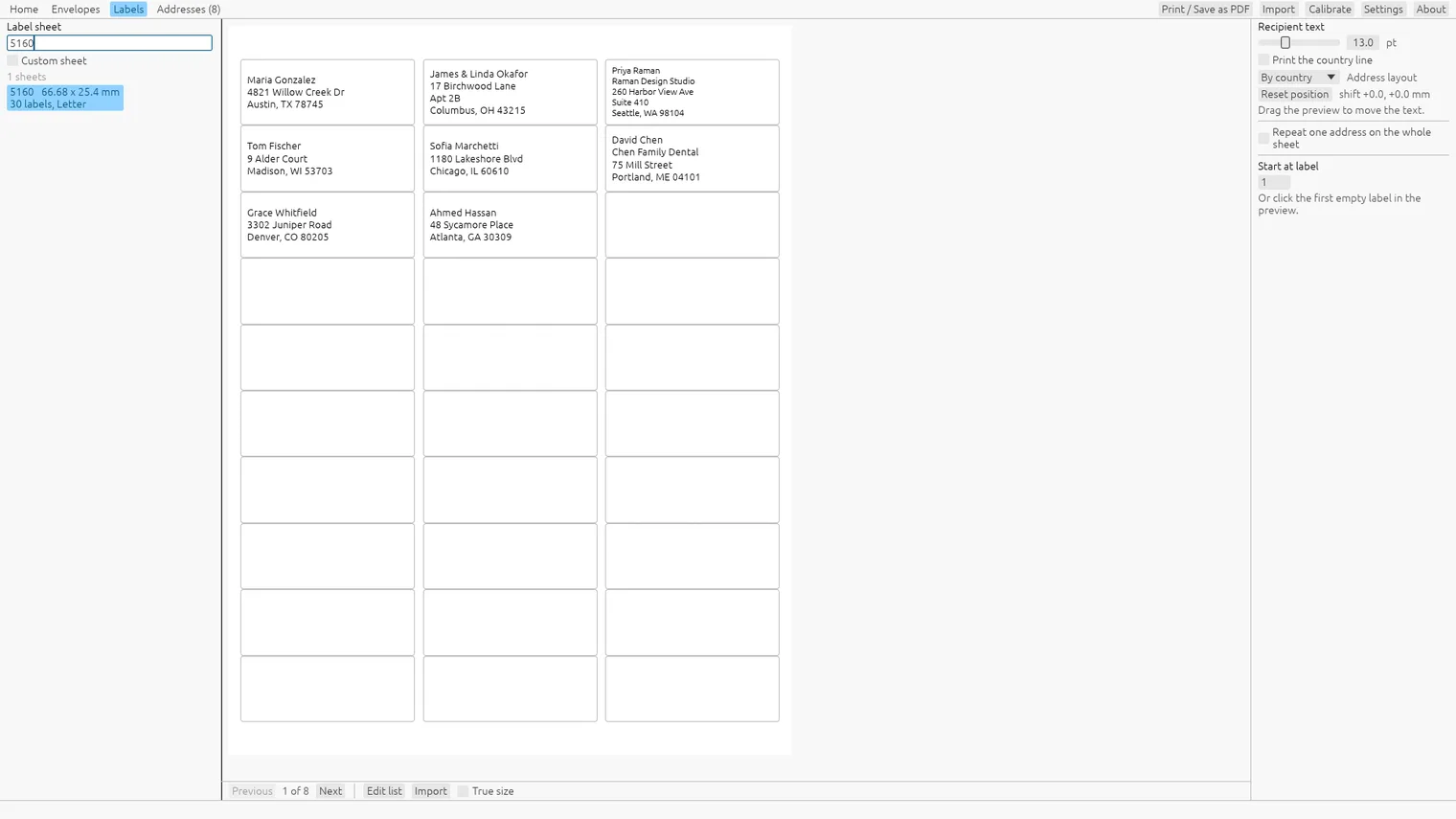
Type the code on the label pack, like 5160, and the sheet appears 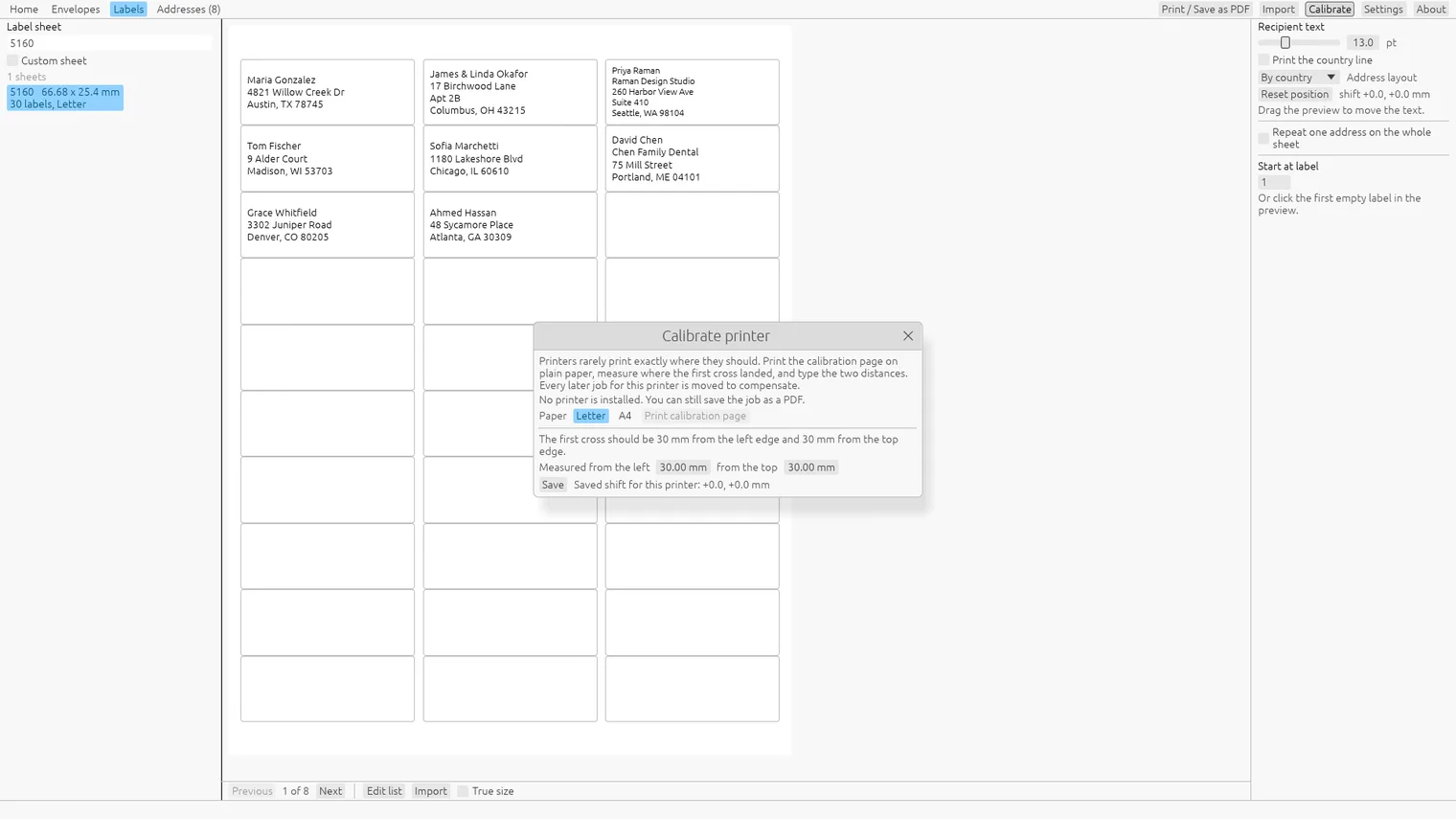
Measure two marks once and every job lines up 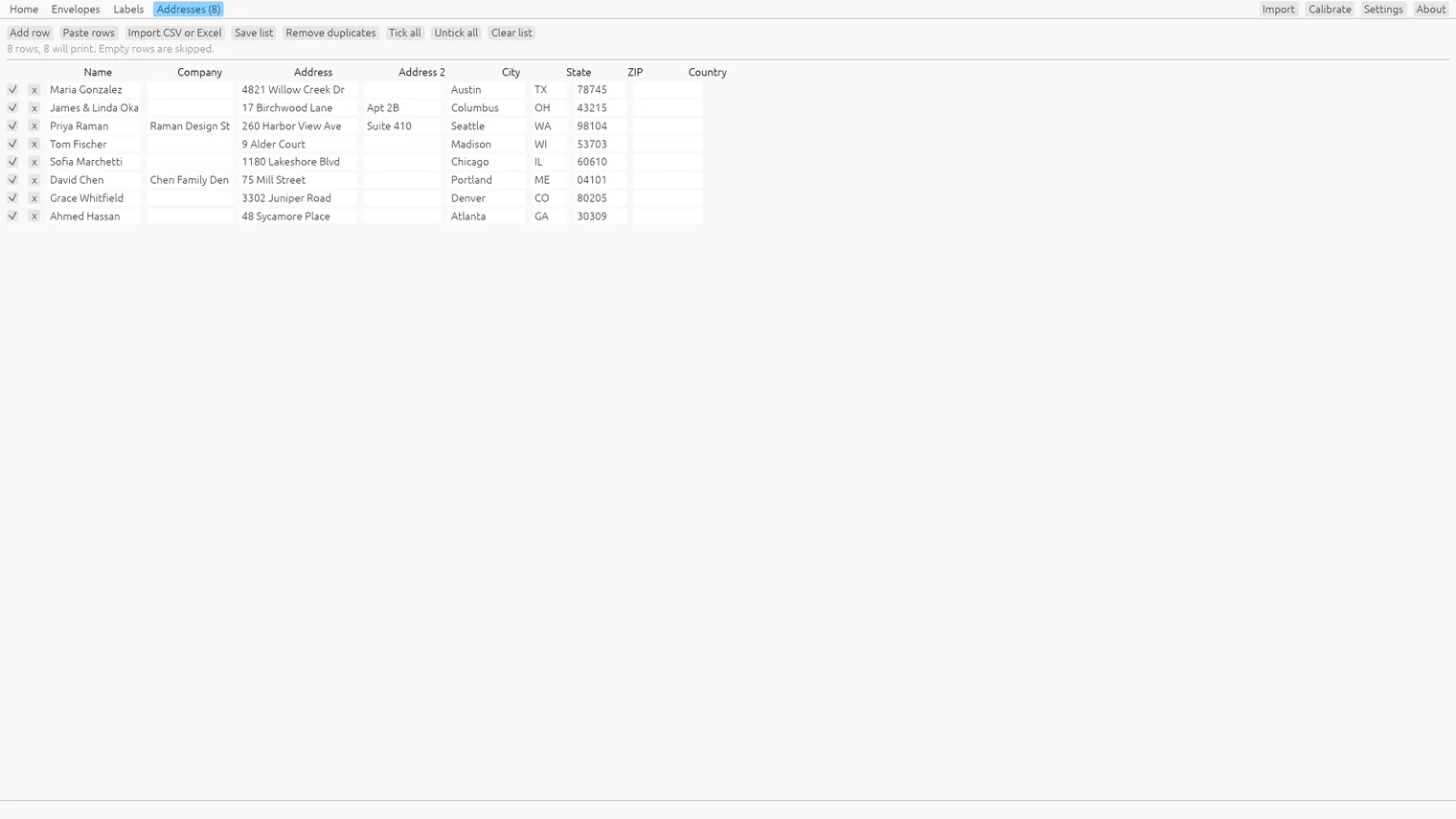
Your address list: import a .csv or .xlsx file, or paste the rows 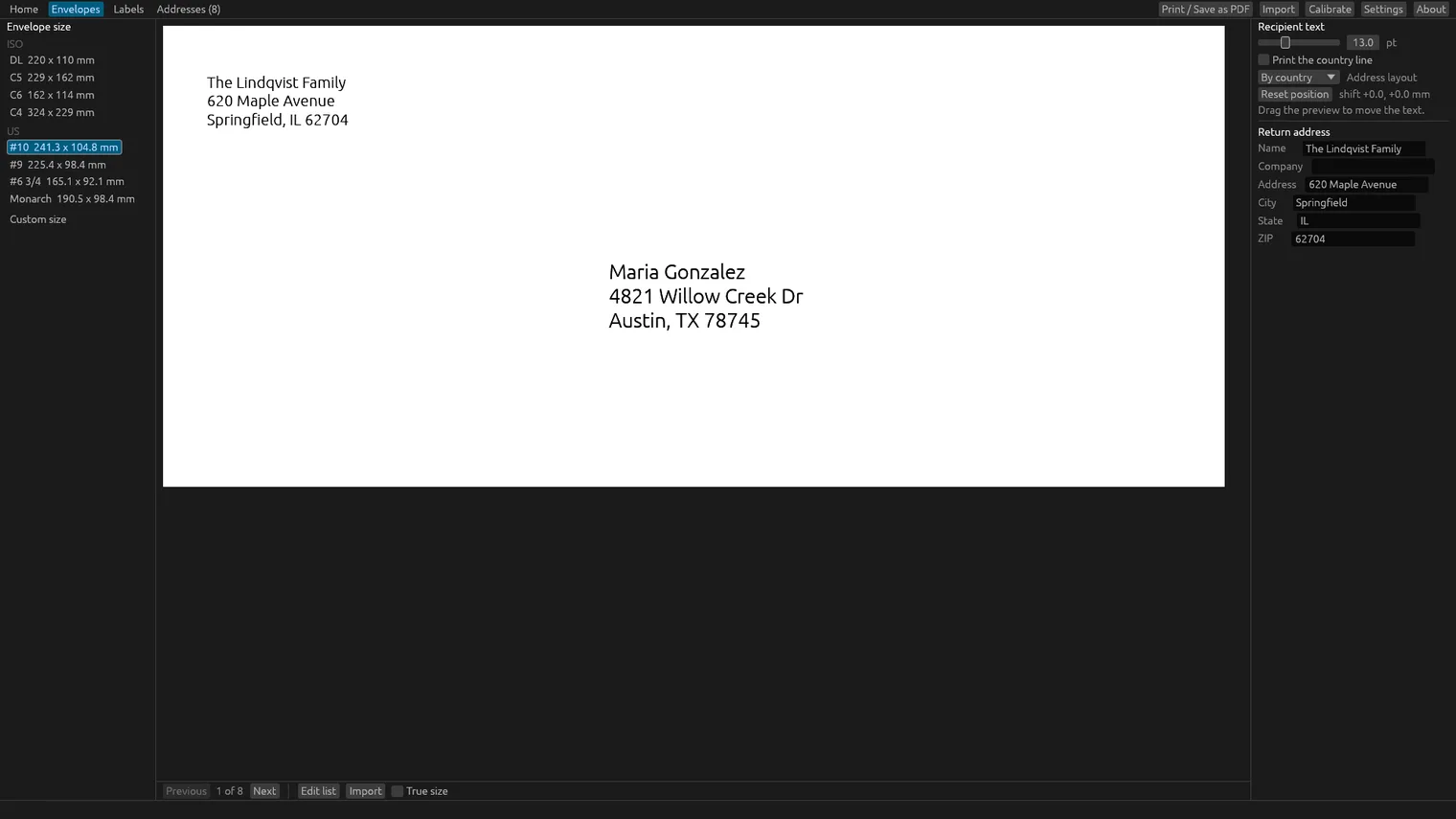
The dark theme 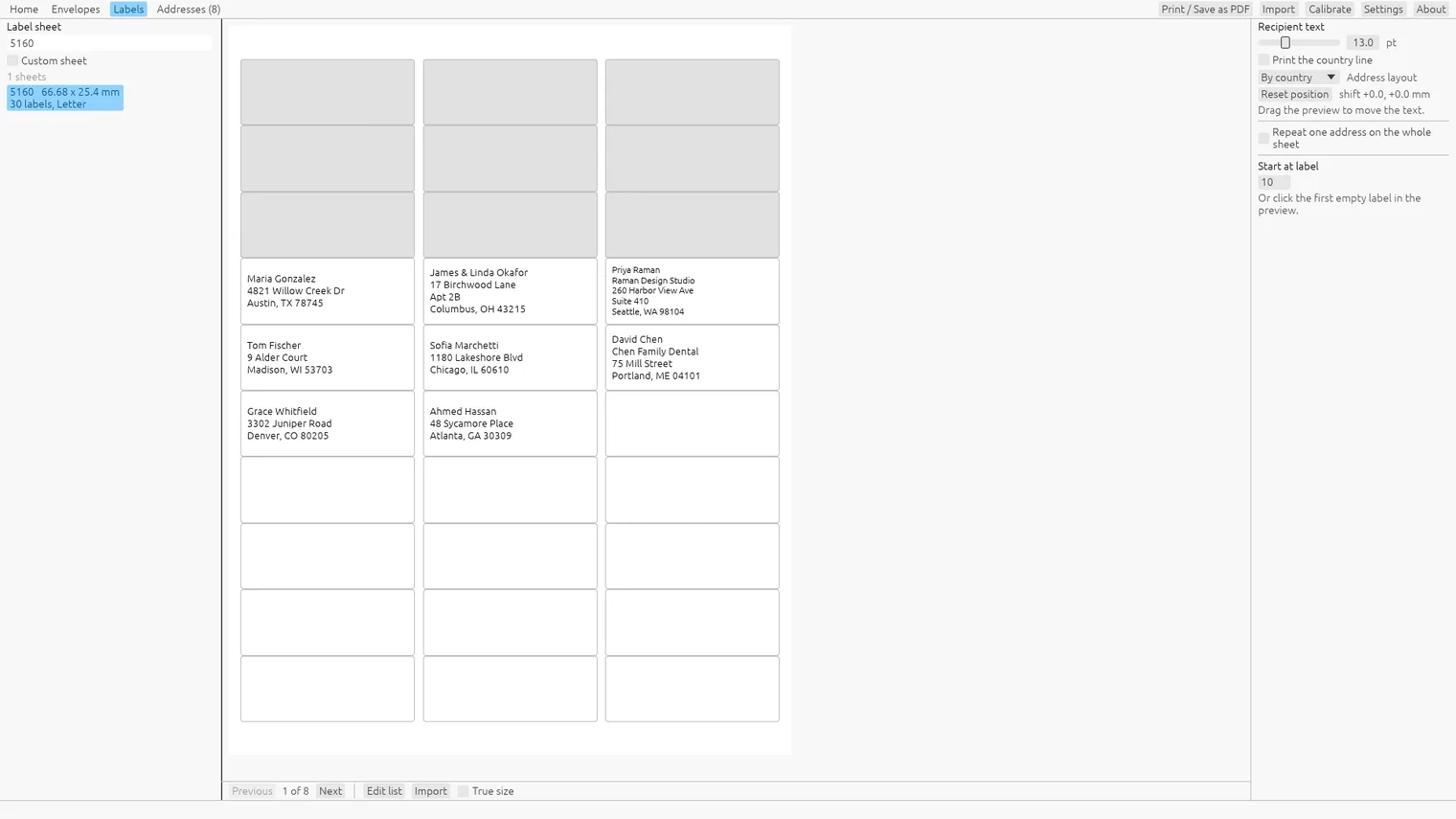
Start on a used sheet, at any label
Description
Import your .xlsx or .csv list, pick the envelope or type the label code like 5160, and print. No mail merge, no account, no subscription. Works offline.
For anyone sending holiday cards, invitations or letters, and small offices that mail to a list.
Imports .xlsx and .csv address lists (comma or semicolon). Prints to any Windows printer or saves a PDF.
Features
- Prints DL, C6, C5, C4, US
- Finds label sheets by code or size, for example 5160, Letter and A4, and starts at any label of a used sheet.
- Imports addresses from .csv and .xlsx files, matches the columns on its own and shows a 3-row sample first.
- True-size preview of every envelope and sheet.
- Calibration page per printer, so every later envelope and sheet lines up.
- Saves any job as a PDF with exact page sizes, to print elsewhere.
- Works offline, with light and dark themes. Your addresses never leave your PC.
Questions
Is it a subscription?
No. You pay once in the Microsoft Store and the app is yours, with updates.
Can I try it first?
Yes. For 7 days everything works and each job prints its first 3 addresses, enough to check the alignment. After that, printing needs the purchase.
Do I need an account?
No account and no sign-in. Only the Microsoft Store account you already use on Windows.
Does it work offline?
Yes. Everything runs on your PC. Your files are never uploaded.
Which files does it open?
Imports .xlsx and .csv address lists (comma or semicolon). Prints to any Windows printer or saves a PDF.