Apps / Docs Pro Editor
Docs Pro Editor
LCTR · Productivity
Write and edit documents without paying every month.
Free 7-day trial in the Microsoft Store. After it, your files still open for free.
US price. The Store shows the price for your country.
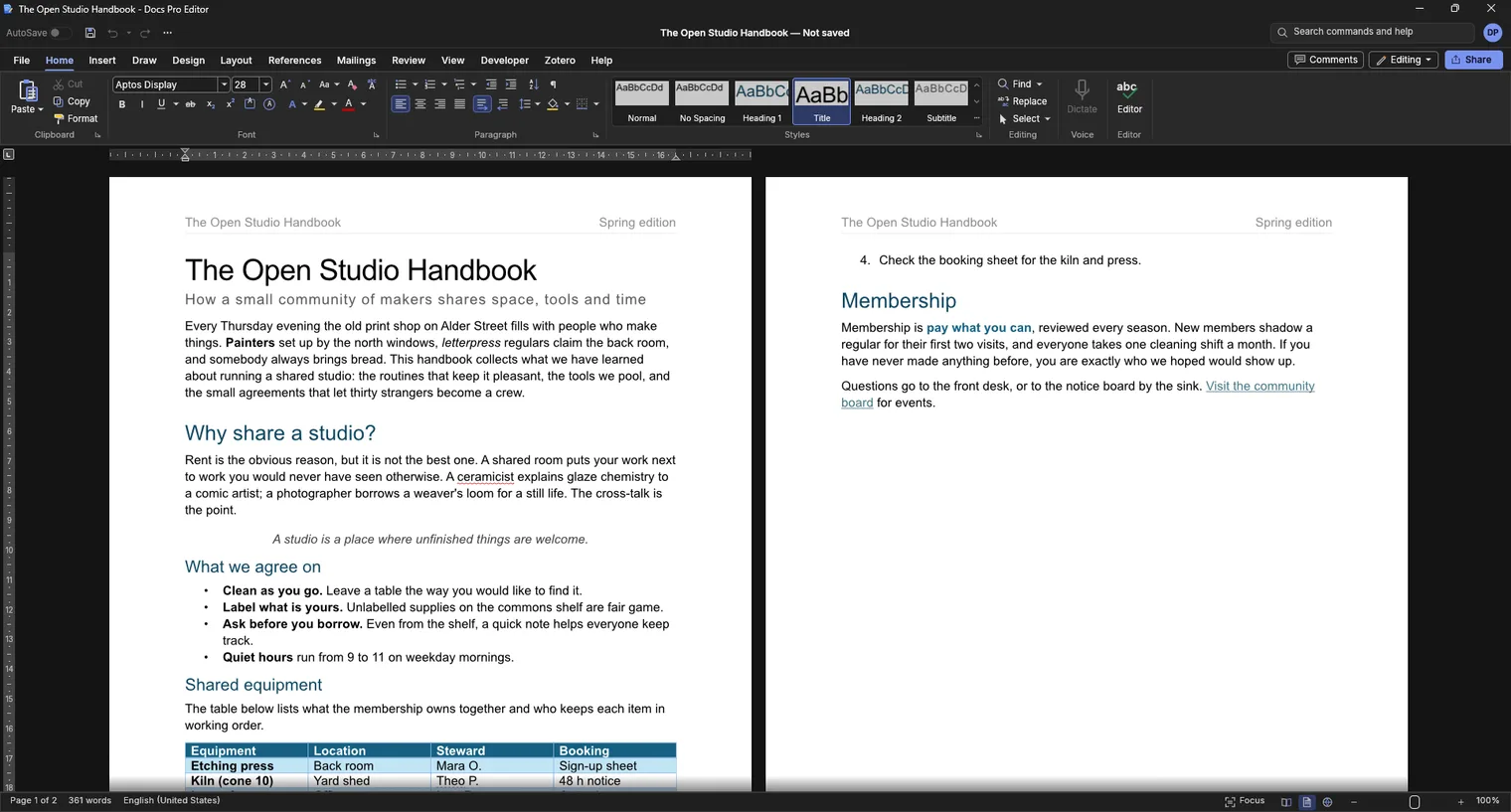
Write with styles, tables and pictures 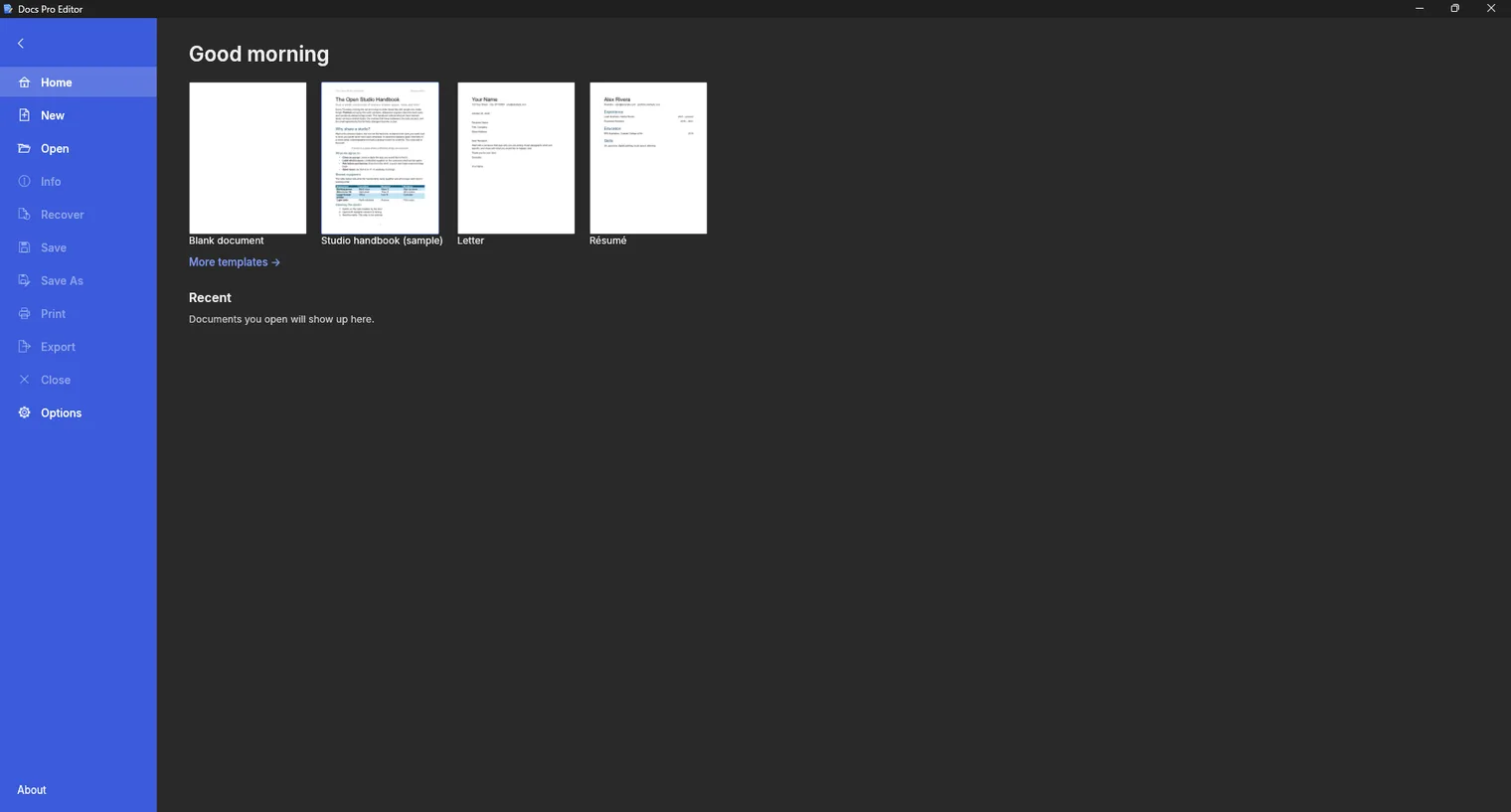
Start from a blank page or a template 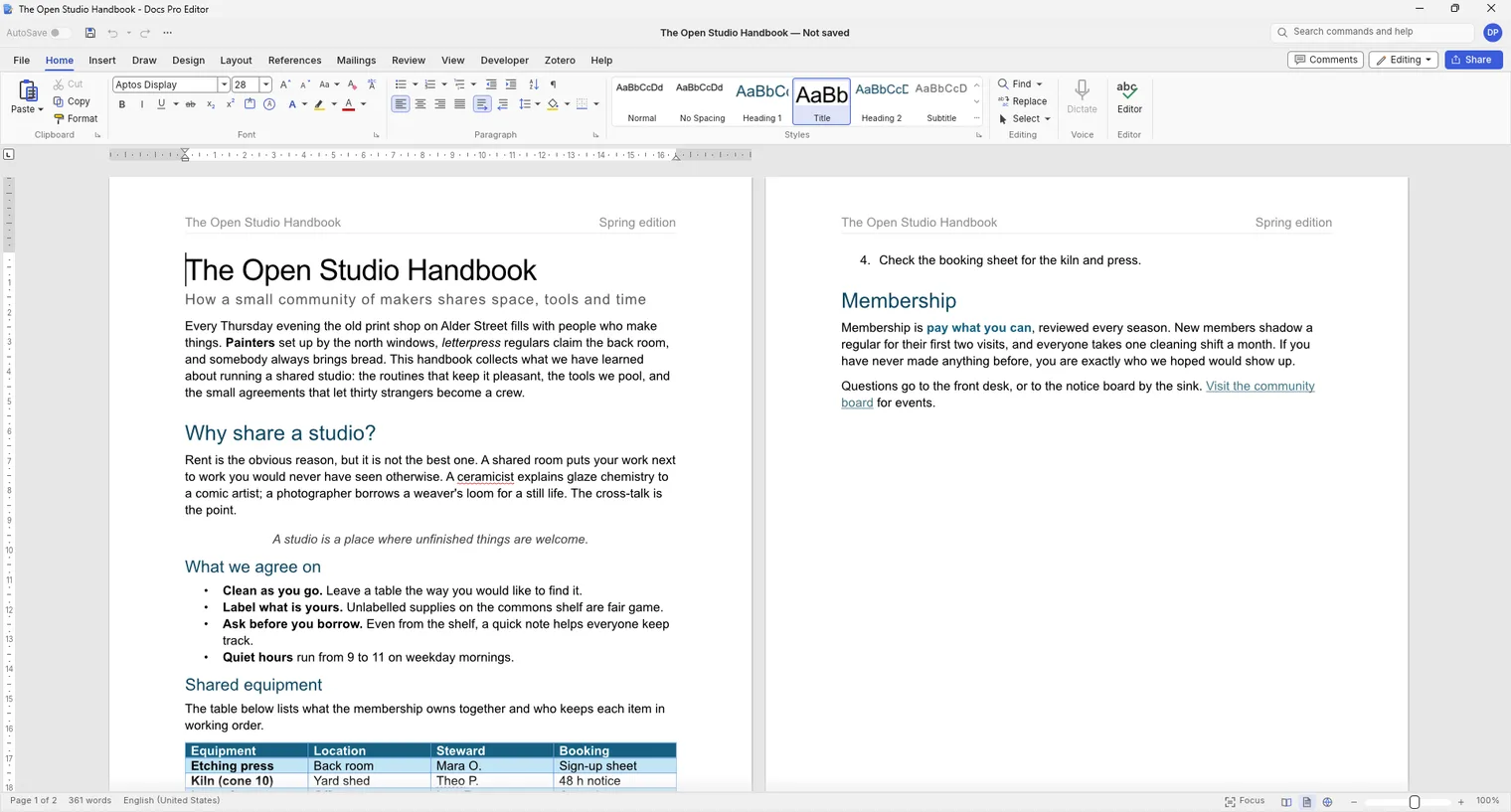
Switch to a light theme when you prefer it
Description
Open, edit and save .docx files with no account and no subscription. Every feature is free for 7 days, saving included, then pay once. Works offline.
For students, office workers and freelancers who open and edit .docx files every week.
Opens .docx, .odt, .rtf and older .doc files. Saves .docx and exports to PDF.
Features
- Opens, edits and saves .docx files; also opens .odt, .rtf and older .doc files.
- Fonts, styles, lists, tables, pictures, headers and footers, page setup and a navigation pane.
- Track changes and comments, a spelling checker and find and replace.
- Exports the document to PDF and prints through the Windows print dialog.
- Mail merge from a list, tables of contents and footnotes.
- Light and dark themes and many interface languages.
Questions
Is it a subscription?
No. You pay once in the Microsoft Store and the app is yours, with updates.
Can I try it first?
Yes. The Store offers a free 7-day trial with every feature.
Do I need an account?
No account and no sign-in. Only the Microsoft Store account you already use on Windows.
Does it work offline?
Yes. Everything runs on your PC. Your files are never uploaded.
Which files does it open?
Opens .docx, .odt, .rtf and older .doc files. Saves .docx and exports to PDF.