Apps / Cuewright | Teleprompter

Cuewright | Teleprompter
LCTR · Productivity
A teleprompter under your webcam.
Try it free in the Microsoft Store, then buy once for 4.99 USD.
US price. The Store shows the price for your country.
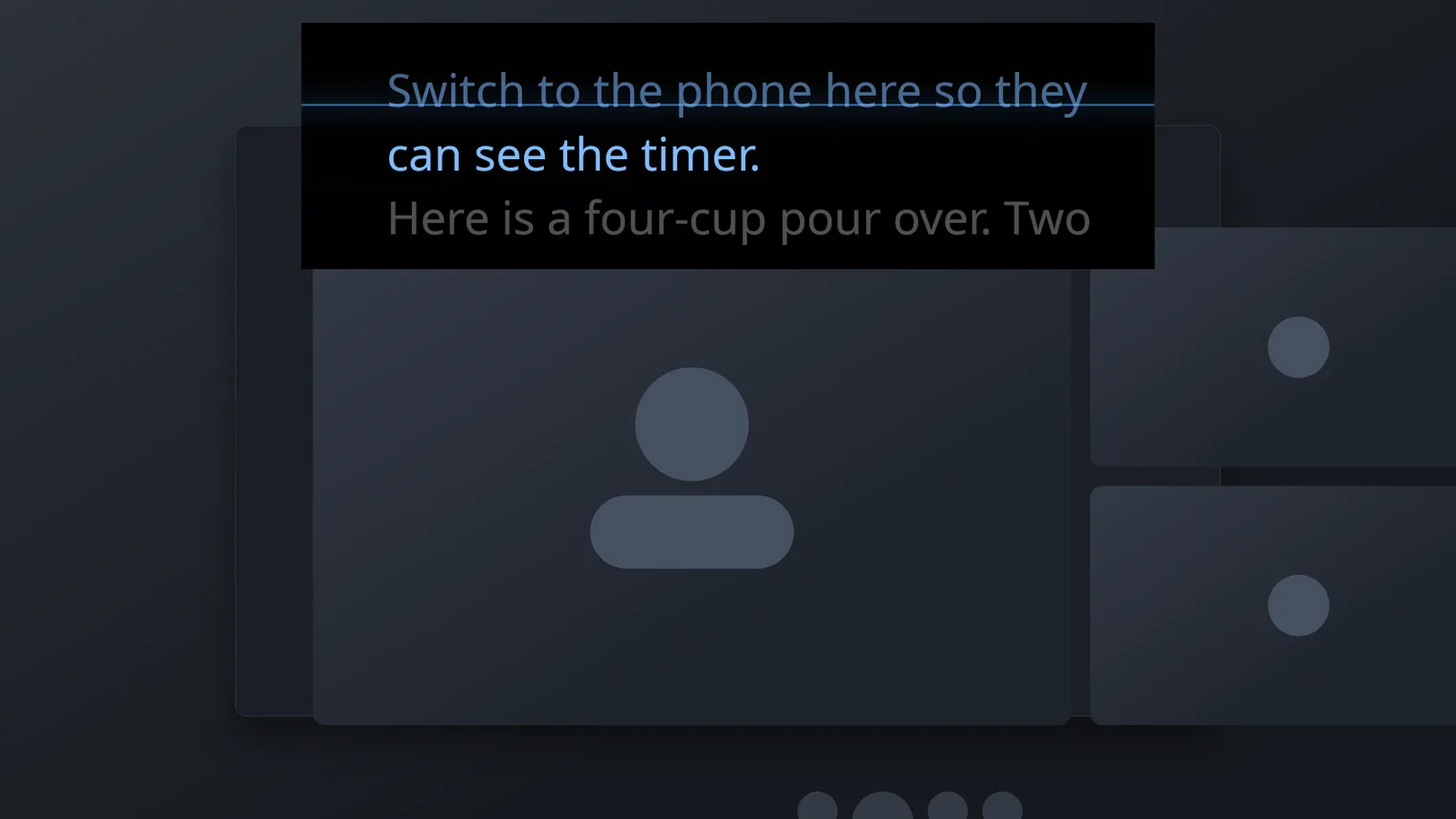
The overlay sits under the webcam, always on top 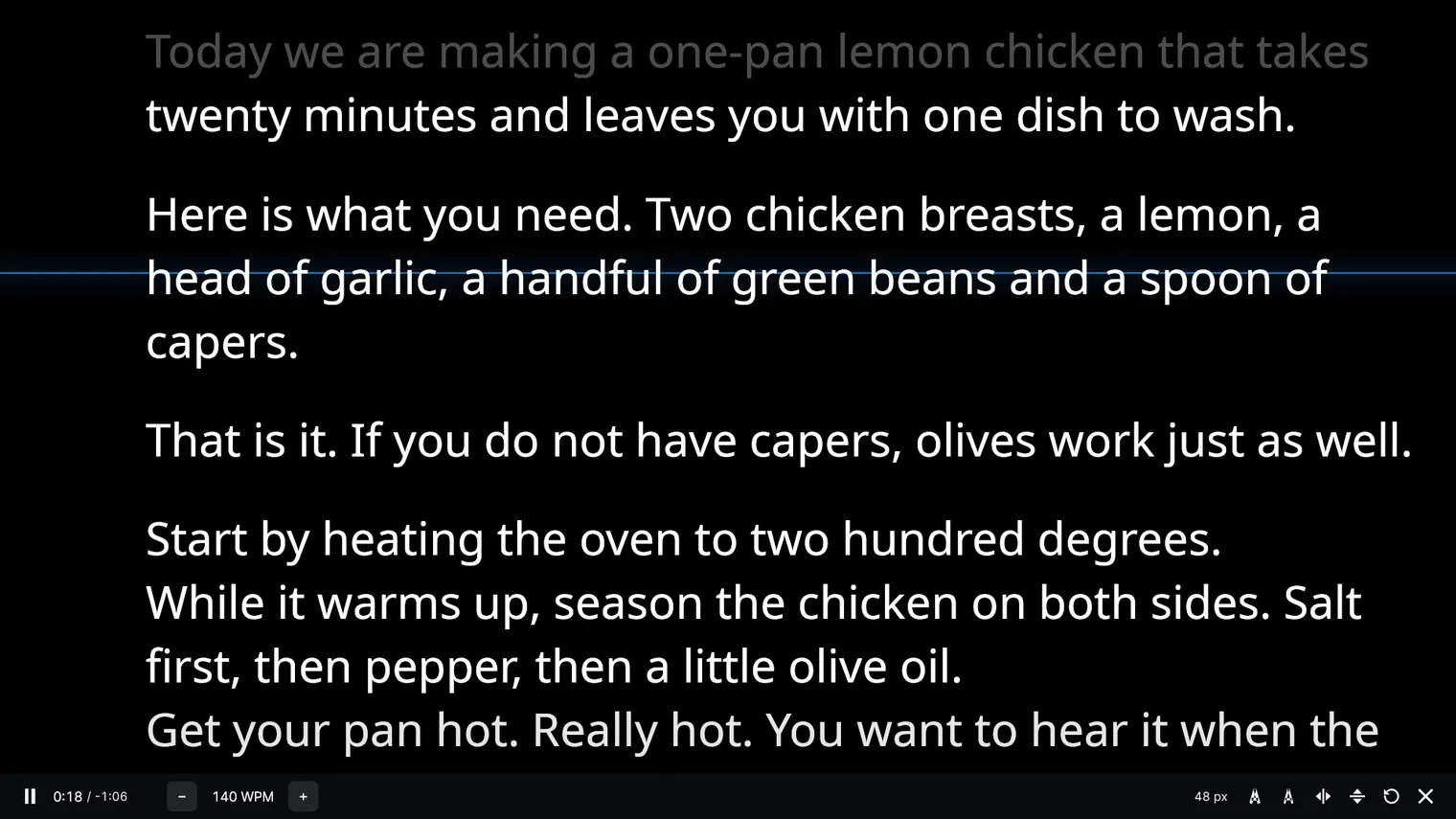
The script scrolls at the speed you read 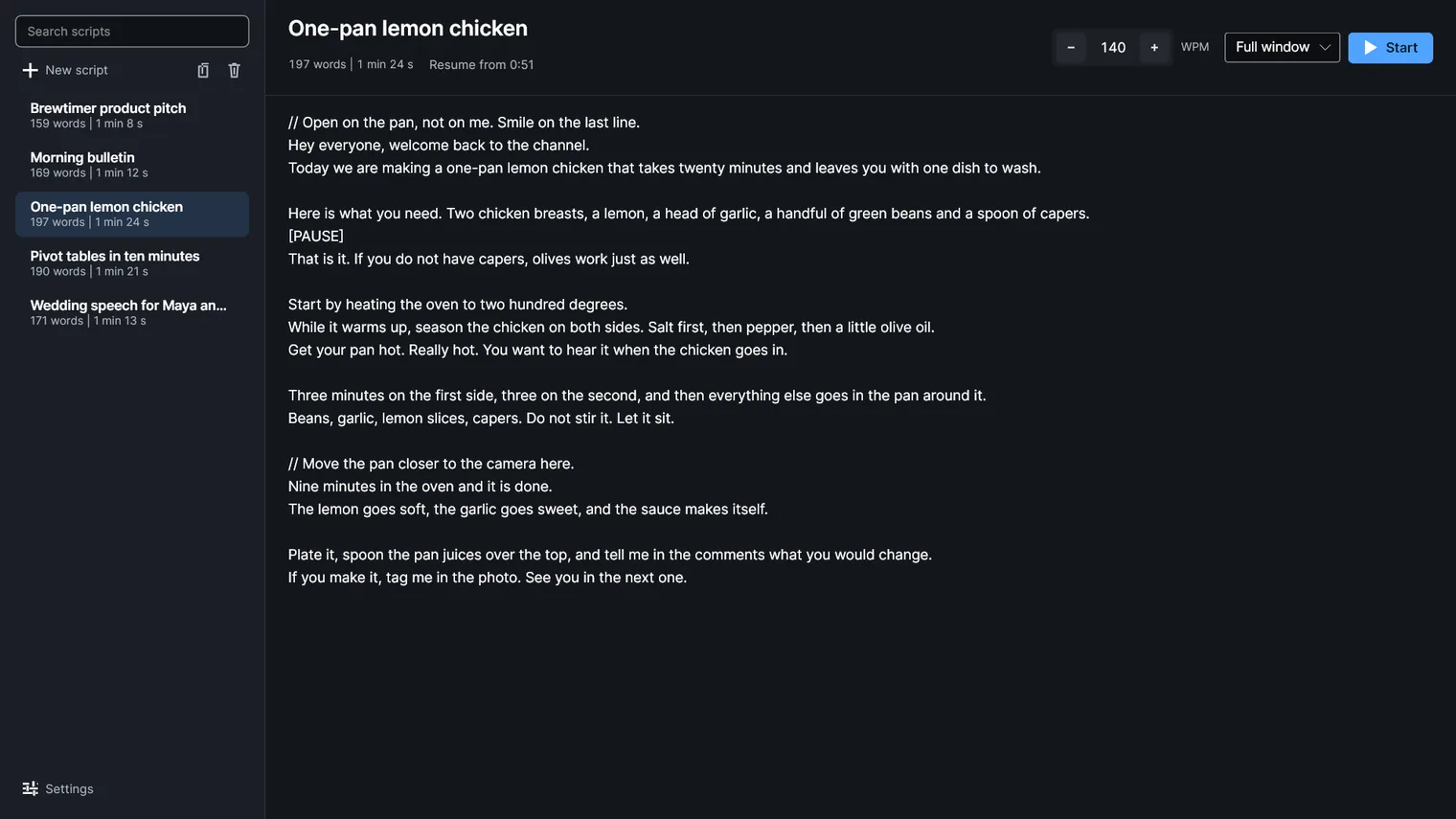
Your scripts in one library, dark 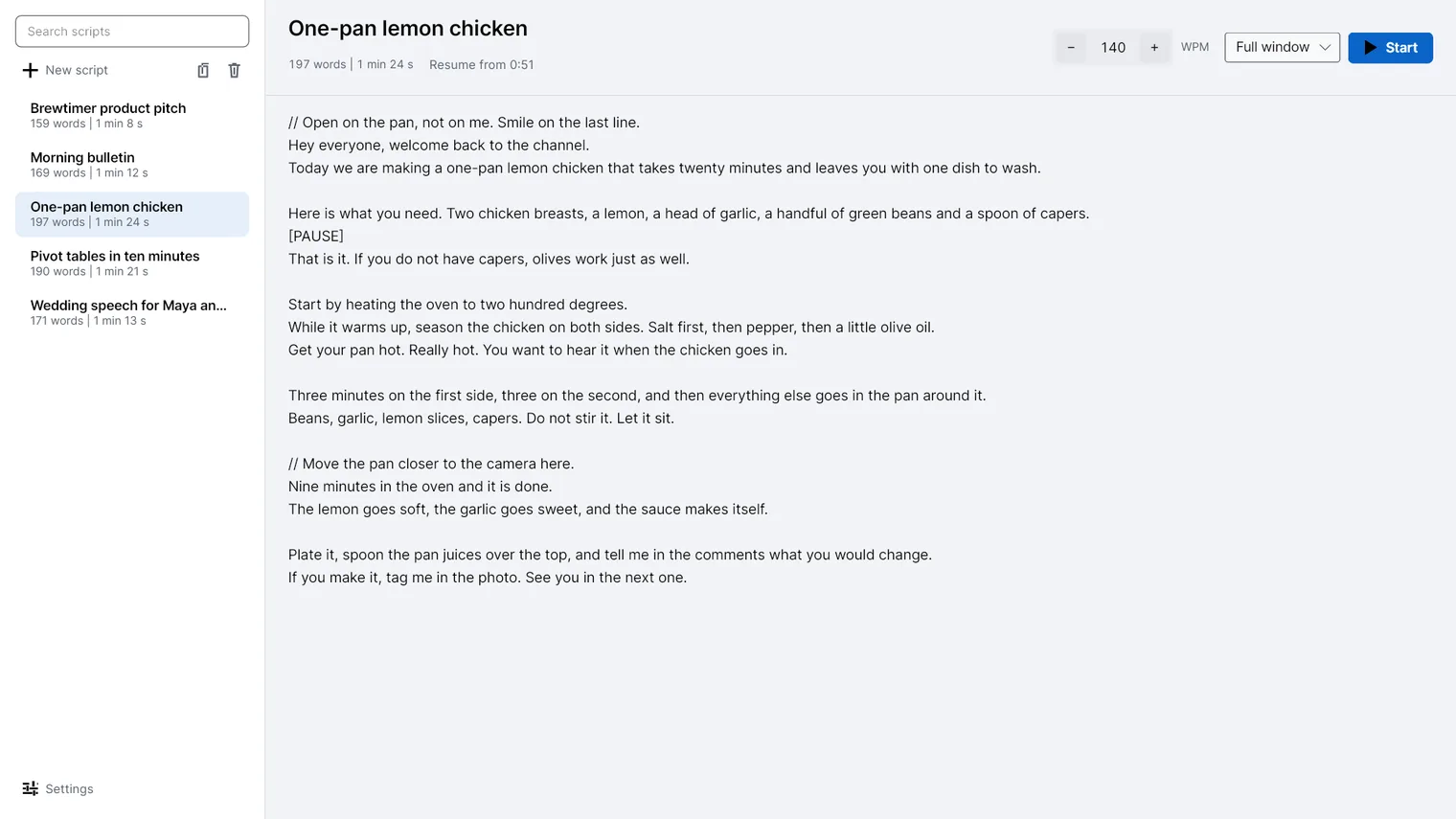
The same library in light 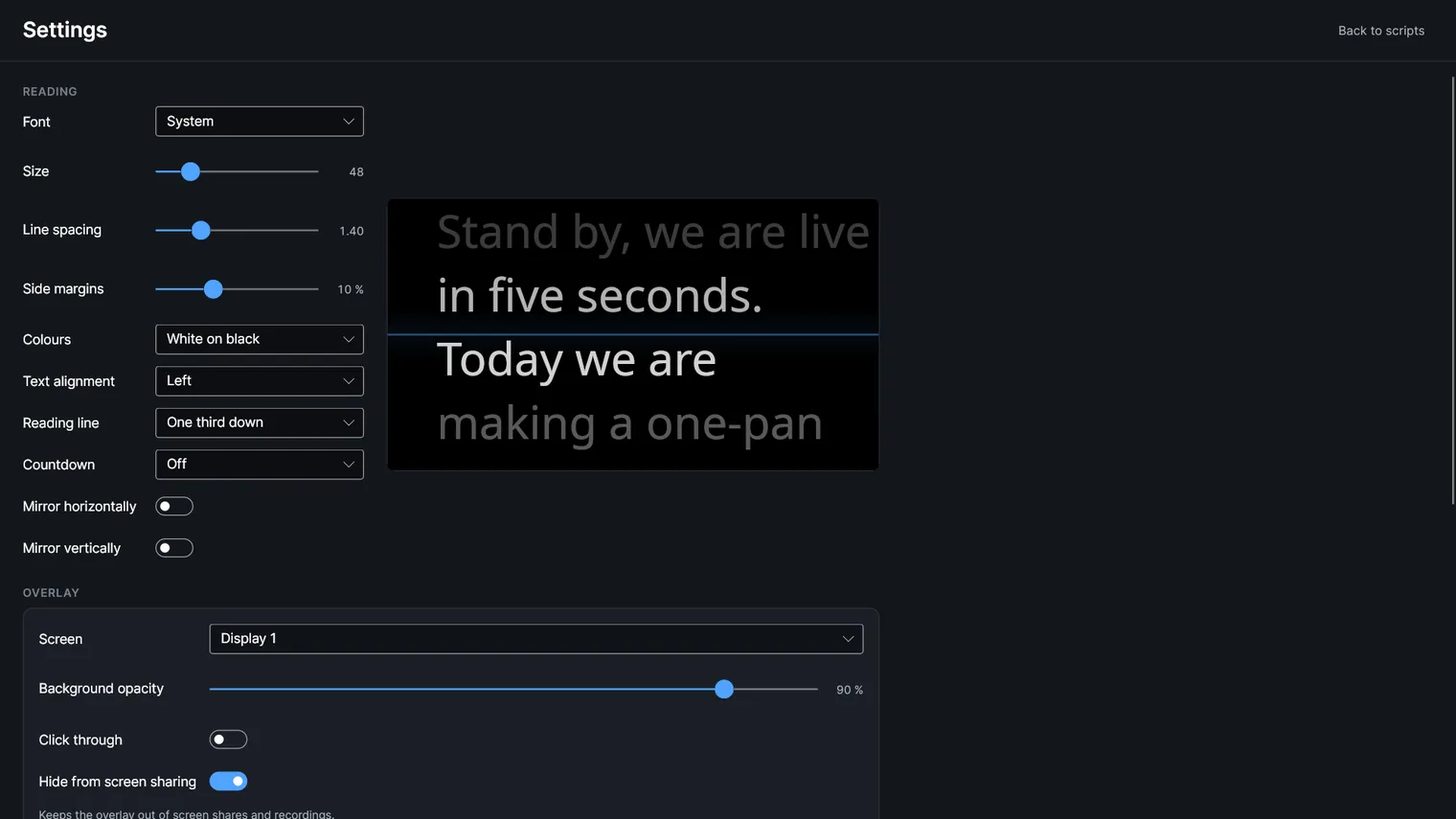
Size, spacing and colours with a live preview 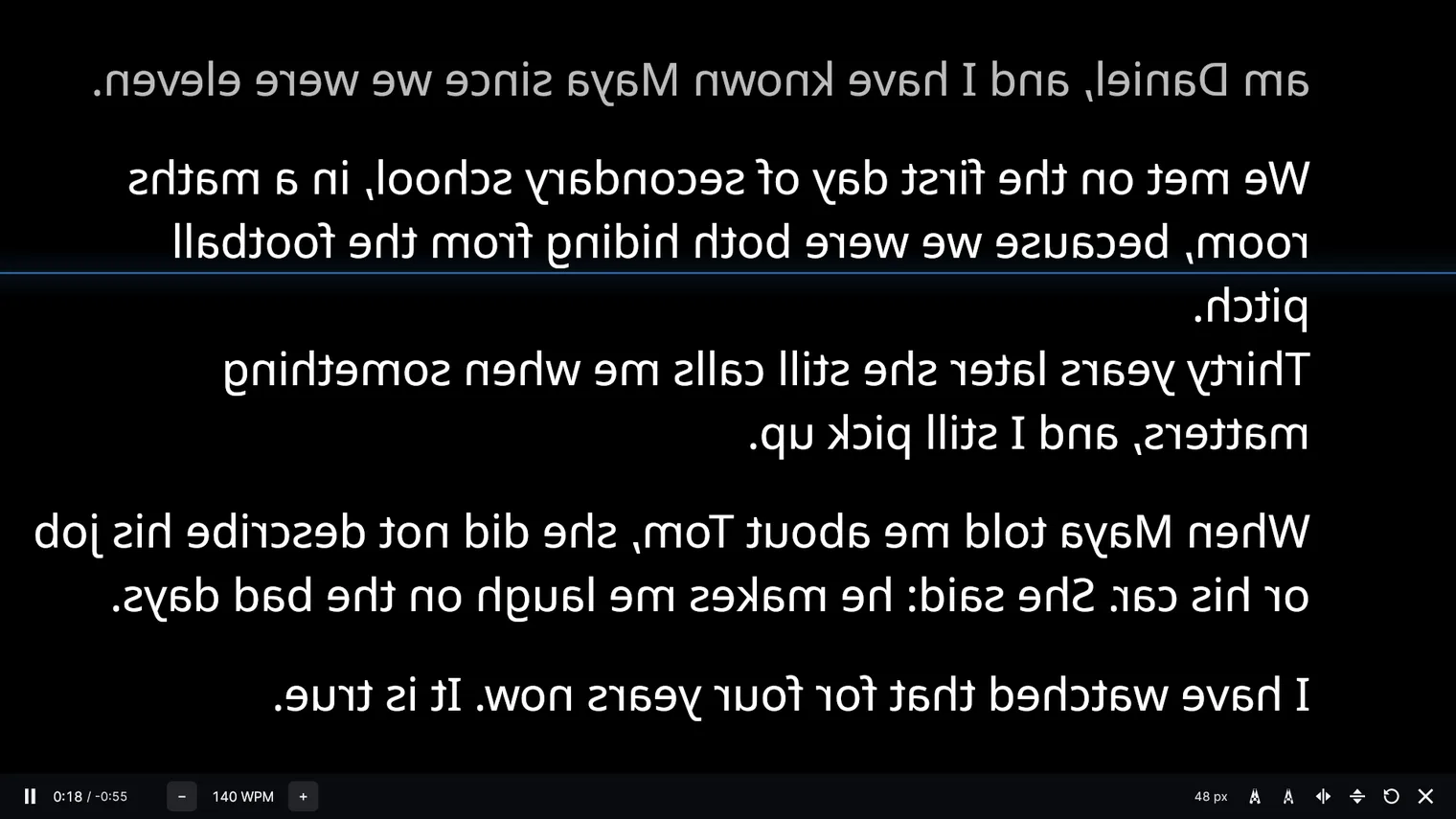
Mirror the text for a teleprompter glass
Description
Paste a script and it scrolls at the speed you read, in a window or in an overlay under the webcam that stays out of screen shares. No account. Works offline.
For anyone who records videos, lessons or calls on a PC and has to look at the camera while talking.
Opens .txt, .md and .docx files and reads them as plain text; .rtf and .pdf are not supported. Scripts stay on your PC and nothing is sent anywhere.
Features
- A library of scripts, each one a plain text file with its title, its word count and how long it takes to read.
- Import .txt, .md and .docx files, drop one on the window or paste one in with nothing open.
- Plain text editor with autosave, a word counter and the reading time at the speed set next to it.
- Reading speed in words per minute, 60 to 300, changed with the arrow keys, the wheel or a presentation remote.
- A reading line at the top, one third down or in the middle, with the text above and below handed back to the background.
- A countdown of three or five seconds before the text starts moving, or none at all.
- Lines that start with // are notes for the reader, in another colour, and [PAUSE] stops the scroll until play.
- An overlay without borders at the top of the screen, under the webcam, always on top, dragged and resized by its edges, with an adjustable background and an optional click-through mode.
- The overlay can be kept out of screen shares and recordings, so the call does not see the script.
- Global keys, Ctrl+Alt+Space and the arrows by default, work while another app has the focus.
- Mirror the text horizontally or vertically for a teleprompter glass, and pick the font, the size, the line spacing, the margins and the colours.
- The speed and the place in the script are remembered per script, with a Resume from 2:14 offered on the next open.
- Light and dark themes, following Windows by default. The reading keeps its own colours.
- 100% offline. No account, no telemetry and nothing sent anywhere; the scripts and the settings stay in the app's own folder on this PC.
Questions
Is it a subscription?
No. You pay once in the Microsoft Store and the app is yours, with updates.
Can I try it first?
Yes. Try it free in the Microsoft Store first. If you keep it, it is a one-time purchase of 4.99 USD, no subscription.
Do I need an account?
No account and no sign-in. Only the Microsoft Store account you already use on Windows.
Does it work offline?
Yes. Everything runs on your PC. Your files are never uploaded.
Which files does it open?
Opens .txt, .md and .docx files and reads them as plain text; .rtf and .pdf are not supported. Scripts stay on your PC and nothing is sent anywhere.