Apps / Anyopen | File Viewer
Anyopen | File Viewer
LCTR · Productivity
One small viewer for the files people send you.
14-day money-back guarantee. Pay once on Gumroad and download the .zip right away. Unzip it, run the .exe, no account and no key. If Windows says «Windows protected your PC», click More info, then Run anyway: the app is new and Windows does not know it yet.
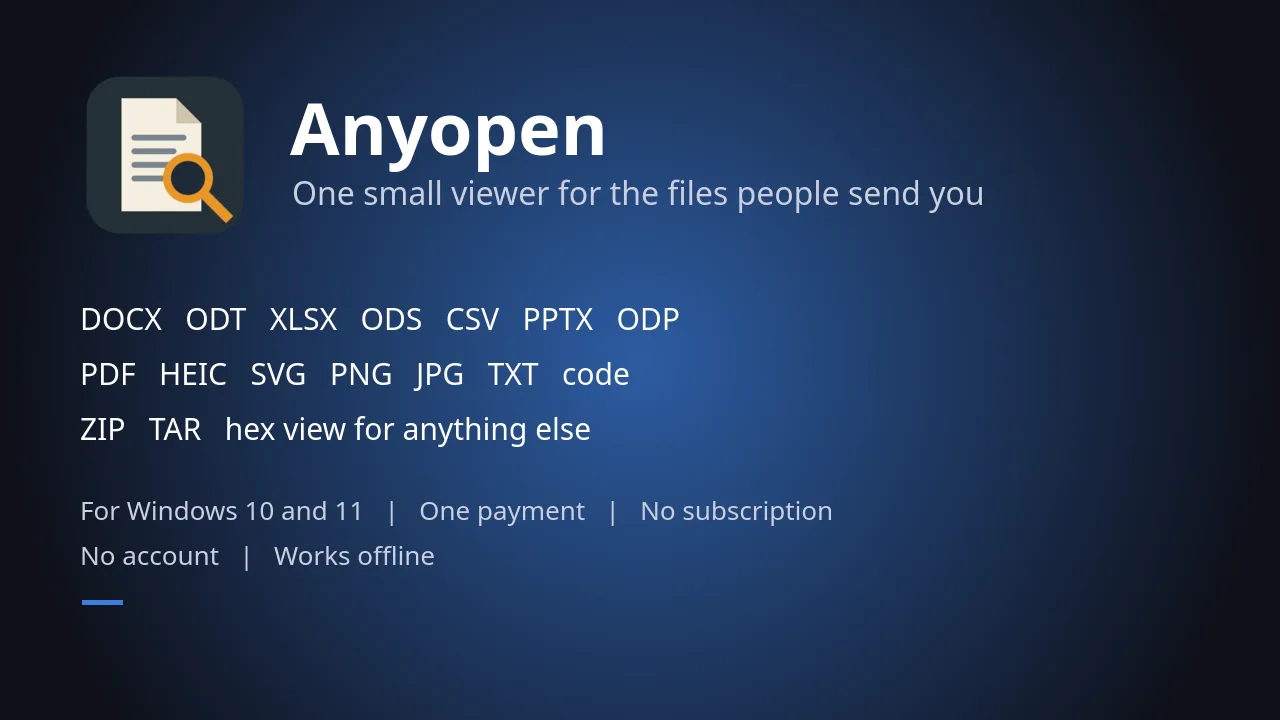
DOCX, ODT, XLSX, ODS, CSV, PPTX, ODP, PDF, HEIC, SVG, PNG, JPG, text, code, ZIP and TAR open in one small viewer
Description
Open documents, spreadsheets, presentations, PDF, pictures, text, code and archives and see what is inside. One payment, no account. Works offline.
For anyone who gets files they cannot open: a DOCX with no Word, an XLSX or ODS with no spreadsheet program, a HEIC from a phone, a ZIP or TAR.
DOCX, ODT, XLSX, ODS, PPTX, ODP (you see the text, not the exact layout), CSV, PDF, images, HEIC, SVG, text and code, ZIP, TAR and a hex view. It does not edit files. Not made by or connected with Microsoft.
Features
- Open a file and see what is inside, with no other program installed.
- Documents: see the text of DOCX and ODT files (text, not the exact layout).
- Spreadsheets: see the cells of XLSX and ODS files, plus CSV.
- Presentations: see the text of PPTX and ODP files (text, not the exact layout).
- PDF files, and pictures: images, HEIC and SVG.
- Text and code files.
- Archives: see what is inside a ZIP or TAR.
- Hex view for any file that has no other view.
- Your files stay on your PC. It works offline and never changes your file.
Questions
Is it a subscription?
No. You pay once on Gumroad and the .zip is yours.
Do I need the Microsoft Store?
No. You download a .zip, unzip it and run the .exe.
Why does Windows show «Windows protected your PC»?
The app is new and Windows does not know it yet. Click More info, then Run anyway.
Do I need an account or a key?
No account and no key.
Does it work offline?
Yes. Everything runs on your PC. Your files are never uploaded.
Which files does it open?
DOCX, ODT, XLSX, ODS, PPTX, ODP (you see the text, not the exact layout), CSV, PDF, images, HEIC, SVG, text and code, ZIP, TAR and a hex view. It does not edit files. Not made by or connected with Microsoft.