Apps / AI File Viewer Pro
AI File Viewer Pro
LCTR · Productivity
Open .ai design files on your PC.
View your files free for 7 days in the Microsoft Store. Exporting PNG or PDF needs the purchase.
US price. The Store shows the price for your country.
Buy for Windows | instant .zip14-day money-back guarantee. Pay once on Gumroad and download the .zip right away. Unzip it, run the .exe, no account and no key. If Windows says «Windows protected your PC», click More info, then Run anyway: the app is new and Windows does not know it yet.
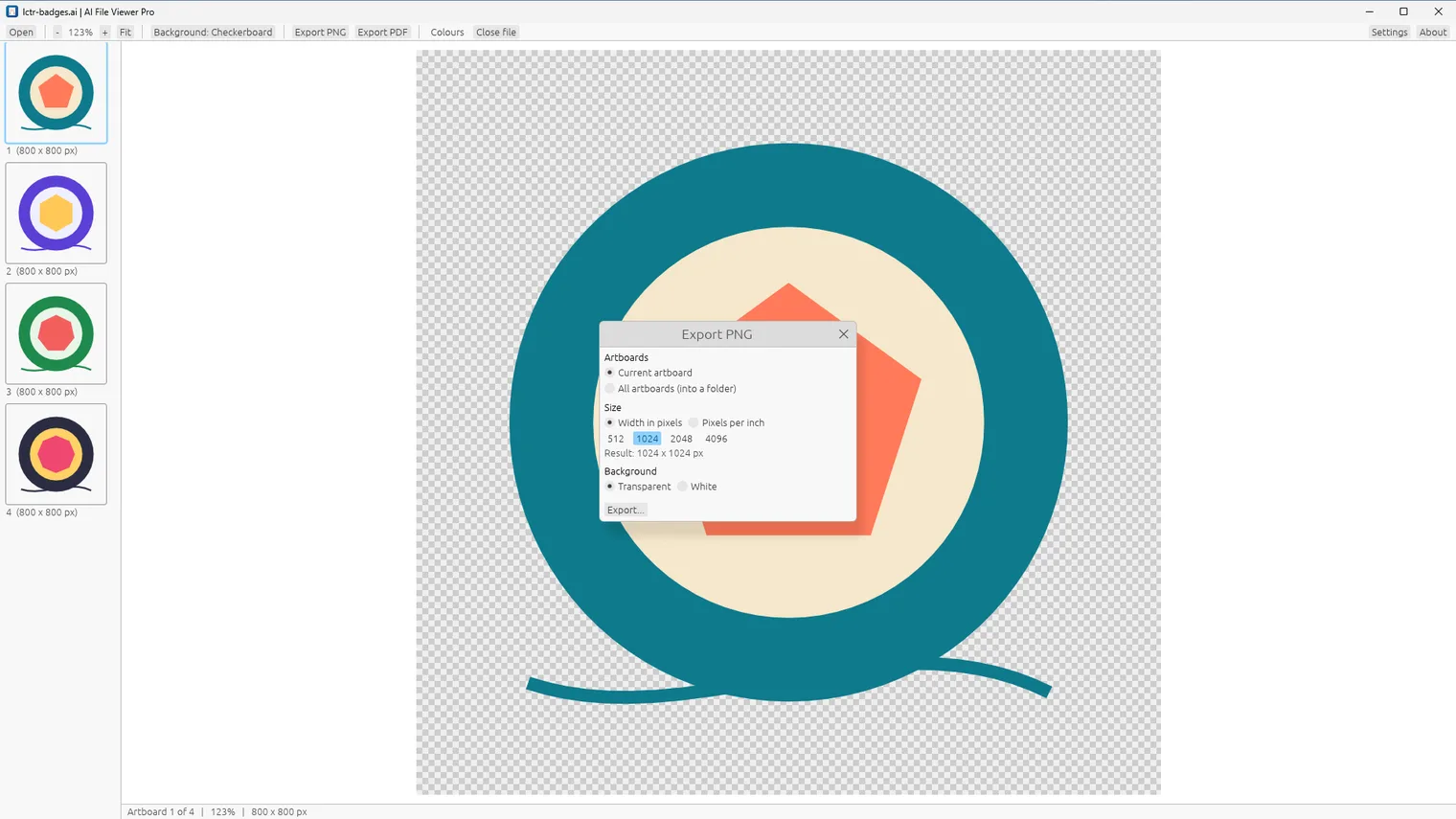
Export an artboard as a PNG with a transparent background 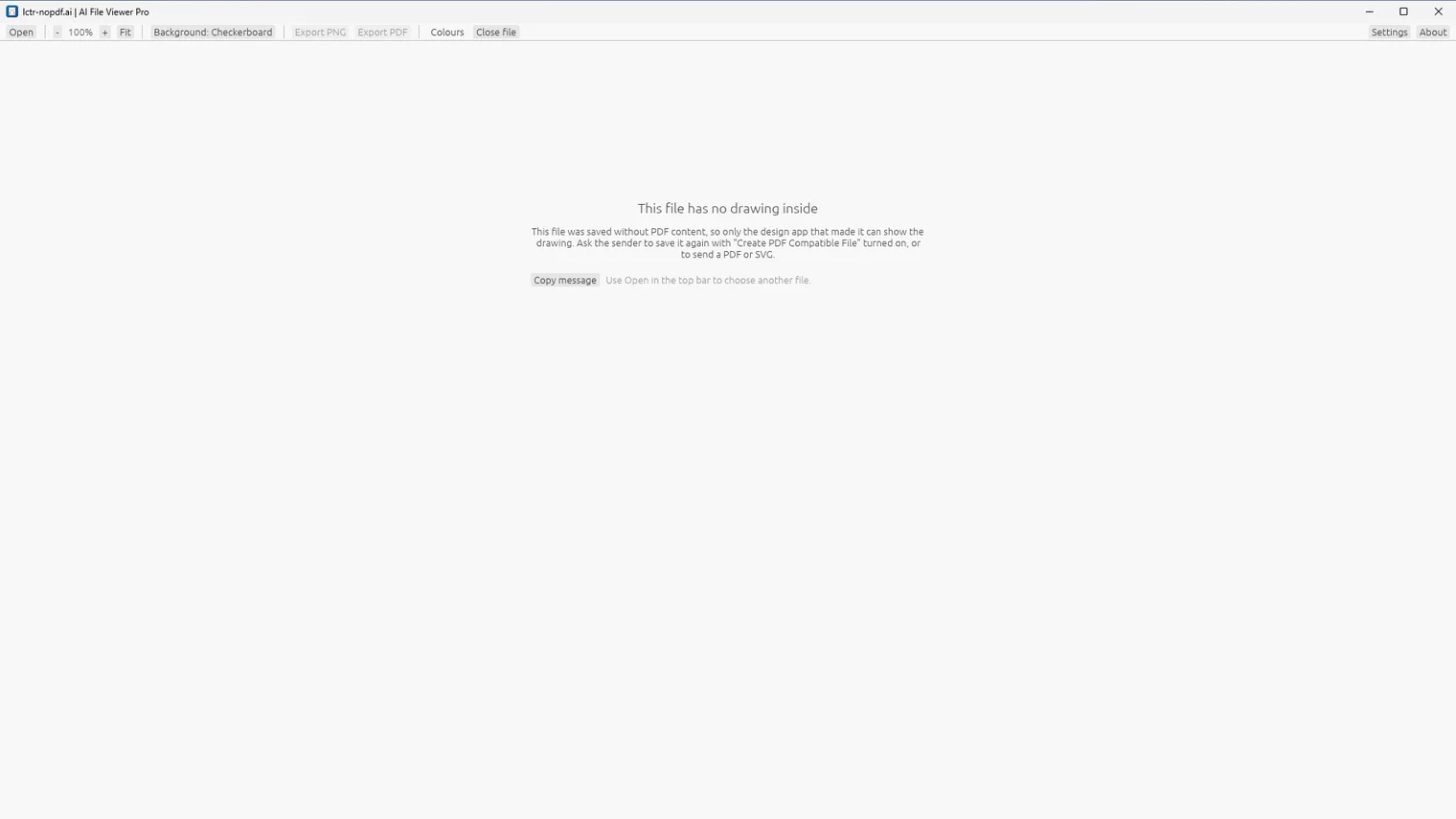
A file saved without PDF content: the app says what to ask the sender 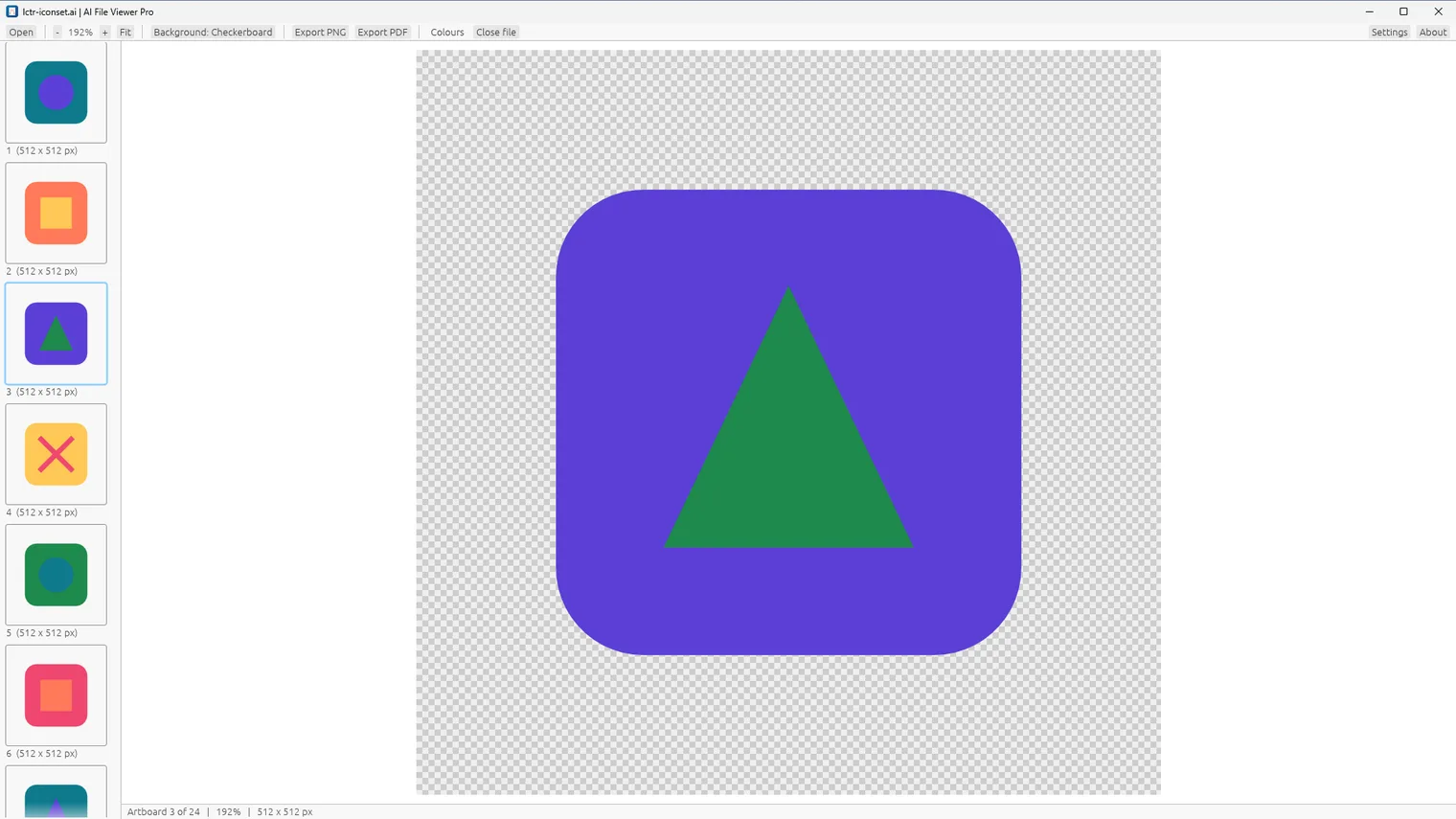
Browse a file with many artboards 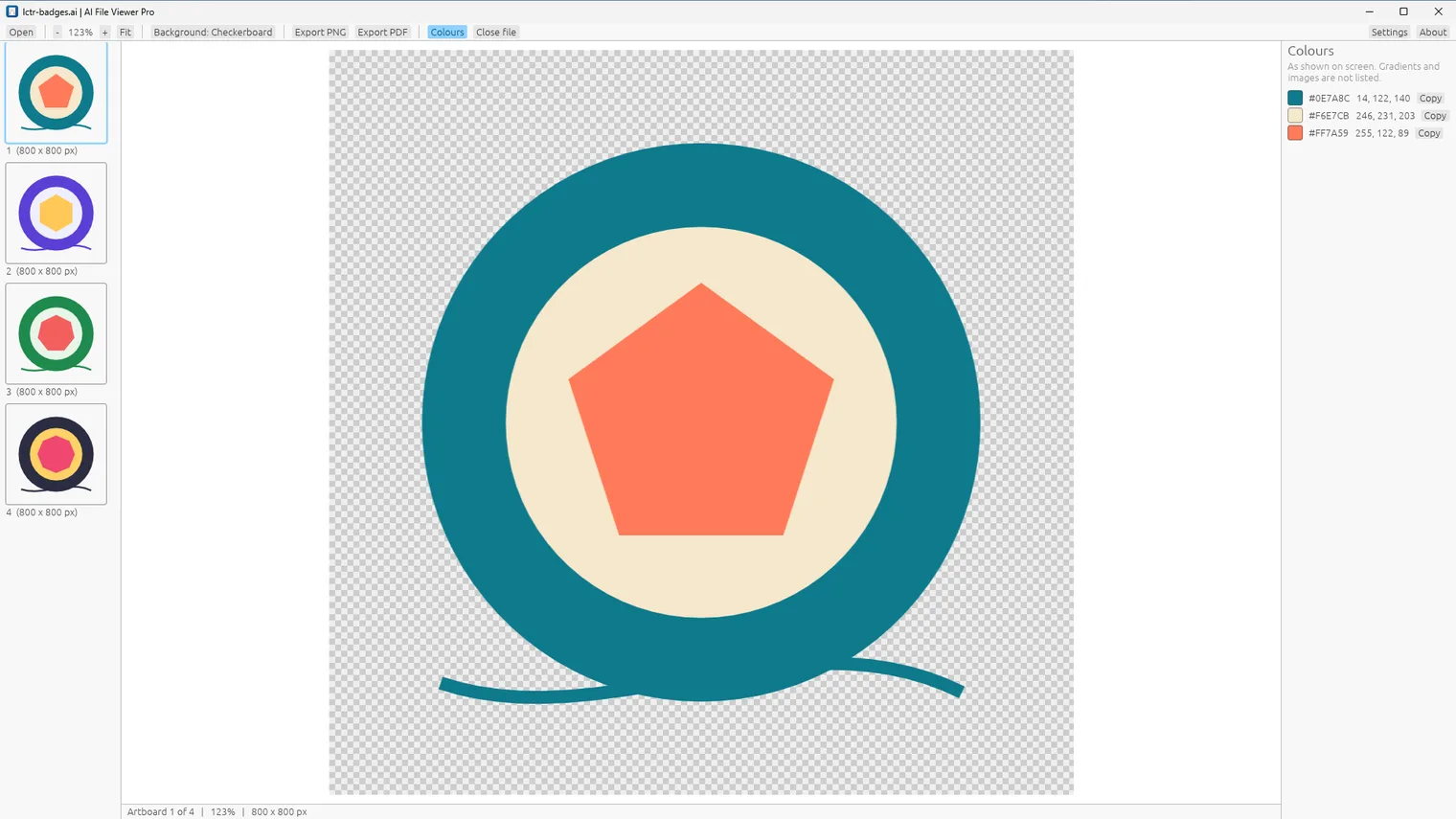
See the colours of an artboard with HEX and RGB 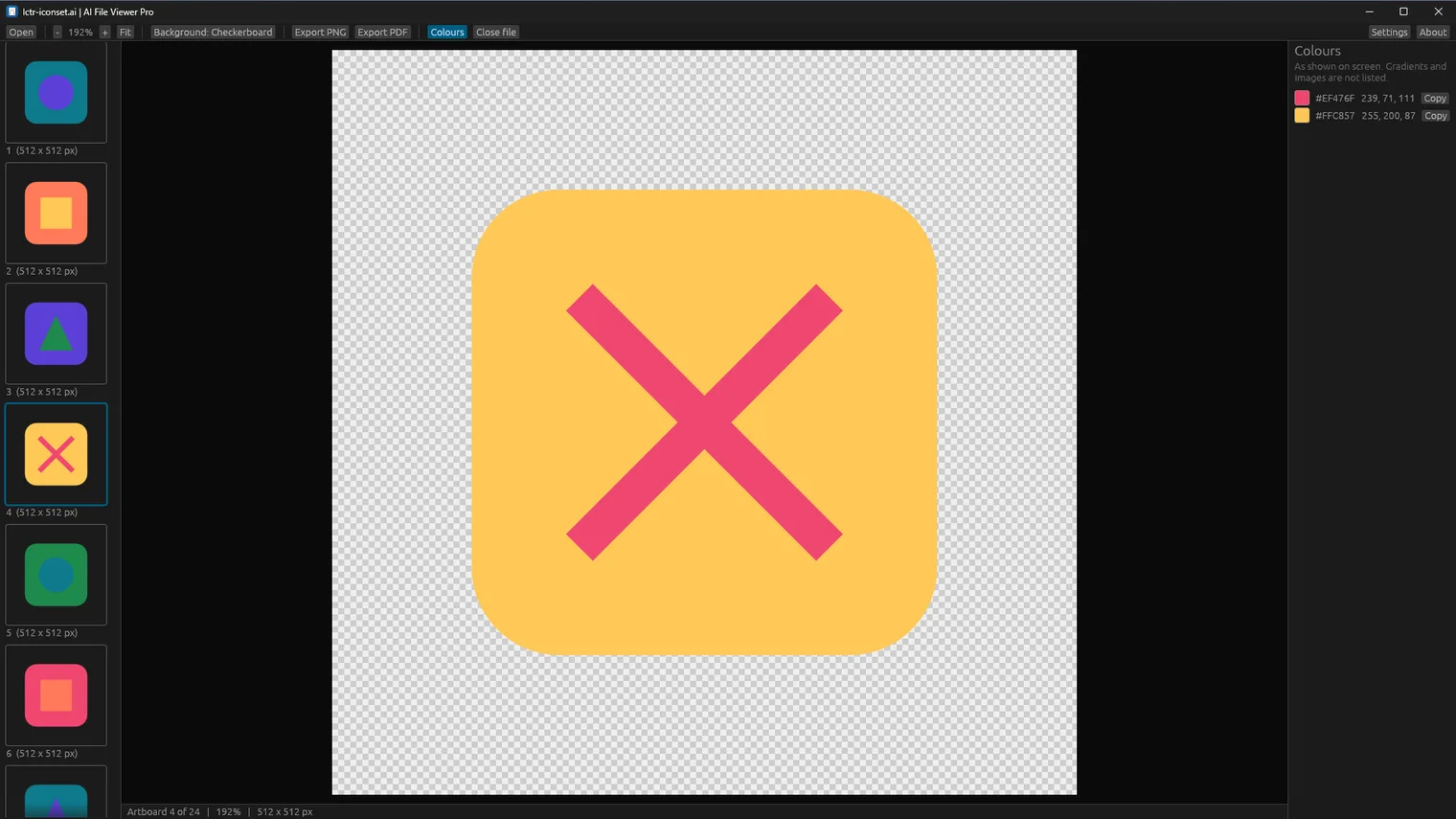
Description
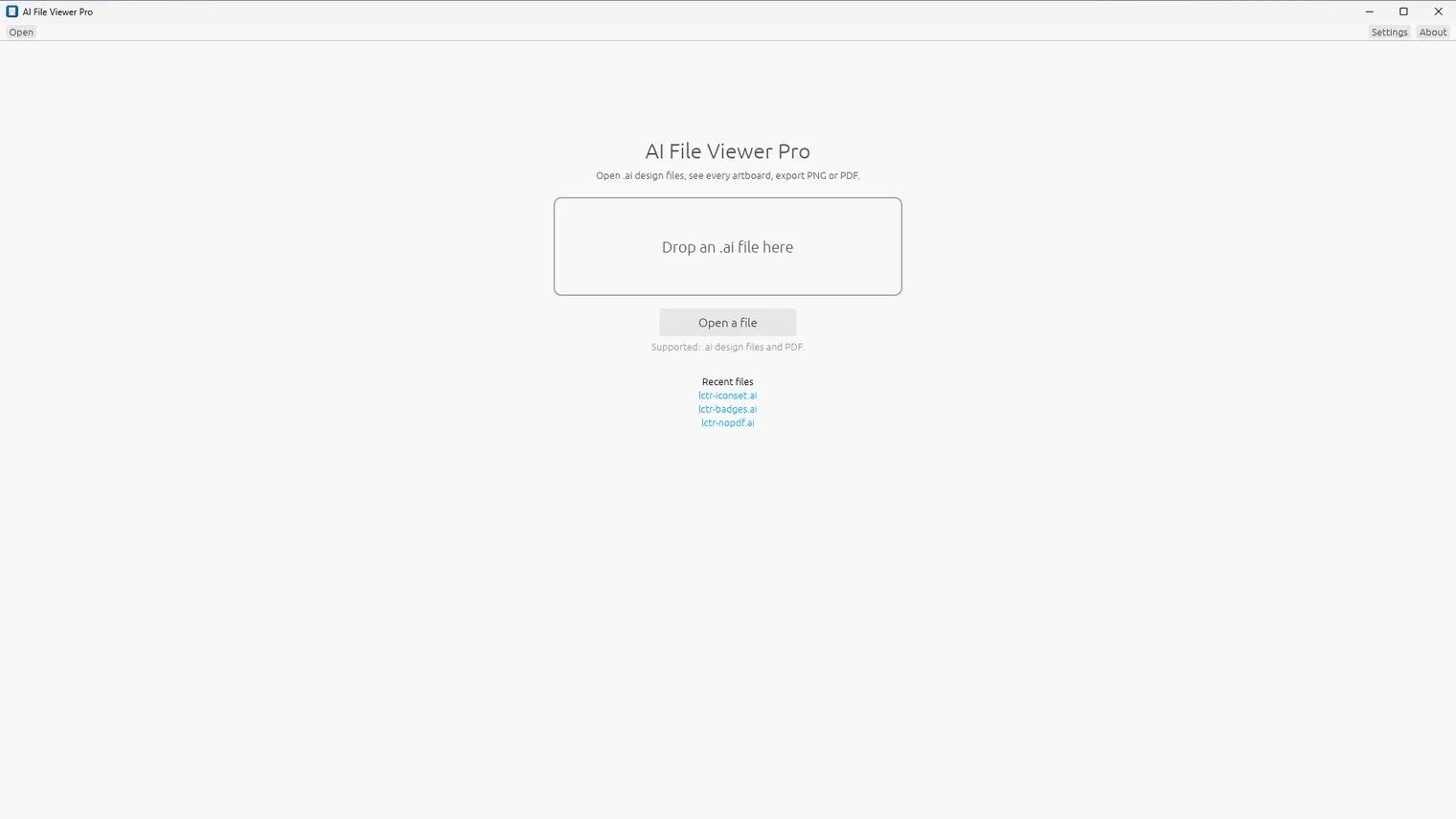
See every artboard of an .ai file and export a PNG with a transparent background or a clean PDF. No upload, no account, no subscription. Works offline.
For designers, printers, clients and freelancers who receive .ai files and need a PNG or a PDF without a monthly subscription.
Opens .ai files saved with PDF compatibility (the default in the design app) and PDF files. Files saved without it cannot be shown, and the app says how to fix that.
Try it first: open a .ai file in your browser, free
Not affiliated with, endorsed by or sponsored by Adobe. Adobe is a trademark of Adobe Inc.
Features
- Opens .ai design files and PDF files.
- Shows every artboard with thumbnails, zoom up to 6400 percent and a checkerboard behind transparent areas.
- Exports PNG with a transparent or white background, by width or pixels per inch, one artboard or all.
- Exports a clean PDF of one artboard or all artboards.
- Lists the solid colours of an artboard with HEX and RGB values.
- Works offline, with light and dark themes. Your files never leave your PC.
Questions
Is it a subscription?
No. You pay once in the Microsoft Store and the app is yours, with updates.
Can I try it first?
Yes. For 7 days the app opens and shows your files for free. Exporting PNG or PDF needs the purchase.
Do I need an account?
No account and no sign-in. Only the Microsoft Store account you already use on Windows.
Does it work offline?
Yes. Everything runs on your PC. Your files are never uploaded.
Which files does it open?
Opens .ai files saved with PDF compatibility (the default in the design app) and PDF files. Files saved without it cannot be shown, and the app says how to fix that.